---
layout: app
permalink: /Pulsar/
description: A Community-led Hyper-Hackable Text Editor
icons:
- Pulsar/icons/128x128/pulsar.png
screenshots:
- Pulsar/screenshot.png
authors:
- name: pulsar-edit
url: https://github.com/pulsar-edit
links:
- type: GitHub
url: pulsar-edit/pulsar
- type: Download
url: https://github.com/pulsar-edit/pulsar/releases
desktop:
Desktop Entry:
Name: Pulsar
Exec: AppRun --no-sandbox %U
Terminal: false
Type: Application
Icon: pulsar
StartupWMClass: Pulsar
X-AppImage-Version: 1.101.0-beta
Comment: A Community-led Hyper-Hackable Text Editor
Categories: Development
AppImageHub:
X-AppImage-Signature: 'keybox ''/home/runner/.gnupg/pubring.kbx'' created [don''t
know]: invalid packet (ctb=0a) no signature found the signature could not be verified.
Please remember that the signature file (.sig or .asc) should be the first file
given on the command line.'
X-AppImage-Type: 2
X-AppImage-Architecture: x86_64
electron:
version: 1.101.0-beta
description: A Community-led Hyper-Hackable Text Editor
branding:
id: pulsar
name: Pulsar
urlWeb: https://pulsar-edit.dev/
urlGH: https://github.com/pulsar-edit
urlForum: https://github.com/orgs/pulsar-edit/discussions
main: "./src/main-process/main.js"
repository:
type: git
url: https://github.com/pulsar-edit/pulsar.git
bugs:
url: https://github.com/pulsar-edit/pulsar/issues
license: MIT
electronVersion: 12.2.3
dependencies:
"@atom/source-map-support": "^0.3.4"
"@babel/core": 7.18.6
about: file:packages/about
archive-view: file:packages/archive-view
async: 3.2.4
atom-dark-syntax: file:packages/atom-dark-syntax
atom-dark-ui: file:packages/atom-dark-ui
atom-keymap: 8.2.15
atom-light-syntax: file:packages/atom-light-syntax
atom-light-ui: file:packages/atom-light-ui
atom-select-list: "^0.8.1"
autocomplete-atom-api: https://codeload.github.com/atom/autocomplete-atom-api/legacy.tar.gz/refs/tags/v0.10.7
autocomplete-css: file:packages/autocomplete-css
autocomplete-html: file:packages/autocomplete-html
autocomplete-plus: https://codeload.github.com/atom/autocomplete-plus/legacy.tar.gz/refs/tags/v2.42.4
autocomplete-snippets: file:packages/autocomplete-snippets
autoflow: file:packages/autoflow
autosave: https://codeload.github.com/atom/autosave/legacy.tar.gz/refs/tags/v0.24.6
babel-preset-atomic: "^5.0.0"
background-tips: file:packages/background-tips
base16-tomorrow-dark-theme: file:packages/base16-tomorrow-dark-theme
base16-tomorrow-light-theme: file:packages/base16-tomorrow-light-theme
bookmarks: file:packages/bookmarks
bracket-matcher: https://codeload.github.com/atom/bracket-matcher/legacy.tar.gz/refs/tags/v0.92.0
chai: 4.3.4
clear-cut: "^2.0.2"
coffee-script: 1.12.7
color: 3.1.3
command-palette: file:packages/command-palette
dalek: file:packages/dalek
dedent: "^0.7.0"
deprecation-cop: file:packages/deprecation-cop
dev-live-reload: file:packages/dev-live-reload
document-register-element: "^1.14.10"
encoding-selector: file:packages/encoding-selector
etch: 0.14.1
event-kit: "^2.5.3"
exception-reporting: file:packages/exception-reporting
find-and-replace: https://github.com/atom-community/find-and-replace/archive/refs/tags/v0.220.1.tar.gz
find-parent-dir: "^0.3.0"
first-mate: 7.4.3
focus-trap: 6.3.0
fs-admin: 0.19.0
fs-plus: "^3.1.1"
fstream: 1.0.12
fuzzy-finder: https://codeload.github.com/atom/fuzzy-finder/legacy.tar.gz/refs/tags/v1.14.3
git-diff: file:packages/git-diff
git-utils: 5.7.1
github: https://github.com/pulsar-edit/github.git#v0.36.13
glob: "^7.1.1"
go-to-line: file:packages/go-to-line
grammar-selector: file:packages/grammar-selector
grim: 2.0.3
image-view: file:packages/image-view
incompatible-packages: file:packages/incompatible-packages
jasmine-json: "~0.0"
jasmine-reporters: 1.1.0
jasmine-tagged: "^1.1.4"
key-path-helpers: "^0.4.0"
keybinding-resolver: https://codeload.github.com/atom/keybinding-resolver/legacy.tar.gz/refs/tags/v0.39.1
language-c: file:packages/language-c
language-clojure: file:packages/language-clojure
language-coffee-script: file:packages/language-coffee-script
language-csharp: file:packages/language-csharp
language-css: file:packages/language-css
language-gfm: file:packages/language-gfm
language-git: file:packages/language-git
language-go: file:packages/language-go
language-html: file:packages/language-html
language-hyperlink: file:packages/language-hyperlink
language-java: file:packages/language-java
language-javascript: file:packages/language-javascript
language-json: file:packages/language-json
language-less: file:packages/language-less
language-make: file:packages/language-make
language-mustache: file:packages/language-mustache
language-objective-c: file:packages/language-objective-c
language-perl: file:packages/language-perl
language-php: file:packages/language-php
language-property-list: file:packages/language-property-list
language-python: file:packages/language-python
language-ruby: file:packages/language-ruby
language-ruby-on-rails: file:packages/language-ruby-on-rails
language-rust-bundled: file:packages/language-rust-bundled
language-sass: file:packages/language-sass
language-shellscript: file:packages/language-shellscript
language-source: file:packages/language-source
language-sql: file:packages/language-sql
language-text: file:packages/language-text
language-todo: file:packages/language-todo
language-toml: file:packages/language-toml
language-typescript: file:packages/language-typescript
language-xml: file:packages/language-xml
language-yaml: file:packages/language-yaml
less-cache: 1.1.0
line-ending-selector: file:packages/line-ending-selector
line-top-index: 0.3.1
link: file:packages/link
markdown-preview: https://codeload.github.com/atom/markdown-preview/legacy.tar.gz/refs/tags/v0.160.2
minimatch: "^3.0.3"
mocha: 6.2.3
mocha-junit-reporter: 2.0.0
mocha-multi-reporters: "^1.1.4"
mock-spawn: "^0.2.6"
normalize-package-data: 3.0.2
notifications: https://codeload.github.com/atom/notifications/legacy.tar.gz/refs/tags/v0.72.1
nsfw: 2.2.2
nslog: "^3.0.0"
one-dark-syntax: file:packages/one-dark-syntax
one-dark-ui: file:packages/one-dark-ui
one-light-syntax: file:packages/one-light-syntax
one-light-ui: file:packages/one-light-ui
open-on-github: file:packages/open-on-github
package-generator: file:packages/package-generator
pathwatcher: "^8.1.2"
postcss: 8.2.10
postcss-selector-parser: 6.0.4
property-accessors: "^1.1.3"
resolve: 1.18.1
scandal: "^3.2.0"
scoped-property-store: "^0.17.0"
scrollbar-style: "^4.0.1"
season: "^6.0.2"
semver: 7.3.2
service-hub: "^0.7.4"
settings-view: file:packages/settings-view
sinon: 9.2.1
snippets: https://codeload.github.com/pulsar-edit/snippets/legacy.tar.gz/refs/tags/v1.6.1
solarized-dark-syntax: file:packages/solarized-dark-syntax
solarized-light-syntax: file:packages/solarized-light-syntax
spell-check: https://codeload.github.com/atom/spell-check/legacy.tar.gz/refs/tags/v0.77.1
status-bar: file:packages/status-bar
styleguide: https://codeload.github.com/atom/styleguide/legacy.tar.gz/refs/tags/v0.49.12
superstring: "^2.4.4"
symbols-view: https://codeload.github.com/atom/symbols-view/legacy.tar.gz/refs/tags/v0.118.4
tabs: file:packages/tabs
temp: 0.9.2
text-buffer: "^13.18.6"
timecop: https://codeload.github.com/atom/timecop/legacy.tar.gz/refs/tags/v0.36.2
tree-sitter: 0.20.0
tree-view: https://codeload.github.com/atom/tree-view/legacy.tar.gz/refs/tags/v0.229.1
typescript-simple: 8.0.6
underscore-plus: "^1.7.0"
update-package-dependencies: file:./packages/update-package-dependencies
vscode-ripgrep: 1.9.0
welcome: file:packages/welcome
whitespace: https://codeload.github.com/atom/whitespace/legacy.tar.gz/refs/tags/v0.37.8
winreg: "^1.2.1"
wrap-guide: https://codeload.github.com/atom/wrap-guide/legacy.tar.gz/refs/tags/v0.41.0
yargs: 16.1.0
packageDependencies:
atom-dark-syntax: file:./packages/atom-dark-syntax
atom-dark-ui: file:./packages/atom-dark-ui
atom-light-syntax: file:./packages/atom-light-syntax
atom-light-ui: file:./packages/atom-light-ui
base16-tomorrow-dark-theme: file:./packages/base16-tomorrow-dark-theme
base16-tomorrow-light-theme: file:./packages/base16-tomorrow-light-theme
one-dark-ui: file:./packages/one-dark-ui
one-light-ui: file:./packages/one-light-ui
one-dark-syntax: file:./packages/one-dark-syntax
one-light-syntax: file:./packages/one-light-syntax
solarized-dark-syntax: file:./packages/solarized-dark-syntax
solarized-light-syntax: file:./packages/solarized-light-syntax
about: file:./packages/about
archive-view: file:./packages/archive-view
autocomplete-atom-api: 0.10.7
autocomplete-css: file:./packages/autocomplete-css
autocomplete-html: file:./packages/autocomplete-html
autocomplete-plus: 2.42.4
autocomplete-snippets: file:./packages/autocomplete-snippets
autoflow: file:./packages/autoflow
autosave: 0.24.6
background-tips: file:./packages/background-tips
bookmarks: file:./packages/bookmarks
bracket-matcher: 0.92.0
command-palette: file:./packages/command-palette
dalek: file:./packages/dalek
deprecation-cop: file:./packages/deprecation-cop
dev-live-reload: file:./packages/dev-live-reload
encoding-selector: file:./packages/encoding-selector
exception-reporting: file:./packages/exception-reporting
find-and-replace: 0.220.1
fuzzy-finder: 1.14.3
github: 0.36.13
git-diff: file:./packages/git-diff
go-to-line: file:./packages/go-to-line
grammar-selector: file:./packages/grammar-selector
image-view: file:./packages/image-view
incompatible-packages: file:./packages/incompatible-packages
keybinding-resolver: 0.39.1
line-ending-selector: file:./packages/line-ending-selector
link: file:./packages/link
markdown-preview: 0.160.2
notifications: 0.72.1
open-on-github: file:./packages/open-on-github
package-generator: file:./packages/package-generator
settings-view: file:./packages/settings-view
snippets: 1.6.1
spell-check: 0.77.1
status-bar: file:./packages/status-bar
styleguide: 0.49.12
symbols-view: 0.118.4
tabs: file:./packages/tabs
timecop: 0.36.2
tree-view: 0.229.1
update-package-dependencies: file:./packages/update-package-dependencies
welcome: file:./packages/welcome
whitespace: 0.37.8
wrap-guide: 0.41.0
language-c: file:./packages/language-c
language-clojure: file:./packages/language-clojure
language-coffee-script: file:./packages/language-coffee-script
language-csharp: file:./packages/language-csharp
language-css: file:./packages/language-css
language-gfm: file:./packages/language-gfm
language-git: file:./packages/language-git
language-go: file:./packages/language-go
language-html: file:./packages/language-html
language-hyperlink: file:./packages/language-hyperlink
language-java: file:./packages/language-java
language-javascript: file:./packages/language-javascript
language-json: file:./packages/language-json
language-less: file:./packages/language-less
language-make: file:./packages/language-make
language-mustache: file:./packages/language-mustache
language-objective-c: file:./packages/language-objective-c
language-perl: file:./packages/language-perl
language-php: file:./packages/language-php
language-property-list: file:./packages/language-property-list
language-python: file:./packages/language-python
language-ruby: file:./packages/language-ruby
language-ruby-on-rails: file:./packages/language-ruby-on-rails
language-rust-bundled: file:./packages/language-rust-bundled
language-sass: file:./packages/language-sass
language-shellscript: file:./packages/language-shellscript
language-source: file:./packages/language-source
language-sql: file:./packages/language-sql
language-text: file:./packages/language-text
language-todo: file:./packages/language-todo
language-toml: file:./packages/language-toml
language-typescript: file:./packages/language-typescript
language-xml: file:./packages/language-xml
language-yaml: file:./packages/language-yaml
private: true
scripts:
build: electron-rebuild
build:apm: cd ppm && yarn install
start: electron --no-sandbox --enable-logging . -f
dist: node script/electron-builder.js
js-docs: jsdoc2md ./src/**/*.js ./packages/**/*.js > ./docs/Pulsar-API-Documentation.md
private-js-docs: jsdoc2md --private ./src/**/*.js ./packages/**/*.js > ./docs/Source-Code-Documentation.md
devDependencies:
"@playwright/test": 1.22.2
electron: 12.2.3
electron-builder: 23.3.1
electron-rebuild: 3.2.7
eslint: "^8.27.0"
eslint-plugin-jsdoc: "^39.6.4"
eslint-plugin-node: "^11.1.0"
jsdoc-to-markdown: "^8.0.0"
playwright: 1.22.2
playwright-core: 1.22.2
random-seed: 0.3.0
webdriverio: 7.20.9
_atomPackages:
atom-dark-syntax:
metadata:
name: atom-dark-syntax
theme: syntax
version: 0.29.1
description: A dark theme for syntax
repository:
type: git
url: https://github.com/pulsar-edit/pulsar.git
license: MIT
engines:
atom: ">0.50.0"
readme: |
# Pulsar Dark Syntax theme
A dark syntax theme for Pulsar.
This theme is installed by default with Pulsar and can be activated by going to
the _Themes_ section in the Settings view (`cmd-,`) and selecting it from the
_Syntax Themes_ dropdown menu.

bugs:
url: https://github.com/pulsar-edit/pulsar/issues
homepage: https://github.com/pulsar-edit/pulsar#readme
keymaps: {}
menus: {}
grammarPaths: []
settings: {}
rootDirPath: node_modules/atom-dark-syntax
styleSheetPaths:
- index.less
atom-dark-ui:
metadata:
name: atom-dark-ui
theme: ui
version: 0.53.3
description: A dark UI theme for Pulsar
license: MIT
repository:
type: git
url: https://github.com/pulsar-edit/pulsar.git
engines:
atom: ">0.40.0"
readme: |
# Pulsar Dark UI theme
A dark UI theme for Pulsar.
This theme is installed by default with Pulsar and can be activated by going to
the _Themes_ section in the Settings view (`cmd-,`) and selecting it from the
_UI Themes_ drop-down menu.

bugs:
url: https://github.com/pulsar-edit/pulsar/issues
homepage: https://github.com/pulsar-edit/pulsar#readme
keymaps: {}
menus: {}
grammarPaths: []
settings: {}
rootDirPath: node_modules/atom-dark-ui
styleSheetPaths:
- index.less
atom-light-syntax:
metadata:
name: atom-light-syntax
theme: syntax
version: 0.29.1
description: A light syntax theme
repository:
type: git
url: https://github.com/pulsar-edit/pulsar.git
license: MIT
engines:
atom: ">0.40.0"
readme: |
# Pulsar Light Syntax theme
A light syntax theme for Pulsar.
This theme is installed by default with Pulsar and can be activated by going to
the _Themes_ section in the Settings view (`cmd-,`) and selecting it from the
_Syntax Themes_ dropdown menu.

bugs:
url: https://github.com/pulsar-edit/pulsar/issues
homepage: https://github.com/pulsar-edit/pulsar#readme
keymaps: {}
menus: {}
grammarPaths: []
settings: {}
rootDirPath: node_modules/atom-light-syntax
styleSheetPaths:
- index.less
atom-light-ui:
metadata:
name: atom-light-ui
theme: ui
version: 0.46.3
description: A light UI theme for Pulsar
repository:
type: git
url: https://github.com/pulsar-edit/pulsar.git
license: MIT
engines:
atom: ">0.50.0"
readme: |
# Pulsar Light UI theme
A light UI theme for Pulsar.
This theme is installed by default with Pulsar and can be activated by going to
the _Themes_ section in the Settings view (`cmd-,`) and selecting it from the
_UI Themes_ drop-down menu.

bugs:
url: https://github.com/pulsar-edit/pulsar/issues
homepage: https://github.com/pulsar-edit/pulsar#readme
keymaps: {}
menus: {}
grammarPaths: []
settings: {}
rootDirPath: node_modules/atom-light-ui
styleSheetPaths:
- index.less
base16-tomorrow-dark-theme:
metadata:
name: base16-tomorrow-dark-theme
theme: syntax
version: 1.6.0
description: Base16 dark theme developed for Atom, repurposed for Pulsar
keywords:
- base16
- dark
- syntax
repository:
type: git
url: https://github.com/pulsar-edit/pulsar.git
license: MIT
engines:
atom: ">0.49.0"
readme: |
# Base16 Tomorrow Dark Syntax theme
Pulsar theme using the ever popular [Base16 Tomorrow](https://web.archive.org/web/20220806075017/https://chriskempson.com/projects/base16/) dark colors.

## Install
This theme is installed by default with Pulsar and can be activated by going to the _Themes_ section in the Settings view (`cmd-,`) and selecting it from the _Syntax Themes_ drop-down menu.
A
[light version](../base16-tomorrow-light-theme) of this theme is also available.
bugs:
url: https://github.com/pulsar-edit/pulsar/issues
homepage: https://github.com/pulsar-edit/pulsar#readme
keymaps: {}
menus: {}
grammarPaths: []
settings: {}
rootDirPath: node_modules/base16-tomorrow-dark-theme
styleSheetPaths:
- index.less
base16-tomorrow-light-theme:
metadata:
name: base16-tomorrow-light-theme
theme: syntax
version: 1.6.0
description: Base16 light theme developed for Atom, repurposed for Pulsar
keywords:
- base16
- light
- syntax
repository:
type: git
url: https://github.com/pulsar-edit/pulsar.git
license: MIT
engines:
atom: ">0.49.0"
readme: |
# Base16 Tomorrow Light Syntax theme
Pulsar theme using the ever popular [Base16 Tomorrow](https://web.archive.org/web/20220806075017/https://chriskempson.com/projects/base16/) light colors.

## Install
This theme is installed by default with Pulsar and can be activated by going to the _Themes_ section in the Settings view (`cmd-,`) and selecting it from the _Syntax Themes_ drop-down menu.
A
[dark version](../base16-tomorrow-dark-theme) of this theme is also available.
bugs:
url: https://github.com/pulsar-edit/pulsar/issues
homepage: https://github.com/pulsar-edit/pulsar#readme
keymaps: {}
menus: {}
grammarPaths: []
settings: {}
rootDirPath: node_modules/base16-tomorrow-light-theme
styleSheetPaths:
- index.less
one-dark-ui:
metadata:
name: one-dark-ui
theme: ui
version: 1.12.5
description: Pulsar One dark UI theme
keywords:
- dark
- adaptive
- ui
license: MIT
repository:
type: git
url: https://github.com/pulsar-edit/pulsar.git
main: lib/main
engines:
atom: ">0.40.0"
configSchema:
fontSize:
title: Font Size
description: Change the font size for the UI.
type: integer
default: 12
enum:
- 10
- 11
- 12
- 13
- 14
- 15
- 16
- 17
- 18
- 19
- 20
order: 1
tabSizing:
title: Tab Sizing
description: In Even mode all tabs will be the same size. Great for quickly
closing many tabs. In Maximum mode the tabs will expand to take up the
full width. In Minimum mode the tabs will only take as little space as
needed and also show longer file names.
type: string
default: Even
enum:
- Even
- Maximum
- Minimum
order: 2
tabCloseButton:
title: Tab Close Button
description: Choose the position of the close button shown in tabs.
type: string
default: Right
enum:
- Left
- Right
order: 3
hideDockButtons:
title: Hide dock toggle buttons
description: 'Note: When hiding the toggle buttons, opening a dock needs
to be done by using the keyboard or other alternatives.'
type: boolean
default: false
order: 4
stickyHeaders:
title: Make tree-view project headers sticky
type: boolean
default: false
order: 5
readme: |
## One Dark UI theme
A dark UI theme that adapts to most syntax themes.

> The font used in the screenshot is [Fira Mono](https://github.com/mozilla/Fira).
### Install
This theme comes bundled with Pulsar and can be activated by going to the __Settings > Themes__ section and selecting "One Dark" from the __UI Themes__ drop-down menu.
### Settings
In the theme settings you can:
- Change the __Font Size__ to scale the whole UI up or down.
- Choose between 3 __Tab Sizing__ modes.
- Hide the __dock buttons__.
To make changes, go to `Settings > Themes > One Dark UI > Settings` or the cog icon next to the theme picker.
### Customize
It's also possible to resize only certain areas by adding the following to your `styles.less` (Use DevTools to find the right selectors):
```css
.theme-one-dark-ui {
.tab-bar { font-size: 18px; }
.tree-view { font-size: 14px; }
.status-bar { font-size: 12px; }
}
```
### FAQ
__Why do the colors change when I switch Syntax themes?__
This UI theme uses the same background color as the chosen syntax theme. If that syntax theme has a light background color, it only uses its hue, but otherwise stays dark. This lets you use dark-light combos.
bugs:
url: https://github.com/pulsar-edit/pulsar/issues
homepage: https://github.com/pulsar-edit/pulsar#readme
keymaps: {}
menus: {}
grammarPaths: []
settings: {}
rootDirPath: node_modules/one-dark-ui
main: "../node_modules/one-dark-ui/lib/main.js"
styleSheetPaths:
- index.less
one-light-ui:
metadata:
name: one-light-ui
theme: ui
version: 1.12.5
description: One light UI theme developed for Atom, repurposed for Pulsar
keywords:
- light
- adaptive
- ui
license: MIT
repository:
type: git
url: https://github.com/pulsar-edit/pulsar.git
main: lib/main
engines:
atom: ">0.40.0"
configSchema:
fontSize:
title: Font Size
description: Change the font size for the UI.
type: integer
default: 12
enum:
- 10
- 11
- 12
- 13
- 14
- 15
- 16
- 17
- 18
- 19
- 20
order: 1
tabSizing:
title: Tab Sizing
description: In Even mode all tabs will be the same size. Great for quickly
closing many tabs. In Maximum mode the tabs will expand to take up the
full width. In Minimum mode the tabs will only take as little space as
needed and also show longer file names.
type: string
default: Even
enum:
- Even
- Maximum
- Minimum
order: 2
tabCloseButton:
title: Tab Close Button
description: Choose the position of the close button shown in tabs.
type: string
default: Right
enum:
- Left
- Right
order: 3
hideDockButtons:
title: Hide dock toggle buttons
description: 'Note: When hiding the toggle buttons, opening a dock needs
to be done by using the keyboard or other alternatives.'
type: boolean
default: false
order: 4
stickyHeaders:
title: Make tree-view project headers sticky
type: boolean
default: false
order: 5
readme: |
## One Light UI theme
A light UI theme that adapts to most syntax themes.

> The font used in the screenshot is [Fira Mono](https://github.com/mozilla/Fira).
### Install
This theme comes bundled with Pulsar and can be activated by going to the __Settings > Themes__ section and selecting "One Light" from the __UI Themes__ drop-down menu.
### Settings
In the theme settings you can:
- Change the __Font Size__ to scale the whole UI up or down.
- Choose between 3 __Tab Sizing__ modes.
- Hide the __dock buttons__.
To make changes, go to `Settings > Themes > One Light UI > Settings` or the cog icon next to the theme picker.
### Customize
It's also possible to resize only certain areas by adding the following to your `styles.less` (Use DevTools to find the right selectors):
```css
.theme-one-light-ui {
.tab-bar { font-size: 18px; }
.tree-view { font-size: 14px; }
.status-bar { font-size: 12px; }
}
```
### FAQ
__Why do the colors change when I switch Syntax themes.__
This UI theme uses the same background color as the chosen syntax theme. If that syntax theme has a dark background color, it only uses its hue, but otherwise stays light. This lets you use light-dark combos.
bugs:
url: https://github.com/pulsar-edit/pulsar/issues
homepage: https://github.com/pulsar-edit/pulsar#readme
keymaps: {}
menus: {}
grammarPaths: []
settings: {}
rootDirPath: node_modules/one-light-ui
main: "../node_modules/one-light-ui/lib/main.js"
styleSheetPaths:
- index.less
one-dark-syntax:
metadata:
name: one-dark-syntax
theme: syntax
version: 1.8.4
description: A dark syntax theme
keywords:
- dark
- blue
- syntax
repository:
type: git
url: https://github.com/pulsar-edit/pulsar.git
license: MIT
engines:
atom: ">0.50.0"
readme: |
## One Dark Syntax theme

> The font used in the screenshot is [Fira Mono](https://github.com/mozilla/Fira).
There is also a matching [UI theme](https://atom.io/themes/one-dark-ui).
### Install
This theme is installed by default with Pulsar and can be activated by going to the __Settings > Themes__ section and selecting it from the __Syntax Themes__ drop-down menu.
bugs:
url: https://github.com/pulsar-edit/pulsar/issues
homepage: https://github.com/pulsar-edit/pulsar#readme
keymaps: {}
menus: {}
grammarPaths: []
settings: {}
rootDirPath: node_modules/one-dark-syntax
styleSheetPaths:
- index.less
one-light-syntax:
metadata:
name: one-light-syntax
theme: syntax
version: 1.8.4
description: One light syntax theme developed for Atom, repurposed for Pulsar
keywords:
- light
- syntax
repository:
type: git
url: https://github.com/pulsar-edit/pulsar.git
license: MIT
engines:
atom: ">0.40.0"
readme: |
## One Light Syntax theme

> The font used in the screenshot is [Fira Mono](https://github.com/mozilla/Fira).
There is also a matching [UI theme](../one-light-ui).
### Install
This theme is installed by default with Pulsar and can be activated by going to the __Settings > Themes__ section and selecting it from the __Syntax Themes__ drop-down menu.
bugs:
url: https://github.com/pulsar-edit/pulsar/issues
homepage: https://github.com/pulsar-edit/pulsar#readme
keymaps: {}
menus: {}
grammarPaths: []
settings: {}
rootDirPath: node_modules/one-light-syntax
styleSheetPaths:
- index.less
solarized-dark-syntax:
metadata:
name: solarized-dark-syntax
theme: syntax
version: 1.3.0
description: A dark syntax theme using the solarized colors
repository:
type: git
url: https://github.com/pulsar-edit/pulsar.git
license: MIT
engines:
atom: ">0.50.0"
readme: |
# Solarized Dark Syntax theme
Pulsar theme using the ever popular dark [solarized](http://ethanschoonover.com/solarized) colors.
 This theme is installed by default with Pulsar and can be activated by going to
the _Themes_ section in the Settings view (`cmd-,`) and selecting it from the
_Syntax Themes_ dropdown menu.
bugs:
url: https://github.com/pulsar-edit/pulsar/issues
homepage: https://github.com/pulsar-edit/pulsar#readme
keymaps: {}
menus: {}
grammarPaths: []
settings: {}
rootDirPath: node_modules/solarized-dark-syntax
styleSheetPaths:
- index.less
solarized-light-syntax:
metadata:
name: solarized-light-syntax
theme: syntax
version: 1.3.0
description: A light syntax theme using the solarized colors
repository:
type: git
url: https://github.com/pulsar-edit/pulsar.git
license: MIT
engines:
atom: ">0.50.0"
readme: |
# Solarized Light Syntax theme
Pulsar theme using the ever popular light [solarized](http://ethanschoonover.com/solarized) colors.
 This theme is installed by default with Pulsar and can be activated by going to
the _Themes_ section in the Settings view (`cmd-,`) and selecting it from the
_Syntax Themes_ dropdown menu.
bugs:
url: https://github.com/pulsar-edit/pulsar/issues
homepage: https://github.com/pulsar-edit/pulsar#readme
keymaps: {}
menus: {}
grammarPaths: []
settings: {}
rootDirPath: node_modules/solarized-light-syntax
styleSheetPaths:
- index.less
about:
metadata:
name: about
author:
name: Machisté N. Quintana
email: mnquintana@users.noreply.github.com
main: "./lib/main"
version: 1.9.1
description: View useful information about your Pulsar installation.
repository:
type: git
url: https://github.com/pulsar-edit/pulsar.git
license: MIT
engines:
atom: ">=1.7 <2.0.0"
dependencies:
etch: 0.9.0
semver: "^5.5.0"
consumedServices:
status-bar:
versions:
"^1.0.0": consumeStatusBar
deserializers:
AboutView: deserializeAboutView
readme: |
# About package
View useful information about your Pulsar installation.

This is a package for [Pulsar](https://pulsar-edit.dev), a community-led hyper-hackable text editor
## Usage
This package provides a cross-platform "About Pulsar" view that displays information about your Pulsar installation, which currently includes the current version, the license, and the Terms of Use.
## Contributing
Always feel free to help out! Whether it's filing bugs and feature requests
or working on some of the open issues, Pulsar's [contributing guide](https://github.com/pulsar-edit/.github/blob/main/CONTRIBUTING.md)
will help get you started while the [guide for contributing to packages](https://pulsar-edit.dev/docs/launch-manual/sections/core-hacking/#contributing-to-packages)
has some extra information.
bugs:
url: https://github.com/pulsar-edit/pulsar/issues
homepage: https://github.com/pulsar-edit/pulsar#readme
keymaps: {}
menus: {}
grammarPaths: []
settings: {}
rootDirPath: node_modules/about
main: "../node_modules/about/lib/main.js"
styleSheetPaths:
- styles/about.less
- styles/variables.less
archive-view:
metadata:
name: archive-view
version: 0.66.0
description: View the files and folders inside archive files
main: "./lib/archive-editor"
dependencies:
etch: 0.9.0
humanize-plus: "~1.8.2"
ls-archive: 1.3.4
temp: "~0.8.1"
repository:
type: git
url: https://github.com/pulsar-edit/pulsar.git
license: MIT
engines:
atom: "*"
deserializers:
ArchiveEditor: deserialize
ArchiveEditorView: deserialize
consumedServices:
atom.file-icons:
versions:
1.0.0: consumeFileIcons
file-icons.element-icons:
versions:
1.0.0: consumeElementIcons
readme: |
# Archive view package
Adds support for browsing archive files in Pulsar with the following extensions:
* `.egg`
* `.epub`
* `.jar`
* `.love`
* `.nupkg`
* `.tar`
* `.tar.gz`
* `.tgz`
* `.war`
* `.whl`
* `.xpi`
* `.zip`
Select a file to extract it to a temp file and open it in a new editor.

bugs:
url: https://github.com/pulsar-edit/pulsar/issues
homepage: https://github.com/pulsar-edit/pulsar#readme
keymaps:
node_modules/archive-view/keymaps/archive-view.cson:
".archive-editor":
k: core:move-up
j: core:move-down
menus: {}
grammarPaths: []
settings: {}
rootDirPath: node_modules/archive-view
main: "../node_modules/archive-view/lib/archive-editor.js"
styleSheetPaths:
- styles/archive-view.less
autocomplete-atom-api:
metadata:
name: autocomplete-atom-api
version: 0.10.7
description: Atom API autocompletions
main: "./lib/main"
license: MIT
repository:
type: git
url: https://github.com/atom/autocomplete-atom-api.git
engines:
atom: ">=0.174.0 <2.0.0"
providedServices:
autocomplete.provider:
versions:
2.0.0: getProvider
devDependencies:
coffeelint: "^1.15.7"
request: "^2.53.0"
temp: "^0.8.1"
readme: |
# Atom API Autocomplete package
[](https://travis-ci.org/atom/autocomplete-atom-api) [](https://ci.appveyor.com/project/Atom/autocomplete-atom-api/branch/master)
[](https://david-dm.org/atom/autocomplete-atom-api)
Provides autocompletions for properties and methods available from the `atom.` global.

bugs:
url: https://github.com/atom/autocomplete-atom-api/issues
homepage: https://github.com/atom/autocomplete-atom-api#readme
keymaps: {}
menus: {}
grammarPaths: []
settings: {}
rootDirPath: node_modules/autocomplete-atom-api
main: "../node_modules/autocomplete-atom-api/lib/main.coffee"
styleSheetPaths: []
autocomplete-css:
metadata:
name: autocomplete-css
version: 0.17.5
description: CSS property name and value autocompletions
main: "./lib/main"
license: MIT
repository:
type: git
url: https://github.com/pulsar-edit/pulsar.git
engines:
atom: ">=0.174.0 <2.0.0"
providedServices:
autocomplete.provider:
versions:
2.0.0: getProvider
devDependencies:
request: "^2.53.0"
readme: |
# CSS Autocomplete package
CSS property name and value autocompletions in Pulsar. Uses the
[autocomplete-plus](https://github.com/pulsar-edit/autocomplete-plus) package.
This is powered by the list of CSS property and values [here](https://github.com/adobe/brackets/blob/master/src/extensions/default/CSSCodeHints/CSSProperties.json).

You can update the prebuilt list of property names and values by running the `update.coffee` file at the root of the repository and then checking in the changed `properties.json` file.
`sorted-property-names.json` is updated manually - take a look at https://developer.microsoft.com/en-us/microsoft-edge/platform/usage/ and https://www.chromestatus.com/metrics/css/popularity for guidance.
bugs:
url: https://github.com/pulsar-edit/pulsar/issues
homepage: https://github.com/pulsar-edit/pulsar#readme
keymaps: {}
menus: {}
grammarPaths: []
settings: {}
rootDirPath: node_modules/autocomplete-css
main: "../node_modules/autocomplete-css/lib/main.coffee"
styleSheetPaths: []
autocomplete-html:
metadata:
name: autocomplete-html
version: 0.8.9
description: HTML element and attribute autocompletions
main: "./lib/main"
license: MIT
repository:
type: git
url: https://github.com/pulsar-edit/pulsar.git
engines:
atom: ">=0.174.0 <2.0.0"
providedServices:
autocomplete.provider:
versions:
2.0.0: getProvider
devDependencies:
request: "^2.53.0"
readme: |
# HTML Autocomplete package
HTML tag and attribute autocompletions in Pulsar.
Tag and attribute autocompletions are powered by the list of HTML tags [here](https://github.com/adobe/brackets/blob/master/src/extensions/default/HTMLCodeHints/HtmlTags.json) and HTML attributes [here](https://github.com/adobe/brackets/blob/master/src/extensions/default/HTMLCodeHints/HtmlAttributes.json).
Descriptions are powered by [MDN](https://developer.mozilla.org).

You can update the prebuilt list of tags and attributes names and values by running the `update.js` file at the root of the repository and then checking-in the changed `completions.json` file.
bugs:
url: https://github.com/pulsar-edit/pulsar/issues
homepage: https://github.com/pulsar-edit/pulsar#readme
keymaps: {}
menus: {}
grammarPaths: []
settings: {}
rootDirPath: node_modules/autocomplete-html
main: "../node_modules/autocomplete-html/lib/main.js"
styleSheetPaths: []
autocomplete-plus:
metadata:
name: autocomplete-plus
version: 2.42.4
main: "./lib/main"
description: Display possible completions in the editor while typing
repository:
type: git
url: https://github.com/atom/autocomplete-plus.git
license: MIT
engines:
atom: ">=0.189.0 <2.0.0"
dependencies:
atom-slick: "^2.0.0"
dompurify: "^2.0.7"
fuzzaldrin: "^2.1.0"
fuzzaldrin-plus: "^0.6.0"
grim: "^2.0.1"
marked: "^0.7.0"
minimatch: "^3.0.3"
selector-kit: "^0.1"
stable: "^0.1.5"
underscore-plus: "^1.6.6"
devDependencies:
coffeelint: "^1.9.7"
fs-plus: ">=2.4.0"
standard: "^8.3.0"
temp: ">=0.7.0"
providedServices:
autocomplete.watchEditor:
versions:
1.0.0: provideWatchEditor
consumedServices:
autocomplete.provider:
versions:
1.0.0: consumeProvider_1
1.1.0: consumeProvider_1_1
2.0.0: consumeProvider_2
3.0.0: consumeProvider_3
4.0.0: consumeProvider_4
snippets:
versions:
0.1.0: consumeSnippets
configSchema:
enableAutoActivation:
title: Show Suggestions On Keystroke
description: Suggestions will show as you type if this preference is enabled.
If it is disabled, you can still see suggestions by using the keymapping
for 'autocomplete-plus:activate' (shown below).
type: boolean
default: true
order: 1
autoActivationDelay:
title: Delay Before Suggestions Are Shown
description: If you are experiencing performance issues when typing, you
should try increasing this value to a non-zero number (e.g. 100).
type: integer
default: 0
order: 2
maxVisibleSuggestions:
title: Maximum Visible Suggestions
description: The suggestion list will only show this many suggestions.
type: integer
default: 10
minimum: 1
order: 3
confirmCompletion:
title: Keymap For Confirming A Suggestion
description: You should use the key(s) indicated here to confirm a suggestion
from the suggestion list and have it inserted into the file.
type: string
default: tab and enter
enum:
- tab
- enter
- tab and enter
- tab always, enter when suggestion explicitly selected
- none
order: 4
useCoreMovementCommands:
title: Use Core Movement Commands
description: 'Disable this if you want to bind your own keystrokes to move
around the suggestion list. You will also need to add definitions to your
keymap. See: https://github.com/atom/autocomplete-plus#remapping-movement-commands'
type: boolean
default: true
order: 5
fileBlacklist:
title: File Blacklist
description: Suggestions will not be provided for files matching this list,
e.g. `*.md` for Markdown files. To blacklist more than one file extension,
use comma as a separator, e.g. `*.md, *.txt` (both Markdown and text files).
type: array
default:
- ".*"
items:
type: string
order: 6
scopeBlacklist:
title: Scope Blacklist
description: 'Suggestions will not be provided for scopes matching this
list. See: http://flight-manual.atom.io/behind-atom/sections/scoped-settings-scopes-and-scope-descriptors/'
type: array
default: []
items:
type: string
order: 7
includeCompletionsFromAllBuffers:
title: Include Completions From All Buffers
description: For grammars with no registered provider(s), the default provider
will include completions from all buffers, instead of just the buffer
you are currently editing.
type: boolean
default: true
order: 8
strictMatching:
title: Use Strict Matching For Built-In Provider
description: Fuzzy searching is performed if this is disabled; if it is
enabled, suggestions must begin with the prefix from the current word.
type: boolean
default: false
order: 9
minimumWordLength:
description: 'Only autocomplete when you''ve typed at least this many characters.
Note: May not affect external providers.'
type: integer
default: 3
order: 10
extraWordCharacters:
description: Characters to consider part of words for the purpose of autocomplete,
even if they are included in the editor.nonWordCharacters setting
type: string
default: ''
order: 10.5
enableBuiltinProvider:
title: Enable Built-In Provider
description: The package comes with a built-in provider that will provide
suggestions using the words in your current buffer or all open buffers.
You will get better suggestions by installing additional autocomplete+
providers. To stop using the built-in provider, disable this option.
type: boolean
default: true
order: 11
builtinProviderBlacklist:
title: Built-In Provider Blacklist
description: Don't use the built-in provider for these selector(s).
type: string
default: ".source.gfm"
order: 12
backspaceTriggersAutocomplete:
title: Allow Backspace To Trigger Autocomplete
description: If enabled, typing `backspace` will show the suggestion list
if suggestions are available. If disabled, suggestions will not be shown
while backspacing.
type: boolean
default: false
order: 13
enableAutoConfirmSingleSuggestion:
title: Automatically Confirm Single Suggestion
description: If enabled, automatically insert suggestion on manual activation
with 'autocomplete-plus:activate' when there is only one match.
type: boolean
default: true
order: 14
suggestionListFollows:
title: Suggestions List Follows
description: With 'Cursor' the suggestion list appears at the cursor's position.
With 'Word' it appears at the beginning of the word that's being completed.
type: string
default: Word
enum:
- Word
- Cursor
order: 15
suppressActivationForEditorClasses:
title: Suppress Activation For Editor Classes
description: Don't auto-activate when any of these classes are present in
the editor.
type: array
default:
- vim-mode.command-mode
- vim-mode.visual-mode
- vim-mode.operator-pending-mode
items:
type: string
order: 17
consumeSuffix:
title: Consume suggestion text following the cursor
description: Completing a suggestion consumes text following the cursor
matching the suffix of the chosen suggestion.
type: boolean
default: true
order: 18
useAlternateScoring:
description: Prefers runs of consecutive characters, acronyms and start
of words. (Experimental)
type: boolean
default: true
order: 19
useLocalityBonus:
description: Gives words near the cursor position a higher score than those
far away
type: boolean
default: true
order: 20
enableExtendedUnicodeSupport:
description: Identifies non-latin alphabet characters as letters
type: boolean
default: false
order: 21
similarSuggestionRemoval:
description: Should similar suggestions be removed from the list? If so
how to determine they are similar.
type: string
default: none
enum:
- value: none
description: Do not remove similar suggestions
- value: textOrSnippet
description: Remove when the insertion text or snippet match
order: 22
moveToCancel:
description: Moving up when the first item is selected or down when the
last item is selected cancels the suggestion list.
type: boolean
default: false
order: 23
standard:
globals:
- CustomEvent
- HTMLElement
- advanceClock
- atom
- getComputedStyle
- waitsForPromise
ignore:
- "**/spec/fixtures/**"
readme: |
# Autocomplete+ package
[](https://travis-ci.org/atom/autocomplete-plus) [](https://ci.appveyor.com/project/Atom/autocomplete-plus/branch/master) [](https://david-dm.org/atom/autocomplete-plus)
Displays possible autocomplete suggestions on keystroke (or manually by typing `ctrl-space`) and inserts a suggestion in the editor if confirmed.

[Changelog](https://github.com/atom/autocomplete-plus/releases)
## Installation
`autocomplete+` is bundled with Atom. You don't have to do anything to install it.
## Providers
`autocomplete+` has a powerful autocomplete provider API, allowing provider authors to add language-specific behavior to this package.
You should *definitely* install additional providers (the default provider bundled with this package is somewhat crude): https://github.com/atom/autocomplete-plus/wiki/Autocomplete-Providers
## Usage
Just type some stuff, and autocomplete+ will automatically show you some suggestions.
Press `UP` and `DOWN` to select another suggestion, press `TAB` or `ENTER` to confirm your selection. You can change the default keymap in `Preferences`:
* Keymap For Confirming A Suggestion
Additionally, the confirm keymap can be customized in your keymap.cson:
```coffeescript
'atom-text-editor.autocomplete-active':
'tab': 'unset!'
'ctrl-shift-a': 'autocomplete-plus:confirm'
```
If setting custom keybindings, use the `none` setting for the confirmation keymap. All this option does is not set any other keybindings. This allows the `TAB` and `ENTER` keys to be used like normal, without side effects.
### Remapping Movement Commands
By default, autocomplete-plus commandeers the editor's core movement commands when the suggestion list is open. You may want to change these movement commands to use your own keybindings.
First you need to set the `autocomplete-plus.useCoreMovementCommands` setting to `false`, which you can do from the `autocomplete-plus` settings in the settings view.

Or by adding this to your config file:
```coffee
"*":
"autocomplete-plus":
"useCoreMovementCommands": false
```
Then add these to your keymap file:
```coffeescript
'body atom-text-editor.autocomplete-active':
'ctrl-p': 'autocomplete-plus:move-up'
'ctrl-n': 'autocomplete-plus:move-down'
'pageup': 'autocomplete-plus:page-up'
'pagedown': 'autocomplete-plus:page-down'
'home': 'autocomplete-plus:move-to-top'
'end': 'autocomplete-plus:move-to-bottom'
```
## Features
* Shows suggestions while typing
* Includes a default provider (`SymbolProvider`):
* Wordlist generation happens when you open a file, while editing the file, and on save
* Suggestions are calculated using `fuzzaldrin`
* Exposes a provider API which can be used to extend the functionality of the package and provide targeted / contextually correct suggestions
* Disable autocomplete for file(s) via blacklisting, e.g. `*.md` to blacklist Markdown files
* Disable autocomplete for editor scope(s) via blacklisting
* Expands a snippet if an autocomplete+ provider includes one in a suggestion
* Allows external editors to register for autocompletions
## Provider API
Great autocomplete depends on having great autocomplete providers. If there is not already a great provider for the language / grammar that you are working in, please consider creating a provider.
[Read the `Provider API` documentation](https://github.com/atom/autocomplete-plus/wiki/Provider-API) to learn how to create a new autocomplete provider.
## `SymbolProvider` Configuration
If the default `SymbolProvider` is missing useful information for the language / grammar you're working with, please take a look at the [`SymbolProvider` Config API](https://github.com/atom/autocomplete-plus/wiki/SymbolProvider-Config-API).
## The `watchEditor` API
The `watchEditor` method on the `AutocompleteManager` object is exposed as a [provided service](http://flight-manual.atom.io/behind-atom/sections/interacting-with-other-packages-via-services/), named `autocomplete.watchEditor`. The method allows external editors to register for autocompletions from providers with a given set of labels. Disposing the returned object will undo this request. External packages can access this service with the following code.
In `package.json`:
```
{
"consumedServices": {
"autocomplete.watchEditor": {
"versions": {
"1.0.0": "consumeAutocompleteWatchEditor"
}
}
}
}
```
In the main module file:
```
consumeAutocompleteWatchEditor(watchEditor) {
this.autocompleteDisposable = watchEditor(
this.editor, ['symbol-provider']
)
}
```
bugs:
url: https://github.com/atom/autocomplete-plus/issues
homepage: https://github.com/atom/autocomplete-plus#readme
keymaps:
node_modules/autocomplete-plus/keymaps/autocomplete-plus.cson:
atom-text-editor:
ctrl-space: autocomplete-plus:activate
atom-text-editor.autocomplete-active:
escape: autocomplete-plus:cancel
f1: autocomplete-plus:navigate-to-description-more-link
menus: {}
grammarPaths: []
settings: {}
rootDirPath: node_modules/autocomplete-plus
main: "../node_modules/autocomplete-plus/lib/main.js"
styleSheetPaths:
- styles/autocomplete.less
autocomplete-snippets:
metadata:
name: autocomplete-snippets
main: "./lib/autocomplete-snippets"
version: 1.12.1
description: Adds snippets to autocomplete+ suggestions
repository:
type: git
url: https://github.com/pulsa-edit/pulsar.git
license: MIT
engines:
atom: ">=0.174.0 <2.0.0"
providedServices:
autocomplete.provider:
versions:
2.0.0: provide
consumedServices:
snippets:
versions:
0.1.0: consumeSnippets
readme: |
# autocomplete+ snippet suggestions package
Adds snippets to autocomplete+ suggestions
## Features
* Adds user snippets and language snippets to the autocomplete+ suggestions list
bugs:
url: https://github.com/pulsa-edit/pulsar/issues
homepage: https://github.com/pulsa-edit/pulsar#readme
keymaps: {}
menus: {}
grammarPaths: []
settings: {}
rootDirPath: node_modules/autocomplete-snippets
main: "../node_modules/autocomplete-snippets/lib/autocomplete-snippets.js"
styleSheetPaths: []
autoflow:
metadata:
name: autoflow
version: 0.29.4
main: "./lib/autoflow"
description: |-
Format the current selection to have lines no longer than 80 characters.
This packages uses the config value of `editor.preferredLineLength` when set.
activationCommands:
atom-text-editor:
- autoflow:reflow-selection
repository:
type: git
url: https://github.com/pulsar-edit/pulsar.git
license: MIT
engines:
atom: "*"
dependencies:
underscore-plus: "^1.7.0"
readme: |
# Autoflow package
Format the current selection to have lines no longer than 80 characters using `cmd-alt-q` on macOS and `ctrl-shift-q` on Windows and Linux. If nothing is selected, the current paragraph will be reflowed.
This package uses the config value of `editor.preferredLineLength` when set to determine desired line length.
bugs:
url: https://github.com/pulsar-edit/pulsar/issues
homepage: https://github.com/pulsar-edit/pulsar#readme
keymaps:
node_modules/autoflow/keymaps/autoflow.cson:
".platform-darwin atom-text-editor":
alt-cmd-q: autoflow:reflow-selection
".platform-win32 atom-text-editor, .platform-linux atom-text-editor":
ctrl-shift-q: autoflow:reflow-selection
menus:
node_modules/autoflow/menus/autoflow.cson:
menu:
- label: Edit
submenu:
- label: Reflow Selection
command: autoflow:reflow-selection
grammarPaths: []
settings: {}
rootDirPath: node_modules/autoflow
main: "../node_modules/autoflow/lib/autoflow.coffee"
styleSheetPaths: []
autosave:
metadata:
name: autosave
main: "./lib/autosave"
version: 0.24.6
private: true
description: Save editors when they lose focus or are closed
repository:
type: git
url: https://github.com/atom/autosave.git
engines:
atom: ">0.27.0"
providedServices:
autosave:
description: A configuration object to control what is autosaved
versions:
1.0.0: provideService
dependencies:
fs-plus: "^3.0.0"
devDependencies:
standard: "^10.0.3"
standard:
ignore:
- spec/fixtures
globals:
- atom
- describe
- expect
- beforeEach
- jasmine
- waitsForPromise
- waitsFor
- runs
- spyOn
- FocusEvent
- it
configSchema:
enabled:
type: boolean
default: false
readme: |
# Autosave package
[](https://travis-ci.org/atom/autosave) [](https://ci.appveyor.com/project/Atom/autosave/branch/master) [](https://david-dm.org/atom/autosave)
Autosaves editor when they lose focus, are destroyed, or when the window is closed.
This package is disabled by default and can be enabled via the
`autosave.enabled` config setting or from the Autosave section of the Settings view (OS X: cmd-,, Windows & Linux: Ctrl-,).
## Service API
The service exposes an object with a function `dontSaveIf`, which accepts a callback.
Callbacks will be invoked with each pane item eligible for an autosave and if the callback
returns true, the item will be skipped.
### Usage
#### package.json
``` json
"consumedServices": {
"autosave": {
"versions": {
"1.0.0": "consumeAutosave"
}
}
}
```
#### package initialize
``` javascript
consumeAutosave({dontSaveIf}) {
dontSaveIf(paneItem -> paneItem.getPath() === '/dont/autosave/me.coffee')
}
```
bugs:
url: https://github.com/atom/autosave/issues
homepage: https://github.com/atom/autosave#readme
keymaps: {}
menus: {}
grammarPaths: []
settings: {}
rootDirPath: node_modules/autosave
main: "../node_modules/autosave/lib/autosave.js"
styleSheetPaths: []
background-tips:
metadata:
name: background-tips
main: "./lib/background-tips"
version: 0.28.1
private: true
description: Displays tips about Pulsar in the background when there are no
editors open.
repository:
type: git
url: https://github.com/pulsar-edit/pulsar.git
license: MIT
engines:
atom: ">0.42.0"
dependencies:
underscore-plus: 1.x
readme: |
## Background Tips package
Displays tips about Pulsar in the background when there are no open editors.

bugs:
url: https://github.com/pulsar-edit/pulsar/issues
homepage: https://github.com/pulsar-edit/pulsar#readme
keymaps: {}
menus: {}
grammarPaths: []
settings: {}
rootDirPath: node_modules/background-tips
main: "../node_modules/background-tips/lib/background-tips.js"
styleSheetPaths:
- styles/background-tips.less
bookmarks:
metadata:
name: bookmarks
version: 0.46.0
main: "./lib/main"
description: Can mark lines, then jump back to them
license: MIT
repository:
type: git
url: https://github.com/pulsar-edit/pulsar.git
engines:
atom: "*"
dependencies:
atom-select-list: "^0.7.0"
readme: |
# Bookmarks package
Bookmark lines in the editor.
### Commands and Keybindings
|Command|Description|Keybinding (Linux)|Keybinding (macOS)|Keybinding (Windows)|
|-------|-----------|------------------|------------------|--------------------|
|`bookmarks:toggle-bookmark`|Add/remove a bookmark on the current line|ctrl-shift-f2|cmd-f2|alt-ctrl-f2|
|`bookmarks:clear-bookmarks`|Remove all bookmarks in the current editor|alt-shift-f2|cmd-shift-f2|ctrl-shift-f2|
|`bookmarks:view-all`|View all the bookmarks|ctrl-f2|ctrl-f2|ctrl-f2|
|`bookmarks:jump-to-next-bookmark`|Move the cursor to the next bookmark|f2|f2|f2|
|`bookmarks:jump-to-previous-bookmark`|Move the cursor to the previous bookmark|shift-f2|shift-f2|shift-f2|
|`bookmarks:select-to-next-bookmark`|Select the text to the next bookmark| | | |
|`bookmarks:select-to-previous-bookmark`|Select the text to the previous bookmark| | | |

bugs:
url: https://github.com/pulsar-edit/pulsar/issues
homepage: https://github.com/pulsar-edit/pulsar#readme
keymaps:
node_modules/bookmarks/keymaps/bookmarks.cson:
atom-text-editor:
ctrl-f2: bookmarks:view-all
f2: bookmarks:jump-to-next-bookmark
shift-f2: bookmarks:jump-to-previous-bookmark
".platform-darwin atom-text-editor":
cmd-f2: bookmarks:toggle-bookmark
cmd-shift-f2: bookmarks:clear-bookmarks
".platform-win32 atom-text-editor":
alt-ctrl-f2: bookmarks:toggle-bookmark
ctrl-shift-f2: bookmarks:clear-bookmarks
".platform-linux atom-text-editor":
ctrl-shift-f2: bookmarks:toggle-bookmark
alt-shift-f2: bookmarks:clear-bookmarks
menus:
node_modules/bookmarks/menus/bookmarks.cson:
menu:
- label: Edit
submenu:
- label: Bookmark
submenu:
- label: View All
command: bookmarks:view-all
- label: Toggle Bookmark
command: bookmarks:toggle-bookmark
- label: Jump to Next Bookmark
command: bookmarks:jump-to-next-bookmark
- label: Jump to Previous Bookmark
command: bookmarks:jump-to-previous-bookmark
- label: Select to Next Bookmark
command: bookmarks:select-to-next-bookmark
- label: Select to Previous Bookmark
command: bookmarks:select-to-previous-bookmark
context-menu:
atom-text-editor:
- label: Toggle bookmark
command: bookmarks:toggle-bookmark
grammarPaths: []
settings: {}
rootDirPath: node_modules/bookmarks
main: "../node_modules/bookmarks/lib/main.js"
styleSheetPaths:
- styles/bookmarks.less
bracket-matcher:
metadata:
name: bracket-matcher
version: 0.92.0
main: "./lib/main"
description: Highlight the matching bracket for the `(){}[]` character under
the cursor. Move the cursor to the matching bracket with `ctrl-m`.
repository:
type: git
url: https://github.com/atom/bracket-matcher.git
license: MIT
engines:
atom: "*"
dependencies:
first-mate: "^7.4.1"
underscore-plus: 1.x
configSchema:
autocompleteCharacters:
description: Autocompleted characters treated as matching pairs, such as
`()`, and `{}`.
type: array
default:
- "()"
- "[]"
- "{}"
- '""'
- "''"
- "``"
- "“”"
- "‘’"
- "«»"
- "‹›"
items:
type: string
pairsWithExtraNewline:
description: Automatically add a newline between the pair when enter is
pressed.
type: array
default:
- "()"
- "[]"
- "{}"
items:
type: string
autocompleteBrackets:
type: boolean
default: true
description: Autocomplete bracket and quote characters, such as `(` and
`)`, and `"`.
wrapSelectionsInBrackets:
type: boolean
default: true
description: Wrap selected text in brackets or quotes when the editor contains
selections and the opening bracket or quote is typed.
highlightMatchingLineNumber:
type: boolean
default: false
description: Highlight the line number of the matching bracket.
alwaysSkipClosingPairs:
type: boolean
default: false
description: Always skip closing pairs in front of the cursor.
readme: |
# Bracket Matcher package
[](https://github.com/atom/bracket-matcher/actions/workflows/ci.yml)
Highlights and jumps between `[]`, `()`, and `{}`. Also highlights matching XML
and HTML tags.
Autocompletes `[]`, `()`, `{}`, `""`, `''`, `“”`, `‘’`, `«»`, `‹›`, and
backticks by default.
Use ctrl-m to jump to the bracket matching the one adjacent to the cursor.
It jumps to the nearest enclosing bracket when there's no adjacent bracket,
Use ctrl-cmd-m to select all the text inside the current brackets.
Use alt-cmd-. to close the current XML/HTML tag.
---
### Configuration
Matching brackets and quotes are sensibly inserted for you. If you dislike this
functionality, you can disable it from the Bracket Matcher section of the
Settings View.
#### Custom Pairs
You can customize matching pairs in Bracket Matcher at any time. You can do so either globally via the Settings View or at the scope level via your `config.cson`. Changes take effect immediately.
* **Autocomplete Characters** - Comma-separated pairs that the editor will treat as brackets / quotes. Entries in this field override the package defaults.
* For example: `<>, (), []`
* **Pairs With Extra Newline** - Comma-separated pairs that enhance the editor's auto indent feature. When used, a newline is automatically added between the pair when enter is pressed between them. Note: This feature is meant to be used in combination with brackets defined for indentation by the active language package (`increaseIndentPattern` / `decreaseIndentPattern`).
Example:
```
fn main() {
| <---- Cursor positioned at one indent level higher
}
```
#### Scoped settings
In addition to the global settings, you are also able to add scope-specific modifications to Atom in your `config.cson`. This is especially useful for editor rule changes specific to each language. Scope-specific settings override package defaults _and_ global settings.
Example:
```cson
".rust.source":
"bracket-matcher":
autocompleteCharacters: [
"()"
"[]"
"{}"
"<>"
"\"\""
"``"
]
```
bugs:
url: https://github.com/atom/bracket-matcher/issues
homepage: https://github.com/atom/bracket-matcher#readme
keymaps:
node_modules/bracket-matcher/keymaps/bracket-matcher.cson:
atom-text-editor:
ctrl-m: bracket-matcher:go-to-matching-bracket
ctrl-]: bracket-matcher:remove-brackets-from-selection
".platform-darwin atom-text-editor":
ctrl-cmd-m: bracket-matcher:select-inside-brackets
alt-cmd-.: bracket-matcher:close-tag
ctrl-backspace: bracket-matcher:remove-matching-brackets
".platform-linux atom-text-editor":
ctrl-alt-,: bracket-matcher:select-inside-brackets
ctrl-alt-.: bracket-matcher:close-tag
ctrl-alt-backspace: bracket-matcher:remove-matching-brackets
".platform-win32 atom-text-editor":
ctrl-alt-,: bracket-matcher:select-inside-brackets
ctrl-alt-.: bracket-matcher:close-tag
ctrl-alt-backspace: bracket-matcher:remove-matching-brackets
menus:
node_modules/bracket-matcher/menus/bracket-matcher.cson:
menu:
- label: Packages
submenu:
- label: Bracket Matcher
submenu:
- label: Go To Matching Bracket
command: bracket-matcher:go-to-matching-bracket
- label: Select Inside Brackets
command: bracket-matcher:select-inside-brackets
- label: Remove Brackets From Selection
command: bracket-matcher:remove-brackets-from-selection
- label: Close Current Tag
command: bracket-matcher:close-tag
- label: Remove Matching Brackets
command: bracket-matcher:remove-matching-brackets
- label: Select Matching Brackets
command: bracket-matcher:select-matching-brackets
- label: Selection
submenu:
- label: Select Inside Brackets
command: bracket-matcher:select-inside-brackets
grammarPaths: []
settings: {}
rootDirPath: node_modules/bracket-matcher
main: "../node_modules/bracket-matcher/lib/main.js"
styleSheetPaths:
- styles/bracket-matcher.atom-text-editor.less
command-palette:
metadata:
name: command-palette
version: 0.43.5
main: "./lib/command-palette-package"
description: Find and run available commands using `cmd-shift-p` (macOS) or
`ctrl-shift-p` (Linux/Windows).
activationCommands:
atom-workspace:
- command-palette:toggle
repository:
type: git
url: https://github.com/pulsar-edit/pulsar.git
license: MIT
engines:
atom: "*"
atomTestRunner: atom-mocha-test-runner
dependencies:
atom-select-list: "^0.7.1"
fuzzaldrin: "^2.1.0"
fuzzaldrin-plus: "^0.6.0"
underscore-plus: "^1.0.0"
devDependencies:
atom-mocha-test-runner: "^0.3.0"
event-kit: "^2.4.0"
semver: "^5.4.1"
sinon: "^3.2.1"
configSchema:
useAlternateScoring:
type: boolean
default: true
description: Use an alternative scoring approach which prefers run of consecutive
characters, acronyms and start of words.
preserveLastSearch:
type: boolean
default: false
description: Preserve the last search when reopening the command palette.
readme: |
# Command Palette package
Find and run available commands using cmd-shift-p (macOS) or ctrl-shift-p (Linux/Windows) in Pulsar.

bugs:
url: https://github.com/pulsar-edit/pulsar/issues
homepage: https://github.com/pulsar-edit/pulsar#readme
keymaps:
node_modules/command-palette/keymaps/command-palette.cson:
".platform-darwin, .platform-darwin .command-palette atom-text-editor":
cmd-shift-p: command-palette:toggle
".platform-win32, .platform-win32 .command-palette atom-text-editor":
ctrl-shift-p: command-palette:toggle
".platform-linux, .platform-linux .command-palette atom-text-editor":
ctrl-shift-p: command-palette:toggle
menus:
node_modules/command-palette/menus/command-palette.cson:
menu:
- label: View
submenu:
- label: Toggle Command Palette
command: command-palette:toggle
- label: Packages
submenu:
- label: Command Palette
submenu:
- label: Toggle
command: command-palette:toggle
grammarPaths: []
settings: {}
rootDirPath: node_modules/command-palette
main: "../node_modules/command-palette/lib/command-palette-package.js"
styleSheetPaths:
- styles/command-palette.less
dalek:
metadata:
name: dalek
main: "./lib/main"
version: 0.2.2
description: EXTERMINATEs built-in packages installed in ~/.pulsar/packages
repository:
type: git
url: https://github.com/pulsar-edit/pulsar.git
license: MIT
atomTestRunner: "./test/runner"
engines:
atom: ">=1.12.7 <2.0.0"
dependencies:
grim: "^2.0.1"
devDependencies:
atom-mocha-test-runner: "^1.0.0"
sinon: 9.0.3
readme: |
# dalek
**EXTERMINATEs** core packages installed in `~/.pulsar/packages`.
## Why worry?
When people install core Pulsar packages as if they are community packages, it can cause many problems that are very hard to diagnose. This package is intended to notify people when they are in this precarious position so they can take corrective action.
## I got a warning, what do I do?
1. Note down the packages named in the notification
2. Exit Pulsar
3. Open a command prompt
4. For each package named in the notification, execute `pulsar -p uninstall [package-name]`
5. Start Pulsar again normally to verify that the warning notification no longer appears
## I have more questions. Where can I ask them?
Please feel free to ask in any of our [Community Areas](https://pulsar-edit.dev/community.html).
bugs:
url: https://github.com/pulsar-edit/pulsar/issues
homepage: https://github.com/pulsar-edit/pulsar#readme
keymaps: {}
menus: {}
grammarPaths: []
settings: {}
rootDirPath: node_modules/dalek
main: "../node_modules/dalek/lib/main.js"
styleSheetPaths: []
deprecation-cop:
metadata:
name: deprecation-cop
main: "./lib/main"
version: 0.56.9
description: Shows a list of deprecated calls
repository:
type: git
url: https://github.com/pulsar-edit/pulsar.git
license: MIT
engines:
atom: ">0.50.0"
dependencies:
etch: 0.9.0
fs-plus: "^3.0.0"
grim: "^2.0.1"
marked: "^4.0.10"
underscore-plus: "^1.7.0"
consumedServices:
status-bar:
versions:
"^1.0.0": consumeStatusBar
deserializers:
DeprecationCopView: deserializeDeprecationCopView
readme: |
# Deprecation Cop package
Shows a list of deprecated methods calls. Ideally it should show nothing!

bugs:
url: https://github.com/pulsar-edit/pulsar/issues
homepage: https://github.com/pulsar-edit/pulsar#readme
keymaps: {}
menus: {}
grammarPaths: []
settings: {}
rootDirPath: node_modules/deprecation-cop
main: "../node_modules/deprecation-cop/lib/main.js"
styleSheetPaths:
- styles/deprecation-cop.less
dev-live-reload:
metadata:
name: dev-live-reload
main: "./lib/main"
version: 0.48.1
description: Live reload Pulsar themes and packages.
repository:
type: git
url: https://github.com/pulsar-edit/pulsar.git
license: MIT
dependencies:
fs-plus: "^3.0.0"
engines:
atom: "*"
readme: |
# Dev Live Reload package
This live reloads the Pulsar `.less` files. You edit styles and they are magically reflected in any running Pulsar windows. Magic! :tophat: :sparkles: :rabbit2:
Installed by default on Pulsar windows running in dev mode. Use the "Application: Open Dev" command to open a new dev mode window.
Use meta-shift-ctrl-r to reload all core and package stylesheets.
This package is __experimental__, it does not handle the following:
* File additions to a theme. New files will not be watched.

bugs:
url: https://github.com/pulsar-edit/pulsar/issues
homepage: https://github.com/pulsar-edit/pulsar#readme
keymaps:
node_modules/dev-live-reload/keymaps/dev-live-reload.cson:
".platform-darwin":
cmd-ctrl-R: dev-live-reload:reload-all
".platform-win32":
alt-ctrl-R: dev-live-reload:reload-all
menus:
node_modules/dev-live-reload/menus/dev-live-reload.cson:
menu:
- label: Packages
submenu:
- label: Dev Live Reload
submenu:
- label: Reload All Styles
command: dev-live-reload:reload-all
grammarPaths: []
settings: {}
rootDirPath: node_modules/dev-live-reload
main: "../node_modules/dev-live-reload/lib/main.js"
styleSheetPaths: []
encoding-selector:
metadata:
name: encoding-selector
version: 0.23.9
main: "./lib/main"
description: Select the encoding to use for the current editor with `ctrl-shift-U`.
license: MIT
repository:
type: git
url: https://github.com/pulsar-edit/pulsar.git
engines:
atom: ">=0.141.0"
dependencies:
atom-select-list: "^0.7.0"
iconv-lite: "^0.4.4"
jschardet: "^1.1.0"
consumedServices:
status-bar:
versions:
"^1.0.0": consumeStatusBar
readme: |
# Encoding Selector package
Pick the encoding in the editor using ctrl-shift-U or by clicking the current encoding name in the status bar.

bugs:
url: https://github.com/pulsar-edit/pulsar/issues
homepage: https://github.com/pulsar-edit/pulsar#readme
keymaps:
node_modules/encoding-selector/keymaps/encoding-selector.cson:
".platform-darwin atom-text-editor":
ctrl-shift-u: encoding-selector:show
".platform-win32 atom-text-editor":
ctrl-shift-u: encoding-selector:show
".platform-linux atom-text-editor":
ctrl-shift-u: encoding-selector:show
menus:
node_modules/encoding-selector/menus/encoding-selector.cson:
menu:
- label: Edit
submenu:
- label: Select Encoding
command: encoding-selector:show
context-menu:
atom-text-editor:not([mini]):
- label: Change Encoding
command: encoding-selector:show
grammarPaths: []
settings: {}
rootDirPath: node_modules/encoding-selector
main: "../node_modules/encoding-selector/lib/main.js"
styleSheetPaths:
- styles/encoding-selector.less
exception-reporting:
metadata:
name: exception-reporting
main: "./lib/main"
version: 0.43.1
description: Reports uncaught Pulsar exceptions to the Pulsar team via bugsnag.com
repository:
type: git
url: https://github.com/pulsar-edit/pulsar.git
license: MIT
engines:
atom: ">0.48.0"
dependencies:
node-uuid: "~1.4.7"
stack-trace: 0.0.9
underscore-plus: "^1.7.0"
devDependencies:
semver: "^5.3.0"
readme: |
## Exception Reporting package
Reports uncaught exceptions in Pulsar to [bugsnag](https://bugsnag.com).
bugs:
url: https://github.com/pulsar-edit/pulsar/issues
homepage: https://github.com/pulsar-edit/pulsar#readme
keymaps: {}
menus: {}
grammarPaths: []
settings: {}
rootDirPath: node_modules/exception-reporting
main: "../node_modules/exception-reporting/lib/main.js"
styleSheetPaths: []
find-and-replace:
metadata:
name: find-and-replace
main: "./lib/find"
description: Find and replace within buffers and across the project.
version: 0.220.1
license: MIT
activationCommands:
atom-workspace:
- project-find:show
- project-find:toggle
- project-find:show-in-current-directory
- find-and-replace:show
- find-and-replace:toggle
- find-and-replace:find-all
- find-and-replace:find-next
- find-and-replace:find-previous
- find-and-replace:find-next-selected
- find-and-replace:find-previous-selected
- find-and-replace:use-selection-as-find-pattern
- find-and-replace:use-selection-as-replace-pattern
- find-and-replace:show-replace
- find-and-replace:replace-next
- find-and-replace:replace-all
- find-and-replace:select-next
- find-and-replace:select-all
- find-and-replace:clear-history
repository:
type: git
url: https://github.com/atom/find-and-replace.git
engines:
atom: "*"
type: commonjs
scripts:
lint: eslint . --fix
test.lint: eslint .
dependencies:
binary-search: "^1.3.3"
etch: 0.9.3
fs-plus: "^3.0.0"
temp: "^0.8.3"
underscore-plus: 1.x
devDependencies:
dedent: "^0.6.0"
eslint: '6'
eslint-config-atomic: "^1.18.1"
pnpm:
overrides:
eslint: '6'
consumedServices:
atom.file-icons:
versions:
1.0.0: consumeFileIcons
autocomplete.watchEditor:
versions:
1.0.0: consumeAutocompleteWatchEditor
file-icons.element-icons:
versions:
1.0.0: consumeElementIcons
metrics-reporter:
versions:
"^1.1.0": consumeMetricsReporter
providedServices:
find-and-replace:
description: Atom's bundled find-and-replace package
versions:
0.0.1: provideService
configSchema:
focusEditorAfterSearch:
type: boolean
default: false
description: Focus the editor and select the next match when a file search
is executed. If no matches are found, the editor will not be focused.
projectSearchResultsPaneSplitDirection:
type: string
default: none
enum:
- none
- right
- down
title: Direction to open results pane
description: Direction to split the active pane when showing project search
results. If 'none', the results will be shown in the active pane.
closeFindPanelAfterSearch:
type: boolean
default: false
title: Close Project Find Panel After Search
description: Close the find panel after executing a project-wide search.
scrollToResultOnLiveSearch:
type: boolean
default: false
title: Scroll To Result On Live-Search (incremental find in buffer)
description: Scroll to and select the closest match while typing in the
buffer find box.
liveSearchMinimumCharacters:
type: integer
default: 3
minimum: 0
description: The minimum number of characters which need to be typed into
the buffer find box before search starts matching and highlighting matches
as you type.
searchContextLineCountBefore:
type: integer
default: 3
minimum: 0
description: The number of extra lines of context to query before the match
for project results
searchContextLineCountAfter:
type: integer
default: 3
minimum: 0
description: The number of extra lines of context to query after the match
for project results
showSearchWrapIcon:
type: boolean
default: true
title: Show Search Wrap Icon
description: Display a visual cue over the editor when looping through search
results.
useRipgrep:
type: boolean
default: false
title: Use ripgrep
description: Use the experimental `ripgrep` search crawler. This will make
searches substantially faster on large projects.
enablePCRE2:
type: boolean
default: false
title: Enable PCRE2 regex engine
description: Enable PCRE2 regex engine (applies only to `ripgrep` search).
This will enable additional regex features such as lookbehind, but may
make searches slower.
autocompleteSearches:
type: boolean
default: false
title: Autocomplete Search
description: Autocompletes entries in the find search field.
preserveCaseOnReplace:
type: boolean
default: false
title: Preserve case during replace.
description: 'Keep the replaced text case during replace: replacing ''user''
with ''person'' will replace ''User'' with ''Person'' and ''USER'' with
''PERSON''.'
readme: |
# Find and Replace package
[](https://github.com/atom-community/find-and-replace/actions/workflows/ci.yml)
Find and replace in the current buffer or across the entire project in Atom.
## Find in buffer
Using the shortcut cmd-f (Mac) or ctrl-f (Windows and Linux).

## Find in project
Using the shortcut cmd-shift-f (Mac) or ctrl-shift-f (Windows and Linux).

## Provided Service
If you need access the marker layer containing result markers for a given editor, use the `find-and-replace@0.0.1` service. The service exposes one method, `resultsMarkerLayerForTextEditor`, which takes a `TextEditor` and returns a `TextEditorMarkerLayer` that you can interact with. Keep in mind that any work you do in synchronous event handlers on this layer will impact the performance of find and replace.
bugs:
url: https://github.com/atom/find-and-replace/issues
homepage: https://github.com/atom/find-and-replace#readme
keymaps:
node_modules/find-and-replace/keymaps/find-and-replace.cson:
".platform-darwin":
cmd-F: project-find:show
cmd-f: find-and-replace:show
cmd-alt-f: find-and-replace:show-replace
".platform-win32, .platform-linux":
ctrl-F: project-find:show
ctrl-f: find-and-replace:show
".platform-darwin atom-text-editor":
cmd-g: find-and-replace:find-next
cmd-G: find-and-replace:find-previous
cmd-f3: find-and-replace:find-next-selected
cmd-shift-f3: find-and-replace:find-previous-selected
cmd-ctrl-g: find-and-replace:select-all
cmd-d: find-and-replace:select-next
cmd-alt-e: find-and-replace:replace-next
cmd-e: find-and-replace:use-selection-as-find-pattern
cmd-shift-e: find-and-replace:use-selection-as-replace-pattern
cmd-u: find-and-replace:select-undo
cmd-k cmd-d: find-and-replace:select-skip
".platform-win32 atom-text-editor, .platform-linux atom-text-editor":
f3: find-and-replace:find-next
shift-f3: find-and-replace:find-previous
ctrl-f3: find-and-replace:find-next-selected
ctrl-shift-f3: find-and-replace:find-previous-selected
alt-f3: find-and-replace:select-all
ctrl-d: find-and-replace:select-next
ctrl-e: find-and-replace:use-selection-as-find-pattern
ctrl-shift-e: find-and-replace:use-selection-as-replace-pattern
ctrl-u: find-and-replace:select-undo
ctrl-k ctrl-d: find-and-replace:select-skip
".platform-darwin .find-and-replace":
shift-enter: find-and-replace:show-previous
cmd-enter: find-and-replace:confirm
alt-enter: find-and-replace:find-all
cmd-alt-/: find-and-replace:toggle-regex-option
cmd-alt-c: find-and-replace:toggle-case-option
cmd-alt-s: find-and-replace:toggle-selection-option
cmd-alt-w: find-and-replace:toggle-whole-word-option
".platform-win32 .find-and-replace, .platform-linux .find-and-replace":
shift-enter: find-and-replace:show-previous
ctrl-enter: find-and-replace:confirm
alt-enter: find-and-replace:find-all
ctrl-alt-/: find-and-replace:toggle-regex-option
ctrl-shift-c: find-and-replace:toggle-case-option
".platform-darwin .project-find":
cmd-enter: project-find:confirm
cmd-alt-/: project-find:toggle-regex-option
cmd-alt-c: project-find:toggle-case-option
cmd-alt-w: project-find:toggle-whole-word-option
".platform-win32 .project-find, .platform-linux .project-find":
ctrl-enter: project-find:confirm
ctrl-alt-/: project-find:toggle-regex-option
ctrl-shift-c: project-find:toggle-case-option
".find-and-replace, .project-find, .project-find .results-view":
tab: find-and-replace:focus-next
shift-tab: find-and-replace:focus-previous
".platform-darwin .find-and-replace .replace-container atom-text-editor":
cmd-enter: find-and-replace:replace-all
".platform-darwin .project-find .replace-container atom-text-editor":
cmd-enter: project-find:replace-all
".platform-win32 .find-and-replace .replace-container atom-text-editor":
ctrl-enter: find-and-replace:replace-all
".platform-win32 .project-find .replace-container atom-text-editor":
ctrl-enter: project-find:replace-all
".platform-linux .find-and-replace .replace-container atom-text-editor":
ctrl-enter: find-and-replace:replace-all
".platform-linux .project-find .replace-container atom-text-editor":
ctrl-enter: project-find:replace-all
".results-view":
home: core:move-to-top
ctrl-home: core:move-to-top
end: core:move-to-bottom
ctrl-end: core:move-to-bottom
menus:
node_modules/find-and-replace/menus/find-and-replace.cson:
menu:
- label: Find
submenu:
- label: Find in Buffer
command: find-and-replace:show
- label: Replace in Buffer
command: find-and-replace:show-replace
- label: Select Next
command: find-and-replace:select-next
- label: Select All
command: find-and-replace:select-all
- label: Toggle Find in Buffer
command: find-and-replace:toggle
- type: separator
- label: Find in Project
command: project-find:show
- label: Toggle Find in Project
command: project-find:toggle
- type: separator
- label: Find All
command: find-and-replace:find-all
- label: Find Next
command: find-and-replace:find-next
- label: Find Previous
command: find-and-replace:find-previous
- label: Replace Next
command: find-and-replace:replace-next
- label: Replace All
command: find-and-replace:replace-all
- type: separator
- label: Clear History
command: find-and-replace:clear-history
- type: separator
context-menu:
".tree-view li.directory":
- label: Search in Folder
command: project-find:show-in-current-directory
".list-item.match-row":
- label: Open in New Tab
command: find-and-replace:open-in-new-tab
- label: Copy
command: core:copy
- label: Copy Path
command: find-and-replace:copy-path
".list-item.path-row":
- label: Open in New Tab
command: find-and-replace:open-in-new-tab
- label: Copy Path
command: find-and-replace:copy-path
grammarPaths: []
settings: {}
rootDirPath: node_modules/find-and-replace
main: "../node_modules/find-and-replace/lib/find.coffee"
styleSheetPaths:
- styles/find-and-replace.less
fuzzy-finder:
metadata:
name: fuzzy-finder
version: 1.14.3
main: "./lib/main"
description: Open an editor to a file in the project with `cmd-t`.
repository:
type: git
url: https://github.com/atom/fuzzy-finder.git
license: MIT
dependencies:
async: 0.2.6
atom-select-list: "^0.7.0"
fs-plus: "^3.0.0"
fuzzaldrin: "^2.0"
fuzzaldrin-plus: "^0.6.0"
"@atom/fuzzy-native": "^1.1.2"
humanize-plus: "~1.8.2"
minimatch: "~3.0.3"
temp: "~0.8.1"
underscore-plus: "^1.7.0"
vscode-ripgrep: "^1.2.5"
wrench: "^1.5"
devDependencies:
sinon: 9.0.3
standard: "^10.0.3"
standard:
env:
atomtest: true
browser: true
jasmine: true
node: true
globals:
- atom
ignore:
- spec/fixtures
engines:
atom: "*"
consumedServices:
teletype:
versions:
0.0.1: consumeTeletype
atom.file-icons:
versions:
1.0.0: consumeFileIcons
file-icons.element-icons:
versions:
1.0.0: consumeElementIcons
metrics-reporter:
versions:
"^1.1.0": consumeMetricsReporter
configSchema:
ignoredNames:
type: array
default: []
description: 'List of string glob patterns. Files and directories matching
these patterns will be ignored. This list is merged with the list defined
by the core `Ignored Names` config setting. Example: `.git, ._*, Thumbs.db`.'
searchAllPanes:
type: boolean
default: false
description: Search all panes when opening files. If disabled, only the
active pane is searched. Holding `shift` inverts this setting.
preserveLastSearch:
type: boolean
default: false
description: Remember the typed query when closing the fuzzy finder and
use that as the starting query next time the fuzzy finder is opened.
scoringSystem:
type: string
default: fast
description: 'Scoring system to use. "standard" is the system used by other
modals in Atom. "alternate" is an improved scoring system. "fast" is a
much faster system, specially suitable for large projects. Default: "fast"'
enum:
- standard
- alternate
- fast
useRipGrep:
type: boolean
default: true
description: Use the substantially faster `ripgrep` crawler.
prefillFromSelection:
type: boolean
default: false
description: Prefills search query with selected in current editor text
readme: |
# Fuzzy Finder package
[](https://travis-ci.org/atom/fuzzy-finder) [](https://ci.appveyor.com/project/Atom/fuzzy-finder/branch/master) [](https://david-dm.org/atom/fuzzy-finder)
Quickly find and open files using cmd-t.
* cmd-t or cmd-p to open the file finder
* cmd-b to open the list of open buffers
* cmd-shift-b to open the list of Git modified and untracked files
When opening a file, you can control the behavior.
* enter defaults to opening the selected file without leaving the current pane
* shift-enter defaults to switching to another pane if the file is already open there
* cmd-k right (or any other directional arrow) will open the highlighted file in a new pane on the side indicated by the arrow
* Adding `:` to the end of your search will go directly to the line number you specify, or the last line if the number is larger
Turning on the "Search All Panes" setting reverses the behavior of enter and shift-enter so enter opens the file in any pane and shift-enter creates a new tab in the current pane.
This package uses both the `core.ignoredNames` and `fuzzy-finder.ignoredNames` config settings to filter out files and folders that will not be shown. Both of those config settings are interpreted as arrays of [minimatch](https://github.com/isaacs/minimatch) glob patterns.
This package also will also not show Git ignored files when the `core.excludeVcsIgnoredPaths` is enabled.

bugs:
url: https://github.com/atom/fuzzy-finder/issues
homepage: https://github.com/atom/fuzzy-finder#readme
keymaps:
node_modules/fuzzy-finder/keymaps/fuzzy-finder.cson:
".platform-darwin":
cmd-t: fuzzy-finder:toggle-file-finder
cmd-p: fuzzy-finder:toggle-file-finder
cmd-b: fuzzy-finder:toggle-buffer-finder
cmd-B: fuzzy-finder:toggle-git-status-finder
".platform-win32":
ctrl-t: fuzzy-finder:toggle-file-finder
ctrl-p: fuzzy-finder:toggle-file-finder
ctrl-b: fuzzy-finder:toggle-buffer-finder
ctrl-B: fuzzy-finder:toggle-git-status-finder
".platform-linux":
ctrl-t: fuzzy-finder:toggle-file-finder
ctrl-p: fuzzy-finder:toggle-file-finder
ctrl-b: fuzzy-finder:toggle-buffer-finder
ctrl-B: fuzzy-finder:toggle-git-status-finder
".fuzzy-finder atom-text-editor[mini]":
shift-enter: fuzzy-finder:invert-confirm
menus:
node_modules/fuzzy-finder/menus/fuzzy-finder.cson:
menu:
- label: Find
submenu:
- label: Find Buffer
command: fuzzy-finder:toggle-buffer-finder
- label: Find File
command: fuzzy-finder:toggle-file-finder
- label: Find Modified File
command: fuzzy-finder:toggle-git-status-finder
grammarPaths: []
settings: {}
rootDirPath: node_modules/fuzzy-finder
main: "../node_modules/fuzzy-finder/lib/main.js"
styleSheetPaths:
- styles/fuzzy-finder.less
github:
metadata:
name: github
main: "./dist/index"
version: 0.36.13
description: GitHub integration
repository:
type: git
url: https://github.com/atom/github.git
license: MIT
scripts:
test: node script/test
test:coverage: node script/test-coverage
test:coverage:text: nyc --reporter=text npm run test:coverage
test:coverage:html: nyc --reporter=html npm run test:coverage
test:coverage:lcov: npm run test:coverage
test:snapshot: node script/test-snapshot
report:coverage: nyc report --reporter=cobertura --reporter=html --reporter=lcovonly
lint: eslint --max-warnings 0 test lib
fetch-schema: node script/fetch-schema
relay: relay-compiler --src ./lib --schema graphql/schema.graphql
postinstall: node script/redownload-electron-bins.js
engines:
atom: ">=1.37.0"
atomTestRunner: "./test/runner"
atomTranspilers:
- glob: "{lib,test}/**/*.js"
transpiler: "@atom/babel7-transpiler"
options:
cacheKeyFiles:
- package.json
- ".babelrc.js"
- assert-messages-plugin.js
- graphql/schema.graphql
- ".nycrc.json"
setBabelEnv: ATOM_GITHUB_BABEL_ENV
dependencies:
"@atom/babel-plugin-chai-assert-async": 1.0.0
"@atom/babel7-transpiler": 1.0.0-1
"@babel/core": 7.x <7.12.10
"@babel/generator": 7.8.0
"@babel/plugin-proposal-class-properties": 7.8.0
"@babel/plugin-proposal-object-rest-spread": 7.8.0
"@babel/preset-env": 7.12.1
"@babel/preset-react": 7.8.0
babel-plugin-relay: 5.0.0
bintrees: 1.0.2
bytes: 3.1.0
classnames: 2.2.6
compare-sets: 1.0.1
dompurify: 2.0.17
dugite: 2.1.0
event-kit: 2.5.3
fs-extra: 4.0.3
graphql: 14.5.8
keytar: 4.13.0
lodash.memoize: 4.1.2
marked: 0.8.0
moment: 2.28.0
node-emoji: 1.10.0
prop-types: 15.7.2
react: 16.12.0
react-dom: 16.12.0
react-relay: 5.0.0
react-select: 1.2.1
react-tabs: "^3.0.0"
relay-runtime: 5.0.0
temp: 0.9.1
tinycolor2: 1.4.1
tree-kill: 1.2.2
underscore-plus: 1.7.0
what-the-diff: 0.6.0
what-the-status: 1.0.3
whats-my-line: "^0.1.4"
yubikiri: 2.0.0
devDependencies:
"@atom/mocha-test-runner": 1.6.0
babel-plugin-istanbul: 5.2.0
chai: 4.2.0
chai-as-promised: 7.1.1
cross-unzip: 0.2.1
dedent-js: 1.0.1
electron-devtools-installer: 3.1.1
electron-link: 0.4.3
electron-mksnapshot: "^12.0.0"
enzyme: 3.10.0
enzyme-adapter-react-16: 1.7.1
eslint: 6.8.0
eslint-config-fbjs-opensource: 1.0.0
eslint-plugin-jsx-a11y: 6.2.3
globby: 10.0.1
hock: 1.4.1
lodash.isequal: 4.5.0
lodash.isequalwith: 4.4.0
mkdirp: 0.5.1
mocha: 6.2.2
mocha-junit-reporter: 1.23.1
mocha-multi-reporters: 1.1.7
mocha-stress: 1.0.0
node-fetch: 2.6.1
nyc: 14.1.1
relay-compiler: 5.0.0
semver: 6.3.0
sinon: 9.0.3
test-until: 1.1.1
consumedServices:
status-bar:
versions:
"^1.0.0": consumeStatusBar
metrics-reporter:
versions:
"^1.1.0": consumeReporter
configSchema:
keyboardNavigationDelay:
type: number
default: 300
description: How long to wait before showing a diff view after navigating
to an entry with the keyboard
viewChangesForCurrentFileDiffPaneSplitDirection:
type: string
default: none
enum:
- none
- right
- down
title: Direction to open diff pane
description: Direction to split the active pane when showing diff associated
with open file. If 'none', the results will be shown in the active pane.
gitDiagnostics:
type: boolean
default: false
description: Write detailed diagnostic information about git operations
to the console
filesystemEventDiagnostics:
type: boolean
default: false
description: Trace observed filesystem events to the console
performanceMask:
type: array
default:
- ".*"
items:
type: string
description: Performance event stream patterns to capture
performanceToConsole:
type: boolean
default: false
description: Log performance data to the console
performanceToDirectory:
type: string
default: ''
description: Log performance data to JSON files in a directory
performanceToProfile:
type: boolean
default: false
description: Capture CPU profiles
automaticCommitMessageWrapping:
type: boolean
default: true
description: Hard wrap commit message body in commit box to 72 characters.
Does not apply to expanded commit editors, where message formatting is
preserved.
graphicalConflictResolution:
type: boolean
default: true
description: Resolve merge conflicts with in-editor controls
showDiffIconGutter:
type: boolean
default: false
description: Show change regions within a file patch with icons in addition
to color
excludedUsers:
type: string
default: ''
description: Comma-separated list of email addresses to exclude from the
co-author selection list
reportCannotLocateWorkspaceError:
type: boolean
default: false
description: Log an error to the console if a git repository cannot be located
for the opened file
sourceRemoteName:
type: string
default: origin
description: Name of the git remote to create when creating a new repository
remoteFetchProtocol:
type: string
default: https
enum:
- https
- ssh
description: Transport protocol to prefer when creating a new git remote
deserializers:
GitTimingsView: createGitTimingsView
IssueishDetailItem: createIssueishPaneItemStub
IssueishPaneItem: createIssueishPaneItemStub
GitDockItem: createDockItemStub
GithubDockItem: createDockItemStub
FilePatchControllerStub: createFilePatchControllerStub
CommitPreviewStub: createCommitPreviewStub
CommitDetailStub: createCommitDetailStub
ReviewsStub: createReviewsStub
greenkeeper:
ignore:
- electron-link
- electron-mksnapshot
readme: |
# Atom GitHub Package
| Build | Code Coverage |
|-------|---------------|
| [](https://github.com/atom/github/actions?query=workflow%3Aci+branch%3Amaster) | [](https://codecov.io/gh/atom/github) |
The Atom GitHub package provides Git and GitHub integration for Atom. Check out [github.atom.io](https://github.atom.io) for more information.


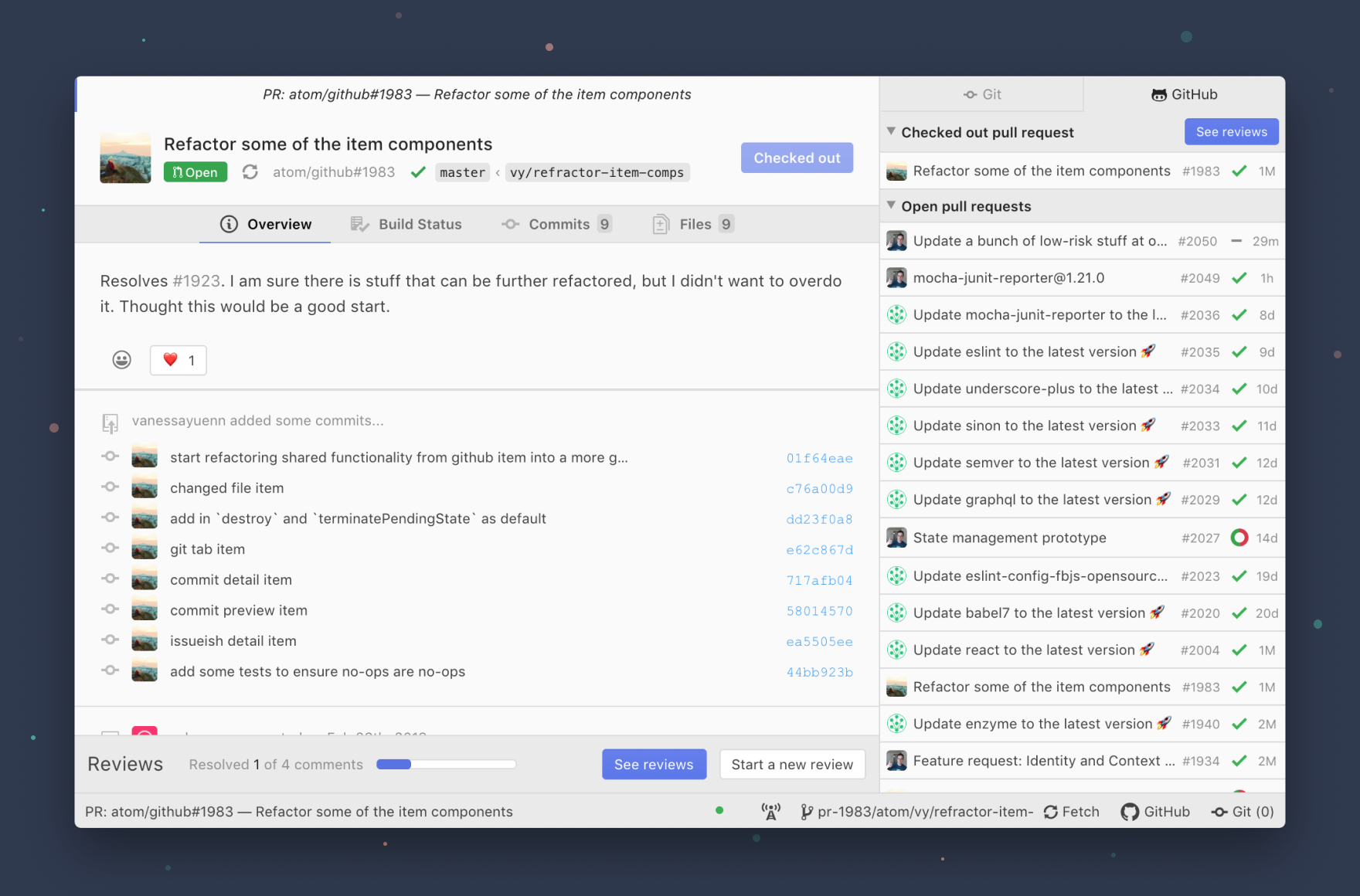
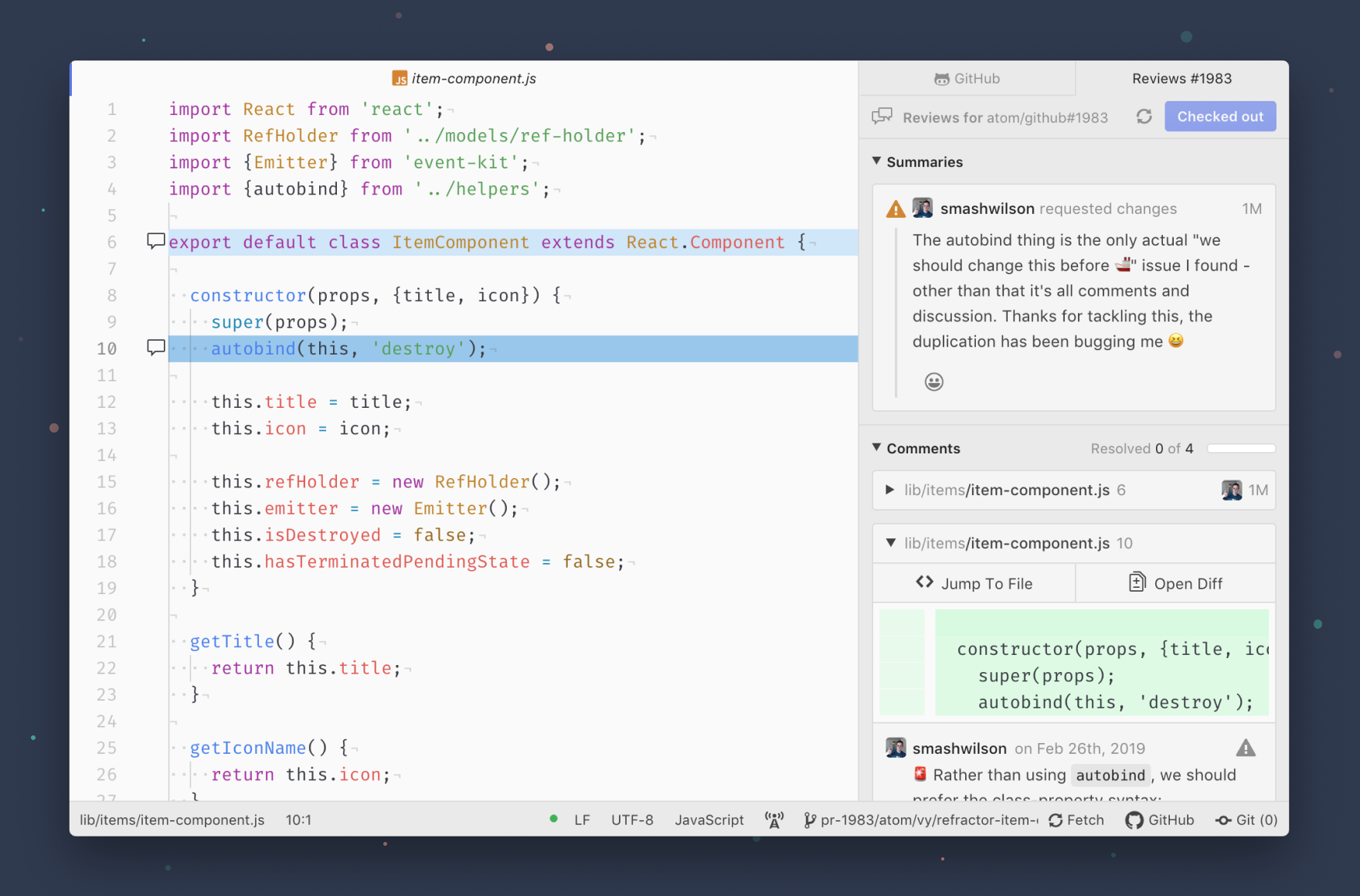 ## Installation
This package is bundled with Atom starting in version 1.18, and does not need to be installed separately.
## License
The MIT license grant is not for GitHub's trademarks, which include the logo designs. GitHub reserves all trademark and copyright rights in and to all GitHub trademarks.
GitHub® and its stylized versions and the Invertocat mark are GitHub's Trademarks or registered Trademarks. When using GitHub's logos, be sure to follow the GitHub [logo guidelines](https://github.com/logos).
bugs:
url: https://github.com/atom/github/issues
homepage: https://github.com/atom/github#readme
keymaps:
node_modules/github/keymaps/git.cson:
".workspace":
ctrl-8: github:toggle-github-tab-focus
ctrl-shift-8: github:toggle-github-tab
ctrl-9: github:toggle-git-tab-focus
ctrl-shift-9: github:toggle-git-tab
alt-g enter: github:commit
alt-g f: github:fetch
alt-g shift-f: github:pull
alt-g p: github:push
alt-g shift-p: github:force-push
alt-g =: github:clone
alt-g r: github:open-reviews-tab
atom-text-editor:
alt-m 1: github:resolve-as-ours
alt-m 2: github:resolve-as-theirs
alt-m 3: github:resolve-as-base
alt-m enter: github:resolve-as-current
alt-m r: github:revert-current
".platform-darwin .github-Git":
cmd-enter: github:commit
".platform-win32 .github-Git, .platform-linux .github-Git":
ctrl-enter: github:commit
".github-StagingView":
tab: core:focus-next
shift-tab: core:focus-previous
o: github:jump-to-file
left: core:move-left
".platform-darwin .github-StagingView":
cmd-left: core:move-left
".platform-linux .github-StagingView, .platform-win32 .github-StagingView":
ctrl-left: core-move-left
".github-CommitView button":
tab: core:focus-next
shift-tab: core:focus-previous
".platform-darwin .github-StagingView.unstaged-changes-focused":
cmd-backspace: github:discard-changes-in-selected-files
".platform-linux .github-StagingView.unstaged-changes-focused":
ctrl-backspace: github:discard-changes-in-selected-files
".platform-win32 .github-StagingView.unstaged-changes-focused":
ctrl-backspace: github:discard-changes-in-selected-files
".github-CommitView-editor atom-text-editor:not([mini])":
tab: core:focus-next
shift-tab: core:focus-previous
".platform-darwin .github-CommitView-editor atom-text-editor:not([mini])":
cmd-enter: github:commit
".platform-win32 .github-CommitView-editor atom-text-editor:not([mini])":
ctrl-enter: github:commit
".platform-linux .github-CommitView-editor atom-text-editor:not([mini])":
ctrl-enter: github:commit
".github-CommitView-commitPreview":
left: github-dive
enter: native!
".platform-darwin .github-CommitView-commitPreview":
cmd-left: github:dive
".platform-win32 .github-CommitView-commitPreview":
ctrl-left: github:dive
".platform-linux .github-CommitView-commitPreview":
ctrl-left: github:dive
".github-RecentCommits":
left: github:dive
enter: github:dive
tab: core:focus-next
shift-tab: core:focus-previous
".platform-darwin .github-RecentCommits":
cmd-left: github:dive
".platform-win32 .github-RecentCommits, .platform-linux .github-RecentCommits":
ctrl-left: github:dive
".github-FilePatchView atom-text-editor:not([mini])":
"/": github:toggle-patch-selection-mode
backspace: github:discard-selected-lines
enter: core:confirm
right: github:surface
o: github:jump-to-file
".platform-darwin .github-FilePatchView atom-text-editor:not([mini])":
cmd-/: github:toggle-patch-selection-mode
cmd-backspace: github:discard-selected-lines
cmd-enter: core:confirm
cmd-right: github:surface
cmd-o: github:jump-to-file
".platform-win32 .github-FilePatchView atom-text-editor:not([mini])":
ctrl-/: github:toggle-patch-selection-mode
ctrl-backspace: github:discard-selected-lines
ctrl-enter: core:confirm
ctrl-right: github:surface
ctrl-o: github:jump-to-file
".platform-linux .github-FilePatchView atom-text-editor:not([mini])":
ctrl-/: github:toggle-patch-selection-mode
ctrl-backspace: github:discard-selected-lines
ctrl-enter: core:confirm
ctrl-right: github:surface
ctrl-o: github:jump-to-file
".github-FilePatchView--hunkMode atom-text-editor:not([mini])":
down: github:select-next-hunk
up: github:select-previous-hunk
".github-Prompt-input":
enter: core:confirm
esc: tool-panel:unfocus
".github-Dialog":
tab: core:focus-next
shift-tab: core:focus-previous
".github-Dialog input":
enter: core:confirm
".github-CoAuthorForm input":
enter: core:confirm
body .github-TabbableWrapper:
down: github:selectbox-down
up: github:selectbox-up
enter: github:selectbox-enter
tab: github:selectbox-tab
backspace: github:selectbox-backspace
pageup: github:selectbox-pageup
pagedown: github:selectbox-pagedown
end: github:selectbox-end
home: github:selectbox-home
delete: github:selectbox-delete
escape: github:selectbox-escape
body .github-CommitView-coAuthorEditor:
shift-backspace: github:co-author-exclude
".platform-darwin .github-Reviews":
cmd-=: github:more-context
cmd--: github:less-context
".platform-win32 .github-Reviews":
ctrl-=: github:more-context
ctrl--: github:less-context
".platform-linux .github-Reviews":
ctrl-=: github:more-context
ctrl--: github:less-context
".platform-darwin .github-Reviews atom-text-editor":
cmd-enter: github:submit-comment
".platform-win32 .github-Reviews atom-text-editor":
ctrl-enter: github:submit-comment
".platform-linux .github-Reviews atom-text-editor":
ctrl-enter: github:submit-comment
menus:
node_modules/github/menus/git.cson:
menu:
- label: View
submenu:
- label: Toggle Git Tab
command: github:toggle-git-tab
- label: Toggle GitHub Tab
command: github:toggle-github-tab
- label: Open Reviews Tab
command: github:open-reviews-tab
- label: Packages
submenu:
- label: GitHub
submenu:
- label: Toggle Git Tab
command: github:toggle-git-tab
- label: Toggle GitHub Tab
command: github:toggle-github-tab
- label: Open Reviews Tab
command: github:open-reviews-tab
context-menu:
".github-FilePatchListView-item":
- label: Jump to File
command: github:jump-to-file
".github-FilePatchView--staged":
- type: separator
- label: Jump to File
command: github:jump-to-file
after:
- core:confirm
- label: Unstage Selection
command: core:confirm
beforeGroupContaining:
- core:undo
".github-FilePatchView--unstaged":
- type: separator
- label: Jump to File
command: github:jump-to-file
after:
- core:confirm
- label: Stage Selection
command: core:confirm
beforeGroupContaining:
- core:undo
- label: Discard Selection
command: github:discard-selected-lines
".github-DotComMarkdownHtml .issue-link":
- label: Open in New Tab
command: github:open-link-in-new-tab
- label: Open in This Tab
command: github:open-link-in-this-tab
- label: Open in Browser
command: github:open-link-in-browser
".github-CommitView":
- type: separator
- label: Toggle Expanded Commit Message Editor
command: github:toggle-expanded-commit-message-editor
".item-views > atom-text-editor":
- label: View Unstaged Changes
command: github:view-unstaged-changes-for-current-file
- label: View Staged Changes
command: github:view-staged-changes-for-current-file
".github-PushPull":
- label: Fetch
command: github:fetch
- label: Pull
command: github:pull
- type: separator
- label: Push
command: github:push
- label: Force Push
command: github:force-push
".most-recent":
- label: Amend
command: github:amend-last-commit
".github-RecentCommit":
- label: Copy Commit SHA
command: github:copy-commit-sha
- label: Copy Commit Subject
command: github:copy-commit-subject
grammarPaths: []
settings: {}
rootDirPath: node_modules/github
main: "../node_modules/github/dist/index.js"
styleSheetPaths:
- styles/accordion.less
- styles/atom-text-editor.less
- styles/branch-menu-view.less
- styles/cache-view.less
- styles/changed-files-count-view.less
- styles/co-author-form.less
- styles/commit-detail.less
- styles/commit-view.less
- styles/conflicting-editor.less
- styles/dialog.less
- styles/dock.less
- styles/donut-chart.less
- styles/editor-comment.less
- styles/emoji-reactions.less
- styles/file-patch-list-view.less
- styles/file-patch-view.less
- styles/git-identity.less
- styles/git-tab.less
- styles/github-blank.less
- styles/github-dotcom-markdown.less
- styles/github-login-view.less
- styles/github-status-bar-tile.less
- styles/github-tab.less
- styles/hunk-header-view.less
- styles/issueish-badge.less
- styles/issueish-detail-view.less
- styles/issueish-list-view.less
- styles/issueish-search.less
- styles/issueish-tooltip.less
- styles/loader.less
- styles/message.less
- styles/pane-view.less
- styles/popover.less
- styles/pr-comment.less
- styles/pr-commit-view.less
- styles/pr-statuses.less
- styles/pr-timeline.less
- styles/project.less
- styles/push-pull-menu-view.less
- styles/push-pull-view.less
- styles/reaction-picker.less
- styles/recent-commits.less
- styles/resizer.less
- styles/review.less
- styles/reviews-footer-view.less
- styles/staging-view.less
- styles/status-bar-tile-controller.less
- styles/tabs.less
- styles/timings-view.less
- styles/user-mention-tooltip.less
- styles/variables.less
git-diff:
metadata:
name: git-diff
version: 1.3.9
main: "./lib/main"
description: Marks lines in the editor gutter that have been added, edited,
or deleted since the last commit.
repository:
type: git
url: https://github.com/pulsar-edit/pulsar.git
license: MIT
engines:
atom: "*"
dependencies:
atom-select-list: "^0.7.0"
devDependencies:
fs-plus: "^3.0.0"
temp: "~0.8.1"
configSchema:
showIconsInEditorGutter:
type: boolean
default: false
description: Show colored icons for added (`+`), modified (`·`) and removed
(`-`) lines in the editor's gutter, instead of colored markers (`|`).
wrapAroundOnMoveToDiff:
type: boolean
default: true
description: Wraps around to the first/last diff in the file when moving
to next/previous diff.
readme: |
# Git Diff package
Marks lines in the editor gutter that have been added, edited, or deleted since the last commit.
* alt-g up to move the cursor to the previous diff in the editor
* alt-g down to move the cursor to the next diff in the editor

bugs:
url: https://github.com/pulsar-edit/pulsar/issues
homepage: https://github.com/pulsar-edit/pulsar#readme
keymaps:
node_modules/git-diff/keymaps/git-diff.cson:
atom-text-editor:
alt-g down: git-diff:move-to-next-diff
alt-g up: git-diff:move-to-previous-diff
alt-g d: git-diff:toggle-diff-list
menus:
node_modules/git-diff/menus/git-diff.cson:
menu:
- label: Packages
submenu:
- label: Git Diff
submenu:
- label: Move to Next Diff
command: git-diff:move-to-next-diff
- label: Move to Previous Diff
command: git-diff:move-to-previous-diff
- label: Toggle Diff List
command: git-diff:toggle-diff-list
grammarPaths: []
settings: {}
rootDirPath: node_modules/git-diff
main: "../node_modules/git-diff/lib/main.js"
styleSheetPaths:
- styles/git-diff.less
go-to-line:
metadata:
name: go-to-line
version: 0.33.0
main: "./lib/go-to-line-view"
description: Jump to a specific editor line number with `ctrl-g`.
license: MIT
activationCommands:
atom-text-editor:
- go-to-line:toggle
repository:
type: git
url: https://github.com/pulsar-edit/pulsar.git
engines:
atom: "*"
readme: |
# Go To Line package
Move the cursor to a specific line in the editor using ctrl-g.

bugs:
url: https://github.com/pulsar-edit/pulsar/issues
homepage: https://github.com/pulsar-edit/pulsar#readme
keymaps:
node_modules/go-to-line/keymaps/go-to-line.cson:
".platform-darwin, .platform-win32, .platform-linux":
ctrl-g: go-to-line:toggle
".go-to-line atom-text-editor[mini]":
enter: core:confirm
escape: core:cancel
".platform-darwin .go-to-line atom-text-editor[mini]":
cmd-w: core:cancel
".platform-win32 .go-to-line atom-text-editor[mini]":
ctrl-w: core:cancel
".platform-linux .go-to-line atom-text-editor[mini]":
ctrl-w: core:cancel
menus:
node_modules/go-to-line/menus/go-to-line.cson:
menu:
- label: Edit
submenu:
- label: Go to Line
command: go-to-line:toggle
grammarPaths: []
settings: {}
rootDirPath: node_modules/go-to-line
main: "../node_modules/go-to-line/lib/go-to-line-view.js"
styleSheetPaths: []
grammar-selector:
metadata:
name: grammar-selector
version: 0.50.1
main: "./lib/main"
description: Select the grammar to use for the current editor with `ctrl-shift-L`.
license: MIT
repository:
type: git
url: https://github.com/pulsar-edit/pulsar.git
engines:
atom: "*"
dependencies:
atom-select-list: "^0.7.0"
consumedServices:
status-bar:
versions:
"^1.0.0": consumeStatusBar
configSchema:
showOnRightSideOfStatusBar:
type: boolean
default: true
description: Show the active pane item's language on the right side of Pulsar's
status bar, instead of the left.
hideDuplicateTextMateGrammars:
type: boolean
default: true
description: Hides the TextMate grammar when there is an existing Tree-sitter
grammar
readme: |
# Grammar Selector package
Pick the grammar used for syntax highlighting using ctrl-shift-L or by clicking the current grammar name in the status bar.

bugs:
url: https://github.com/pulsar-edit/pulsar/issues
homepage: https://github.com/pulsar-edit/pulsar#readme
keymaps:
node_modules/grammar-selector/keymaps/grammar-selector.cson:
".platform-darwin atom-text-editor":
ctrl-L: grammar-selector:show
".platform-win32 atom-text-editor":
ctrl-L: grammar-selector:show
".platform-linux atom-text-editor":
ctrl-L: grammar-selector:show
menus:
node_modules/grammar-selector/menus/grammar-selector.cson:
menu:
- label: Edit
submenu:
- label: Select Grammar
command: grammar-selector:show
context-menu:
".overlayer":
- label: Change Grammar
command: grammar-selector:show
grammarPaths: []
settings: {}
rootDirPath: node_modules/grammar-selector
main: "../node_modules/grammar-selector/lib/main.js"
styleSheetPaths:
- styles/grammar-selector.less
image-view:
metadata:
name: image-view
version: 0.64.0
description: Open images in an editor
main: "./lib/main"
repository:
type: git
url: https://github.com/pulsar-edit/pulsar.git
license: MIT
engines:
atom: "*"
dependencies:
bytes: "^3.0.0"
etch: 0.9.0
consumedServices:
status-bar:
versions:
"^1.0.0": consumeStatusBar
deserializers:
ImageEditor: deserialize
readme: |
# Image View package
Open images in an editor in Pulsar. Support zooming via cmd-+, cmd--, and cmd-0.
Currently supports the following file extensions:
* `.bmp`
* `.gif`
* `.ico`
* `.jpeg`
* `.jpg`
* `.png`
* `.webp`

bugs:
url: https://github.com/pulsar-edit/pulsar/issues
homepage: https://github.com/pulsar-edit/pulsar#readme
keymaps:
node_modules/image-view/keymaps/image-view.cson:
".platform-darwin .image-view":
cmd-+: image-view:zoom-in
cmd-=: image-view:zoom-in
cmd--: image-view:zoom-out
cmd-_: image-view:zoom-out
cmd-9: image-view:zoom-to-fit
cmd-0: image-view:reset-zoom
".platform-win32 .image-view":
ctrl-+: image-view:zoom-in
ctrl-=: image-view:zoom-in
ctrl--: image-view:zoom-out
ctrl-_: image-view:zoom-out
ctrl-9: image-view:zoom-to-fit
ctrl-0: image-view:reset-zoom
".platform-linux .image-view":
ctrl-+: image-view:zoom-in
ctrl-=: image-view:zoom-in
ctrl--: image-view:zoom-out
ctrl-_: image-view:zoom-out
ctrl-9: image-view:zoom-to-fit
ctrl-0: image-view:reset-zoom
menus:
node_modules/image-view/menus/image-view.cson:
context-menu:
".image-view":
- label: Reload Image
command: image-view:reload
grammarPaths: []
settings: {}
rootDirPath: node_modules/image-view
main: "../node_modules/image-view/lib/main.js"
styleSheetPaths:
- styles/image-view.less
incompatible-packages:
metadata:
name: incompatible-packages
main: "./lib/main"
version: 0.27.3
description: Show incompatible packages
repository:
type: git
url: https://github.com/pulsar-edit/pulsar.git
license: MIT
engines:
atom: ">0.50.0"
dependencies:
etch: "^0.12.2"
consumedServices:
status-bar:
versions:
"^1.0.0": consumeStatusBar
deserializers:
IncompatiblePackagesComponent: deserializeIncompatiblePackagesComponent
readme: |
# Incompatible Packages package
Displays a list of installed Pulsar packages that have native module
dependencies that are not compatible with the current version of Pulsar.

bugs:
url: https://github.com/pulsar-edit/pulsar/issues
homepage: https://github.com/pulsar-edit/pulsar#readme
keymaps: {}
menus: {}
grammarPaths: []
settings: {}
rootDirPath: node_modules/incompatible-packages
main: "../node_modules/incompatible-packages/lib/main.js"
styleSheetPaths:
- styles/incompatible-packages.less
keybinding-resolver:
metadata:
name: keybinding-resolver
main: "./lib/main"
version: 0.39.1
description: Show what commands a keybinding resolves to
license: MIT
repository:
type: git
url: https://github.com/atom/keybinding-resolver.git
engines:
atom: ">=1.17.0"
deserializers:
keybinding-resolver/KeyBindingResolverView: deserializeKeyBindingResolverView
dependencies:
etch: 0.9.0
fs-plus: "^3.0.0"
temp: "^0.9.0"
devDependencies:
standard: "^10.0.3"
standard:
env:
atomtest: true
browser: true
jasmine: true
node: true
globals:
- atom
readme: |
# Keybinding Resolver package
[](https://travis-ci.org/atom/keybinding-resolver) [](https://ci.appveyor.com/project/Atom/keybinding-resolver/branch/master) [](https://david-dm.org/atom/keybinding-resolver)
Shows what commands a keybinding resolves to.
You can open and close the resolver using Cmd+. (macOS) or Ctrl+. (Linux and Windows).
Please note the clipboard icon which can be selected to copy the given keybinding
directive so that you can easily paste it into your keymap files.

bugs:
url: https://github.com/atom/keybinding-resolver/issues
homepage: https://github.com/atom/keybinding-resolver#readme
keymaps:
node_modules/keybinding-resolver/keymaps/keybinding-resolver.cson:
".platform-darwin":
cmd-.: key-binding-resolver:toggle
".platform-win32":
ctrl-.: key-binding-resolver:toggle
".platform-linux":
ctrl-.: key-binding-resolver:toggle
menus:
node_modules/keybinding-resolver/menus/keybinding-resolver.cson:
menu:
- label: Packages
submenu:
- label: Keybinding Resolver
submenu:
- label: Toggle
command: key-binding-resolver:toggle
grammarPaths: []
settings: {}
rootDirPath: node_modules/keybinding-resolver
main: "../node_modules/keybinding-resolver/lib/main.js"
styleSheetPaths:
- styles/keybinding-resolver.less
line-ending-selector:
metadata:
name: line-ending-selector
version: 0.7.7
main: "./lib/main"
description: Select the line ending to use for the current editor.
license: MIT
repository:
type: git
url: https://github.com/pulsar-edit/pulsar.git
engines:
atom: "^1.0.0"
dependencies:
atom-select-list: "^0.7.0"
underscore-plus: "^1.7.0"
consumedServices:
status-bar:
versions:
"^1.0.0": consumeStatusBar
configSchema:
defaultLineEnding:
title: Default line ending
description: Line ending to use for new files
type: string
default: OS Default
enum:
- OS Default
- LF
- CRLF
readme: |
# Line Ending Selector package

This is an [Pulsar](https://pulsar-edit.dev) package that displays the current line ending type of a file: `CRLF` (Windows), `LF` (Unix), or `Mixed` (both). It also lets you change the line ending of a file.
## To Use
When the package is activated it will show the current line ending of the file in the right side of the status-bar. If a new file is created the line ending will start with the system default: `CRLF` for Windows, `LF` for Mac and Linux, and `CR` for old-style Mac files. If a file contains multiple line-ending types it will display `Mixed`.
### Changing a File's Line Ending
You can click the line ending in the status-bar to open a modal with the line ending options. Selecting a different line ending will change each line of the file in the active editor.

**Line Endings**
- `LF` is "\n"
- `CRLF` is "\r\n"
**Note:** Because the `CR` line ending style is not used in any modern operating system, this package only supports converting *from* `CR` line endings not to it.
### Pulsar Commands
You can also change a file's line endings by using or cmd-shift-P searching for these commands:
```text
line-ending-selector:convert-to-LF
line-ending-selector:convert-to-CRLF
```
bugs:
url: https://github.com/pulsar-edit/pulsar/issues
homepage: https://github.com/pulsar-edit/pulsar#readme
keymaps: {}
menus: {}
grammarPaths: []
settings: {}
rootDirPath: node_modules/line-ending-selector
main: "../node_modules/line-ending-selector/lib/main.js"
styleSheetPaths: []
link:
metadata:
name: link
version: 0.31.6
main: "./lib/link"
description: Opens http(s) links under the cursor
license: MIT
repository:
type: git
url: https://github.com/pulsar-edit/pulsar.git
engines:
atom: "*"
activationCommands:
atom-workspace:
- link:open
dependencies:
underscore-plus: "^1.7.0"
readme: |
# Link package
Opens http(s) links under the cursor.
### Commands and Keybindings
|Command|Selector|Description|Keybinding (Linux)|Keybinding (macOS)|Keybinding (Windows)|
|-------|--------|-----------|------------------|------------------|--------------------|
|`link:open`|`atom-text-editor`|Opens the http(s) link under the cursor||ctrl-shift-o||
Custom keybindings can be added by referencing the above commands. To learn more, visit the [Using Pulsar: Basic Customization](https://pulsar-edit.dev/docs/launch-manual/sections/using-pulsar/#basic-customization) or [Behind Pulsar: Keymaps In-Depth](https://pulsar-edit.dev/docs/launch-manual/sections/behind-pulsar#keymaps-in-depth) sections of the Pulsar documentation.
bugs:
url: https://github.com/pulsar-edit/pulsar/issues
homepage: https://github.com/pulsar-edit/pulsar#readme
keymaps:
node_modules/link/keymaps/links.cson:
".platform-darwin atom-text-editor":
ctrl-shift-o: link:open
menus:
node_modules/link/menus/link.cson:
context-menu:
atom-text-editor .syntax--markup.syntax--underline.syntax--link:
- label: Open link
command: link:open
grammarPaths: []
settings: {}
rootDirPath: node_modules/link
main: "../node_modules/link/lib/link.js"
styleSheetPaths: []
markdown-preview:
metadata:
name: markdown-preview
version: 0.160.2
main: "./lib/main"
description: Open a rendered version of the Markdown in the current editor with
`ctrl-shift-m`.
repository:
type: git
url: https://github.com/atom/markdown-preview.git
license: MIT
engines:
atom: "*"
dependencies:
cheerio: "^1.0.0-rc.3"
dompurify: "^1.0.2"
emoji-images: "^0.1.1"
fs-plus: "^3.0.0"
marked: "^0.6.2"
underscore-plus: "^1.0.0"
yaml-front-matter: "^4.0.0"
devDependencies:
coffeelint: "^1.9.7"
standard: "^10.0.3"
temp: "^0.8.1"
deserializers:
MarkdownPreviewView: createMarkdownPreviewView
configSchema:
breakOnSingleNewline:
type: boolean
default: false
description: In Markdown, a single newline character doesn't cause a line
break in the generated HTML. In GitHub Flavored Markdown, that is not
true. Enable this config option to insert line breaks in rendered HTML
for single newlines in Markdown source.
liveUpdate:
type: boolean
default: true
description: Re-render the preview as the contents of the source changes,
without requiring the source buffer to be saved. If disabled, the preview
is re-rendered only when the buffer is saved to disk.
openPreviewInSplitPane:
type: boolean
default: true
description: Open the preview in a split pane. If disabled, the preview
is opened in a new tab in the same pane.
allowUnsafeProtocols:
type: boolean
default: false
description: Allow HTML attributes to use protocols normally considered
unsafe such as `file://` and absolute paths on Windows.
grammars:
type: array
default:
- source.gfm
- source.litcoffee
- text.html.basic
- text.md
- text.plain
- text.plain.null-grammar
description: List of scopes for languages for which previewing is enabled.
See [this README](https://github.com/atom/spell-check#spell-check-package-)
for more information on finding the correct scope for a specific language.
useGitHubStyle:
title: Use GitHub.com style
type: boolean
default: false
description: Use the same CSS styles for preview as the ones used on GitHub.com.
standard:
env:
atomtest: true
browser: true
jasmine: true
node: true
globals:
- atom
readme: |
# Markdown Preview package
[](https://travis-ci.org/atom/markdown-preview) [](https://ci.appveyor.com/project/Atom/markdown-preview/branch/master) [](https://david-dm.org/atom/markdown-preview)
Show the rendered HTML markdown to the right of the current editor using ctrl-shift-m.
It is currently enabled for `.markdown`, `.md`, `.mdown`, `.mkd`, `.mkdown`, `.ron`, and `.txt` files.

## Customize
By default Markdown Preview uses the colors of the active syntax theme. Enable `Use GitHub.com style` in the __package settings__ to make it look closer to how markdown files get rendered on github.com.

To customize even further, the styling can be overridden in your `styles.less` file. For example:
```css
.markdown-preview.markdown-preview {
background-color: #444;
}
```
bugs:
url: https://github.com/atom/markdown-preview/issues
homepage: https://github.com/atom/markdown-preview#readme
keymaps:
node_modules/markdown-preview/keymaps/markdown-preview.cson:
atom-text-editor:
ctrl-shift-m: markdown-preview:toggle
".platform-darwin .markdown-preview":
cmd-a: markdown-preview:select-all
cmd-+: markdown-preview:zoom-in
cmd-=: markdown-preview:zoom-in
cmd--: markdown-preview:zoom-out
cmd-_: markdown-preview:zoom-out
cmd-0: markdown-preview:reset-zoom
".platform-win32 .markdown-preview, .platform-linux .markdown-preview":
ctrl-a: markdown-preview:select-all
ctrl-+: markdown-preview:zoom-in
ctrl-=: markdown-preview:zoom-in
ctrl--: markdown-preview:zoom-out
ctrl-_: markdown-preview:zoom-out
ctrl-0: markdown-preview:reset-zoom
menus:
node_modules/markdown-preview/menus/markdown-preview.cson:
menu:
- label: Packages
submenu:
- label: Markdown Preview
submenu:
- label: Toggle Preview
command: markdown-preview:toggle
- label: Toggle Break on Single Newline
command: markdown-preview:toggle-break-on-single-newline
- label: Toggle GitHub Style
command: markdown-preview:toggle-github-style
context-menu:
".markdown-preview":
- label: Select All
command: markdown-preview:select-all
- label: Save As HTML…
command: core:save-as
".markdown-preview.has-selection":
- label: Copy
command: core:copy
".markdown-preview:not(.has-selection)":
- label: Copy As HTML
command: core:copy
".tree-view .file .name[data-name$=\\.markdown]":
- label: Markdown Preview
command: markdown-preview:preview-file
".tree-view .file .name[data-name$=\\.md]":
- label: Markdown Preview
command: markdown-preview:preview-file
".tree-view .file .name[data-name$=\\.mdown]":
- label: Markdown Preview
command: markdown-preview:preview-file
".tree-view .file .name[data-name$=\\.mkd]":
- label: Markdown Preview
command: markdown-preview:preview-file
".tree-view .file .name[data-name$=\\.mkdown]":
- label: Markdown Preview
command: markdown-preview:preview-file
".tree-view .file .name[data-name$=\\.ron]":
- label: Markdown Preview
command: markdown-preview:preview-file
".tree-view .file .name[data-name$=\\.txt]":
- label: Markdown Preview
command: markdown-preview:preview-file
grammarPaths: []
settings: {}
rootDirPath: node_modules/markdown-preview
main: "../node_modules/markdown-preview/lib/main.js"
styleSheetPaths:
- styles/markdown-preview-default.less
- styles/markdown-preview-github.less
- styles/markdown-preview.less
notifications:
metadata:
name: notifications
main: "./lib/main"
version: 0.72.1
description: A tidy way to display Atom notifications.
repository:
type: git
url: https://github.com/atom/notifications.git
license: MIT
engines:
atom: ">0.50.0"
dependencies:
dompurify: "^1.0.3"
fs-plus: "^3.0.0"
marked: "^0.3.6"
moment: "^2.19.3"
semver: "^4.3.2"
stacktrace-parser: "^0.1.3"
temp: "^0.8.1"
devDependencies:
coffeelint: "^1.9.7"
configSchema:
showErrorsInDevMode:
type: boolean
default: false
description: Show notifications for uncaught exceptions even if Atom is
running in dev mode. If this config setting is disabled, uncaught exceptions
will trigger the dev tools to open and be logged in the console tab.
defaultTimeout:
type: integer
default: 5000
minimum: 1000
description: The default notification timeout for a non-dismissable notification.
deserializers:
notifications/NotificationsLog: createLog
readme: |
# Notifications package
[](https://github.com/atom/notifications/actions/workflows/ci.yml)

### Docs
Notifications are available for use in your Atom packages via the `atom.notifications` `NotificationManager` object. See
https://atom.io/docs/api/latest/NotificationManager and https://atom.io/docs/api/latest/Notification for documentation.
bugs:
url: https://github.com/atom/notifications/issues
homepage: https://github.com/atom/notifications#readme
keymaps:
node_modules/notifications/keymaps/messages.cson:
atom-workspace:
cmd-alt-t: notifications:trigger-error
menus: {}
grammarPaths: []
settings: {}
rootDirPath: node_modules/notifications
main: "../node_modules/notifications/lib/main.coffee"
styleSheetPaths:
- styles/notifications-log.less
- styles/notifications.less
open-on-github:
metadata:
name: open-on-github
version: 1.3.2
main: "./lib/main"
description: View the active file on github.com
repository:
type: git
url: https://github.com/pulsar-edit/pulsar.git
license: MIT
activationCommands:
atom-pane:
- open-on-github:blame
- open-on-github:branch-compare
- open-on-github:copy-url
- open-on-github:file
- open-on-github:file-on-master
- open-on-github:history
- open-on-github:issues
- open-on-github:pull-requests
- open-on-github:repository
engines:
atom: "*"
devDependencies:
fs-plus: "^3.0.1"
temp: "^0.8.3"
configSchema:
includeLineNumbersInUrls:
default: true
type: boolean
description: Include the line range selected in the editor when opening
or copying URLs to the clipboard. When opened in the browser, the GitHub
page will automatically scroll to the selected line range.
readme: |
# Open on GitHub package
Provides commands to quickly view the current file on GitHub.com (The Website).
## Usage
When editing a file in Pulsar, use the command palette or keyboard shortcuts to:
- Open the file on github.com alt-g, o
- Open the blame view for the file on github.com alt-g, b
- Open the history view for the file on github.com alt-g, h
- Open the issues view for the repository the file belongs to on github.com alt-g, i
- Open the pull requests view for the repository the file belongs to on github.com alt-g, p
- Open the compare page for the current branch on github.com alt-g, r
- Copy the github.com URL for the currently selected lines alt-g, c

## Remote URL detection
The GitHub repository URL is guessed from the current branch and Git remote information. To override the defaults, you can use `git config` to set the remote and branch name:
```
git config atom.open-on-github.remote upstream
git config atom.open-on-github.branch some-branch
```
---
Inspired by the [GitHub Tools package][github-tools] for Sublime Text 2.
[github-tools]: https://github.com/temochka/sublime-text-2-github-tools
bugs:
url: https://github.com/pulsar-edit/pulsar/issues
homepage: https://github.com/pulsar-edit/pulsar#readme
keymaps:
node_modules/open-on-github/keymaps/to-the-hubs.cson:
atom-workspace:
alt-g o: open-on-github:file
alt-g b: open-on-github:blame
alt-g h: open-on-github:history
alt-g i: open-on-github:issues
alt-g p: open-on-github:pull-requests
alt-g c: open-on-github:copy-url
alt-g r: open-on-github:branch-compare
alt-g g: open-on-github:repository
menus:
node_modules/open-on-github/menus/open-on-github.cson:
menu:
- label: Packages
submenu:
- label: Open On GitHub
submenu:
- label: Blame
command: open-on-github:blame
- label: Branch Compare
command: open-on-github:branch-compare
- label: Copy URL
command: open-on-github:copy-url
- label: File
command: open-on-github:file
- label: File on Master
command: open-on-github:file-on-master
- label: History
command: open-on-github:history
- label: Issues
command: open-on-github:issues
- label: Pull Requests
command: open-on-github:pull-requests
- label: Repository
command: open-on-github:repository
grammarPaths: []
settings: {}
rootDirPath: node_modules/open-on-github
main: "../node_modules/open-on-github/lib/main.js"
styleSheetPaths: []
package-generator:
metadata:
name: package-generator
version: 1.3.0
main: "./lib/main"
description: Generates and opens a new sample package, language, or syntax theme.
license: MIT
activationCommands:
atom-workspace:
- package-generator:generate-package
- package-generator:generate-language-package
- package-generator:generate-syntax-theme
dependencies:
fs-plus: "^3.0.0"
temp: "^0.8.1"
underscore-plus: "^1.0.0"
repository:
type: git
url: https://github.com/pulsar-edit/pulsar.git
engines:
atom: "*"
configSchema:
createInDevMode:
default: false
type: boolean
description: When disabled, generated packages are linked into Pulsar in
both normal mode and dev mode. When enabled, generated packages are linked
into Pulsar only in dev mode.
packageSyntax:
default: javascript
type: string
enum:
- coffeescript
- javascript
description: The syntax to generate packages with.
readme: |
# Package Generator package
Generates and opens a new sample package, language, or syntax theme in Pulsar.
bugs:
url: https://github.com/pulsar-edit/pulsar/issues
homepage: https://github.com/pulsar-edit/pulsar#readme
keymaps: {}
menus:
node_modules/package-generator/menus/package-generator.cson:
menu:
- label: Packages
submenu:
- label: Package Generator
submenu:
- label: Generate Package
command: package-generator:generate-package
- label: Generate Syntax Theme
command: package-generator:generate-syntax-theme
grammarPaths: []
settings: {}
rootDirPath: node_modules/package-generator
main: "../node_modules/package-generator/lib/main.js"
styleSheetPaths:
- styles/package-generator.less
settings-view:
metadata:
name: settings-view
version: 0.261.11
main: "./lib/main"
description: Edit config settings, install packages, and change themes
license: MIT
uriHandler:
method: handleURI
deferActivation: false
configSchema:
packageUpdateConcurrency:
title: Maximum simultaneous package updates
description: Limit how many processes run simultaneously during package
updates. If your machine slows down while updating many packages at once,
set this value to a small positive number (e.g., `1` or `2`).
type: integer
default: -1
dependencies:
async: "^3.2.0"
dompurify: "^2.0.17"
etch: 0.9.0
fs-plus: "^3.0.0"
fuzzaldrin: "^2.1"
glob: 4.3.1
hosted-git-info: "^2.8.9"
marked: "^4.0.10"
request: "^2.83.0"
season: "^6.0.2"
semver: "^5.3.0"
underscore-plus: "^1.0.6"
repository:
type: git
url: https://github.com/pulsar-edit/pulsar.git
engines:
atom: "*"
consumedServices:
status-bar:
versions:
"^1.0.0": consumeStatusBar
snippets:
versions:
0.1.0: consumeSnippets
deserializers:
SettingsView: createSettingsView
readme: |
# Settings View package
Edit core configuration settings, install and configure packages, and change themes from within Pulsar.

## Usage
You can open the Settings View by navigating to
***LNX***: _Edit > Preferences_ -
***MAC***: _Atom > Preferences_ -
***WIN***: _File > Settings_.
In order to install new packages and themes, click on the _Install_ section on the left-hand side.
Once installed, community packages/themes and their settings are housed within their respective section.
All packages/themes that have updates will be listed under the _Updates_ section. Finally, all keybindings (including ones that community packages have added) are available in the _Keybindings_ section.
Want to learn more? Check out the [Getting Started: Pulsar Basics](https://pulsar-edit.dev/docs/launch-manual/sections/getting-started/#pulsar-basics) and [Using Pulsar: Pulsar Packages](https://pulsar-edit.dev/docs/launch-manual/sections/using-pulsar/#pulsar-packages) sections in the Pulsar Launch Manual.
### Commands and Keybindings
All of the following commands are under the `atom-workspace` selector.
|Command|Description|Keybinding (Linux)|Keybinding (macOS)|Keybinding (Windows)|
|-------|-----------|------------------|-----------------|--------------------|
|`settings-view:open`|Opens the Settings View|ctrl-,|cmd-,|ctrl-,|
|`settings-view:core`|Opens the _Core_ section of the Settings View|
|`settings-view:editor`|Opens the _Editor_ section of the Settings View|
|`settings-view:system`|Opens the _System_ section of the Settings View (Windows)|
|`settings-view:show-keybindings`|Opens the _Keybindings_ section of the Settings View|
|`settings-view:uninstall-packages`|Opens the _Packages_ section of the Settings View|
|`settings-view:change-themes`|Opens the _Themes_ section of the Settings View|
|`settings-view:uninstall-themes`|Opens the _Themes_ section of the Settings View|
|`settings-view:check-for-updates`|Opens the _Updates_ section of the Settings View|
|`settings-view:install-packages-and-themes`|Opens the _Install_ section of the Settings View|
Custom keybindings can be added by referencing the above commands. To learn more, visit the [Using Pulsar: Basic Customization](https://pulsar-edit.dev/docs/launch-manual/sections/using-pulsar/#basic-customization) or [Behind Pulsar: Keymaps In-Depth](https://pulsar-edit.dev/docs/launch-manual/sections/behind-pulsar/#keymaps-in-depth) sections in the Pulsar Launch Manual.
## Customize
The Settings View package uses the `ui-variables` to match a theme's color scheme. You can still customize the UI in your `styles.less` file. For example:
```less
// Change the color of the titles
.settings-view .section .section-heading {
color: white;
}
// Change the font size of the setting descriptions
.settings-view .setting-description {
font-size: 13px;
}
```
Use the [developer tools](https://pulsar-edit.dev/docs/launch-manual/sections/core-hacking/#developer-tools) to find more selectors.
## Contributing
Always feel free to help out! Whether it's [filing bugs and feature requests](https://github.com/pulsar-edit/pulsar/issues/new) or working on some of the [open issues](https://github.com/pulsar-edit/pulsar/issues), Pulsar's [contributing guide](https://github.com/pulsar-edit/.github/blob/main/CONTRIBUTING.md) will help get you started while the [guide for contributing to packages](https://pulsar-edit.dev/docs/launch-manual/sections/core-hacking/#contributing-to-official-pulsar-packages) has some extra information.
## License
MIT License. See [the license](https://github.com/pulsar-edit/pulsar/blob/master/LICENSE.md) for more details.
bugs:
url: https://github.com/pulsar-edit/pulsar/issues
homepage: https://github.com/pulsar-edit/pulsar#readme
keymaps:
node_modules/settings-view/keymaps/settings-view.cson:
".platform-darwin":
cmd-,: settings-view:open
".platform-win32, .platform-linux":
ctrl-,: settings-view:open
menus:
node_modules/settings-view/menus/settings-view.cson:
menu:
- label: Packages
submenu:
- label: Settings View
submenu:
- label: Open
command: settings-view:open
- label: Show Keybindings
command: settings-view:show-keybindings
- label: Install Packages/Themes
command: settings-view:install-packages-and-themes
- label: Update Packages/Themes
command: settings-view:check-for-package-updates
- label: Manage Packages
command: settings-view:uninstall-packages
- label: Manage Themes
command: settings-view:uninstall-themes
grammarPaths: []
settings: {}
rootDirPath: node_modules/settings-view
main: "../node_modules/settings-view/lib/main.js"
styleSheetPaths:
- styles/docks.less
- styles/package-card.less
- styles/package-readme.less
- styles/settings-view.less
- styles/variables.less
snippets:
metadata:
name: snippets
version: 1.6.1
main: "./lib/snippets"
description: Expand snippets matching the current prefix with `tab`.
repository:
type: git
url: https://github.com/atom/snippets.git
license: MIT
engines:
atom: "*"
dependencies:
async: "~0.2.6"
atom-select-list: "^0.7.0"
fs-plus: "^3.0.0"
loophole: "^1"
pegjs: "~0.8.0"
scoped-property-store: "^0.17.0"
season: "^6.0.2"
temp: "~0.8.0"
underscore-plus: "^1.0.0"
providedServices:
snippets:
description: Snippets are text shortcuts that can be expanded to their definition.
versions:
0.1.0: provideSnippets
devDependencies:
coffeelint: "^1.9.7"
readme: |
# Snippets package
[](https://travis-ci.org/atom/snippets) [](https://ci.appveyor.com/project/Atom/snippets/branch/master) [](https://david-dm.org/atom/snippets)
Expand snippets matching the current prefix with tab in Atom.
To add your own snippets, select the _Atom > Snippets..._ menu option if you're using macOS, or the _File > Snippets..._ menu option if you're using Windows, or the _Edit > Snippets..._ menu option if you are using Linux.
## Snippet Format
Snippets files are stored in a package's `snippets/` folder and also loaded from `~/.atom/snippets.cson`. They can be either `.json` or `.cson` file types.
```coffee
'.source.js':
'console.log':
'prefix': 'log'
'body': 'console.log(${1:"crash"});$2'
```
The outermost keys are the selectors where these snippets should be active, prefixed with a period (`.`) (details below).
The next level of keys are the snippet names.
Under each snippet name is a `prefix` that should trigger the snippet and a `body` to insert when the snippet is triggered.
`$` followed by a number are the tabs stops which can be cycled between by pressing tab once a snippet has been triggered.
The above example adds a `log` snippet to JavaScript files that would expand to.
```js
console.log("crash");
```
The string `"crash"` would be initially selected and pressing tab again would place the cursor after the `;`
### Optional parameters
These parameters are meant to provide extra information about your snippet to [autocomplete-plus](https://github.com/atom/autocomplete-plus/wiki/Provider-API).
* `leftLabel` will add text to the left part of the autocomplete results box.
* `leftLabelHTML` will overwrite what's in `leftLabel` and allow you to use a bit of CSS such as `color`.
* `rightLabelHTML`. By default, in the right part of the results box you will see the name of the snippet. When using `rightLabelHTML` the name of the snippet will no longer be displayed, and you will be able to use a bit of CSS.
* `description` will add text to a description box under the autocomplete results list.
* `descriptionMoreURL` URL to the documentation of the snippet.

Example:
```coffee
'.source.js':
'console.log':
'prefix': 'log'
'body': 'console.log(${1:"crash"});$2'
'description': 'Output data to the console'
'rightLabelHTML': 'JS'
```
### Determining the correct scope for a snippet
The outmost key of a snippet is the "scope" that you want the descendent snippets to be available in. The key should be prefixed with a period (`text.html.basic` => `.text.html.basic`). You can find out the correct scope by opening the Settings (cmd-, on macOS) and selecting the corresponding *Language [xxx]* package, e.g. for *Language Html*:

If it's difficult to determine the package handling the file type in question (for example, for `.md`-documents), you can also proceed as following. Put your cursor in a file in which you want the snippet to be available, open the [Command Palette](https://github.com/atom/command-palette)
(cmd-shift-p), and run the `Editor: Log Cursor Scope` command. This will trigger a notification which will contain a list of scopes. The first scope that's listed is the scope for that language. Here are some examples: `source.coffee`, `text.plain`, `text.html.basic`.
### Snippet syntax
This package supports a subset of the features of TextMate snippets, [documented here](http://manual.macromates.com/en/snippets#transformations).
The following features are not yet supported:
* Variables
* Interpolated shell code
* Conditional insertions in transformations
### Multi-line Snippet Body
You can also use multi-line syntax using `"""` for larger templates:
```coffee
'.source.js':
'if, else if, else':
'prefix': 'ieie'
'body': """
if (${1:true}) {
$2
} else if (${3:false}) {
$4
} else {
$5
}
"""
```
### Escaping Characters
Including a literal closing brace inside the text provided by a snippet's tab stop will close that tab stop early. To prevent that, escape the brace with two backslashes, like so:
```coffee
'.source.js':
'function':
'prefix': 'funct'
'body': """
${1:function () {
statements;
\\}
this line is also included in the snippet tab;
}
"""
```
### Multiple snippets for the same scope
Snippets for the same scope must be placed within the same key. See [this section of the Atom Flight Manual](http://flight-manual.atom.io/using-atom/sections/basic-customization/#configuring-with-cson) for more information.
bugs:
url: https://github.com/atom/snippets/issues
homepage: https://github.com/atom/snippets#readme
keymaps:
node_modules/snippets/keymaps/snippets-1.cson:
atom-text-editor:not([mini]):
tab: snippets:expand
node_modules/snippets/keymaps/snippets-2.cson:
atom-text-editor:not([mini]):
tab: snippets:next-tab-stop
shift-tab: snippets:previous-tab-stop
menus:
node_modules/snippets/menus/snippets.cson:
menu:
- label: Packages
submenu:
- label: Snippets
submenu:
- label: Expand
command: snippets:show
- label: Next Stop
command: snippets:next-tab-stop
- label: Previous Stop
command: snippets:previous-tab-stop
- label: Available
command: snippets:available
grammarPaths: []
settings: {}
rootDirPath: node_modules/snippets
main: "../node_modules/snippets/lib/snippets.js"
styleSheetPaths: []
spell-check:
metadata:
name: spell-check
version: 0.77.1
main: "./lib/main"
description: Highlights misspelled words and shows possible corrections.
dependencies:
atom-pathspec: "^0.0.0"
atom-select-list: "^0.7.0"
debug: "^4.1.1"
multi-integer-range: "^2.0.0"
natural: "^0.4.0"
spellchecker: "^3.7.1"
spelling-manager: "^1.1.0"
underscore-plus: "^1"
devDependencies:
husky: "^4.2.5"
prettier: "^2.1.1"
repository:
type: git
url: https://github.com/atom/spell-check.git
license: MIT
engines:
atom: "*"
scripts:
format: prettier --write "spec/*.js" "lib/**/*.js" "script/*.js" --loglevel
warn
configSchema:
grammars:
type: array
default:
- source.asciidoc
- source.gfm
- text.git-commit
- text.plain
- text.plain.null-grammar
- source.rst
- text.restructuredtext
description: List of scopes for languages which will be checked for misspellings.
See [the README](https://github.com/atom/spell-check#spell-check-package)
for more information on finding the correct scope for a specific language.
order: 1
excludedScopes:
type: array
items:
type: string
default: []
description: List of sub-scopes that will be ignored. Specify the most detailed
scope to avoid ignoring otherwise relevant text. The scopes will be parsed
as regular expressions. See [the README](https://github.com/atom/spell-check#spell-check-package-)
for more information on finding the correct scope for a specific language.
order: 2
useSystem:
type: boolean
default: true
description: If checked, use the built-in spell checking on macOS and some
versions of Windows. This setting is ignored on Linux, even if checked.
order: 3
useLocales:
type: boolean
default: true
description: If checked, then the locales below will be used for checking.
order: 4
locales:
type: array
default: []
items:
type: string
description: List of locales to use for the system spell-checking. Examples
would be `en-US` or `de-DE`. If this is blank, then the default language
for the user will be used.
order: 5
localePaths:
type: array
default: []
items:
type: string
description: List of additional paths to search for dictionary files when
checking using locales. If a locale cannot be found in these, the internal
code will attempt to find it using common search paths.
order: 6
knownWords:
type: array
default: []
description: List words that are considered correct even if they do not
appear in any other dictionary. Words with capitals or ones that start
with `!` are case-sensitive.
order: 7
addKnownWords:
type: boolean
default: false
description: If checked, then the suggestions will include options to add
to the known words list above.
order: 8
noticesMode:
type: string
default: both
description: 'Choose where loading errors and other notices are displayed:
popup, console, or both.'
order: 9
enum:
- value: both
description: Display notices in popups and in the console
- value: popup
description: Display notices only in popups
- value: console
description: Display notices only on the console
enableDebug:
type: boolean
default: false
title: Enable debug information for spell check
order: 10
consumedServices:
spell-check:
versions:
"^1.0.0": consumeSpellCheckers
husky:
hooks:
pre-commit: npm run format
pre-push: npm run format
readme: |
# Spell Check package
[](https://travis-ci.org/atom/spell-check) [](https://ci.appveyor.com/project/Atom/spell-check/branch/master) [](https://david-dm.org/atom/spell-check)
Highlights misspelling in Atom and shows possible corrections.
Use cmd-shift-: for Mac or ctrl-shift-: for Windows or Linux to bring up the list of corrections when your cursor is on a misspelled word.
By default spell check is enabled for the following files:
* Plain Text
* GitHub Markdown
* Git Commit Message
* AsciiDoc
* reStructuredText
You can override this from the _Spell Check_ settings in the Settings View (cmd-,). The Grammars config option is a list of scopes for which the package will check for spelling errors.
To enable _Spell Check_ for your current file type: put your cursor in the file, open the [Command Palette](https://github.com/atom/command-palette)
(cmd-shift-p for Mac or ctrl-shift-p for Windows or Linux), and run the `Editor: Log Cursor Scope` command. This will trigger a notification which will contain a list of scopes. The first scope that's listed is the one you should add to the list of scopes in the settings for the _Spell Check_ package. Here are some examples: `source.coffee`, `text.plain`, `text.html.basic`.
## Changing the dictionary
Except for Mac, Atom needs to know what language to use to perform spell-checking. To list these, set the "Locales" configuration option to the [IETF tag](https://www.iana.org/assignments/language-subtag-registry/language-subtag-registry) (en-US, fr-FR, etc). More than one language can be used, simply separate them by commas.
If no locale is given, then Atom will attempt to infer the language based on environment variables and settings.
If any value is given for the "Locales", then Atom will not automatically add the browser language. So, if your browser is United States English (`en-US`), leaving this blank will still do US English checking. However, if it the "Locales" is set to French (`fr-FR`), then the checker will only check French. If the "Locales" is set to `en-US, fr-FR`, then both languages will be checked.
### Missing Languages
This plugin uses the existing system dictionaries. If a locale is selected that is not installed, a warning will pop up when a document that would be spell-checked is loaded. To disable this, either remove the incorrect language from the "Locales" configuration or clear the check on "Use Locales" to disable it entirely.
To get the search paths used to look for a dictionary, make sure the "Notices Mode" is set to "console" or "both", then reload Atom. The developer's console will have the directory list.
## Mac
On the Mac, checking "Use System" will use the operating system's spellchecking library. This uses all of the user's loaded dictionaries and doesn't require any customization within Atom.
Checking "Use Locales" and providing locales would use Hunspell as additional dictionaries. Having "Use Locales" checked but no locales given will do nothing.
## Windows 8 and Higher
For Windows 8 and 10, this package uses the Windows spell checker, so you must install the language using the regional settings before the language can be chosen inside Atom.

If your Windows user does not have Administration privileges, you'll need to do an extra step once the language has been added to enable the spell checker. To do so, you need to install the "Basic typing" language option by following the next steps (you'll be asked for your administrator password):


Once the additional language is added, Atom will need to be restarted and configured to use it. Add the IEFT tag into the "Locales" setting for the language to be set.
If a Hunspell dictionary is found on a path (see below), it will be used in favor of the Windows API.
## Linux
For all Linux-based operating systems, "Use System" does nothing. It can remained checked but has no impact. "Use Locales" is required for spell-checking.
### Debian, Ubuntu, and Mint
On Ubuntu, installing "Language Support" may solve problems with the dictionaries. For other distributions (or if Language Support doesn't work), you may use `apt` to install the dictionaries.
```
sudo apt-get install hunspell-en-gb
sudo apt-get install myspell-en-gb
```
On RedHat, the following should work for Italian:
```
sudo dnf install hunspell
sudo dnf install hunspell-it
```
You can get a list of currently installed languages with:
```
/usr/bin/hunspell -D
```
Atom may require a restart to pick up newly installed dictionaries.
### Arch Linux
A language may be installed by running:
```
pacman -S hunspell-en_GB
```
For the time being, a soft link may be required if the dictionary provided is "large".
```
cd /usr/share/hunspell
sudo ln -s en_GB-large.dic en_GB.dic
sudo ln -s en_GB-large.aff en_GB.aff
```
## Hunspell Dictionaries
For all platforms, a Hunspell-compatible dictionary is also supported. To use this, a `.dic` and `.aff` need to be located in one of the default search directories or in a directory entered into "Locale paths" (multiples may be entered with commas separating them). If the appropriate files are found for the locale and "Use Locales" is checked, then the dictionary will be used.
For example, if the following is set, then `/usr/share/hunspell/en_US.dic` will be used:
- Use Locales: checked
- Locales: `en-US`
- Locale Paths: `/usr/share/hunspell`
If "Locales" is not provided, then the user's current language will be inferred from environmental settings.
In addition to what is provided, the following paths are checked:
- `/usr/share/hunspell` (Linux only)
- `/usr/share/myspell` (Linux only)
- `/usr/share/myspell/dicts` (Linux only)
- `/` (Mac only)
- `/System/Library/Spelling` (Mac only)
- `C:\` (Windows only)
Dictionaries can be downloaded from various sites (such as [wooorm's repository](https://github.com/wooorm/dictionaries) or [LibreOffice's](https://github.com/LibreOffice/dictionaries)), but the file has to be renamed `locale.dic` and `locale.aff`.
*Example locations to download are not an endorsement.*
bugs:
url: https://github.com/atom/spell-check/issues
homepage: https://github.com/atom/spell-check#readme
keymaps:
node_modules/spell-check/keymaps/spell-check.cson:
".platform-darwin atom-text-editor":
'cmd-:': spell-check:correct-misspelling
".platform-darwin .corrections atom-text-editor":
'cmd-:': core:cancel
".platform-win32 atom-text-editor":
'ctrl-:': spell-check:correct-misspelling
".platform-win32 .corrections atom-text-editor":
'ctrl-:': core:cancel
".platform-linux atom-text-editor":
'ctrl-:': spell-check:correct-misspelling
".platform-linux .corrections atom-text-editor":
'ctrl-:': core:cancel
".corrections atom-text-editor[mini]":
enter: core:confirm
tab: core:confirm
menus:
node_modules/spell-check/menus/spell-check.cson:
menu:
- label: Packages
submenu:
- label: Spell Check
submenu:
- label: Toggle
command: spell-check:toggle
context-menu:
atom-text-editor:not([mini]):
- label: Correct Spelling
command: spell-check:correct-misspelling
grammarPaths: []
settings: {}
rootDirPath: node_modules/spell-check
main: "../node_modules/spell-check/lib/main.js"
styleSheetPaths:
- styles/spell-check.atom-text-editor.less
status-bar:
metadata:
name: status-bar
version: 1.8.17
main: "./lib/main"
description: Display information about the current editor such as cursor position,
file path, grammar, current branch, ahead/behind commits counts, and line
diff count.
repository:
type: git
url: https://github.com/pulsar-edit/pulsar.git
license: MIT
engines:
atom: "*"
dependencies:
fs-plus: "^3.0.1"
grim: "^2.0.1"
underscore-plus: "^1.0.0"
providedServices:
status-bar:
description: A container for indicators at the bottom of the workspace
versions:
1.1.0: provideStatusBar
0.58.0: legacyProvideStatusBar
configSchema:
isVisible:
type: boolean
default: true
description: Show status bar at the bottom of the workspace
fullWidth:
order: 1
type: boolean
default: true
title: Full-width
description: Fit the status-bar to the window's full-width
cursorPositionFormat:
order: 2
type: string
default: "%L:%C"
description: Format for the cursor position status bar element, where %L
is the line number and %C is the column number
selectionCountFormat:
order: 2
type: string
default: "(%L, %C)"
description: Format for the selection count status bar element, where %L
is the line count and %C is the character count
readme: |
# Status Bar package
Display information about the current editor such as cursor position, file path, grammar, current branch, ahead/behind commit counts, and line diff count.

## Configuration
The status bar package accepts the following configuration values:
* `status-bar.cursorPositionFormat` — A string that describes the format to use for the cursor position status bar tile. It defaults to `%L:%C`. In the format string, `%L` represents the 1-based line number and `%C` represents the 1-based column number.
* `status-bar.selectionCountFormat` — A string that describes the format to use for the selection count status bar tile. It defaults to `(%L, %C)`. In the format string, `%L` represents the 1-based line count and `%C` represents the 1-based character count.
## API
This package provides a service that you can use in other Pulsar packages. To use it, include `status-bar` in the `consumedServices` section of your `package.json`:
```json
{
"name": "my-package",
"consumedServices": {
"status-bar": {
"versions": {
"^1.0.0": "consumeStatusBar"
}
}
}
}
```
Then, in your package's main module, call methods on the service:
```coffee
module.exports =
activate: -> # ...
consumeStatusBar: (statusBar) ->
@statusBarTile = statusBar.addLeftTile(item: myElement, priority: 100)
deactivate: ->
# ...
@statusBarTile?.destroy()
@statusBarTile = null
```
The `status-bar` API has four methods:
* `addLeftTile({ item, priority })` - Add a tile to the left side of the status bar. Lower priority tiles are placed further to the left.
* `addRightTile({ item, priority })` - Add a tile to the right side of the status bar. Lower priority tiles are placed further to the right.
The `item` parameter to these methods can be a DOM element, a [jQuery object](http://jquery.com), or a model object for which a view provider has been registered in the [the view registry](https://atom.io/docs/api/latest/ViewRegistry).
* `getLeftTiles()` - Retrieve all of the tiles on the left side of the status bar.
* `getRightTiles()` - Retrieve all of the tiles on the right side of the status bar
All of these methods return `Tile` objects, which have the following methods:
* `getPriority()` - Retrieve the priority that was assigned to the `Tile` when it was created.
* `getItem()` - Retrieve the `Tile`'s item.
* `destroy()` - Remove the `Tile` from the status bar.
bugs:
url: https://github.com/pulsar-edit/pulsar/issues
homepage: https://github.com/pulsar-edit/pulsar#readme
keymaps: {}
menus: {}
grammarPaths: []
settings: {}
rootDirPath: node_modules/status-bar
main: "../node_modules/status-bar/lib/main.coffee"
styleSheetPaths:
- styles/status-bar.less
styleguide:
metadata:
name: styleguide
main: "./lib/styleguide"
version: 0.49.12
description: A visual styleguide of the Atom's UI components.
repository:
type: git
url: https://github.com/atom/styleguide.git
license: MIT
dependencies:
atom-select-list: "^0.7.0"
dedent: "^0.7.0"
etch: 0.9.0
deserializers:
StyleguideView: createStyleguideView
engines:
atom: "*"
devDependencies:
standard: "^10.0.3"
standard:
env:
atomtest: true
browser: true
jasmine: true
node: true
globals:
- atom
readme: |
# Styleguide package
[](https://travis-ci.org/atom/styleguide)
[](https://ci.appveyor.com/project/Atom/styleguide/branch/master)
[](https://david-dm.org/atom/styleguide)
Styleguide will show you all the UI components used in Atom. It is useful as a reference when developing themes and packages.
* cmd-ctrl-shift-g (macOS) and ctrl-shift-g (Windows and Linux) opens it in a new tab
* You can click on the section headings to expand/collapse them

bugs:
url: https://github.com/atom/styleguide/issues
homepage: https://github.com/atom/styleguide#readme
keymaps:
node_modules/styleguide/keymaps/styleguide.cson:
".platform-darwin":
cmd-ctrl-G: styleguide:show
".platform-win32, .platform-linux":
ctrl-G: styleguide:show
menus:
node_modules/styleguide/menus/styleguide.cson:
menu:
- label: Packages
submenu:
- label: Styleguide
submenu:
- label: Show
command: styleguide:show
grammarPaths: []
settings: {}
rootDirPath: node_modules/styleguide
main: "../node_modules/styleguide/lib/styleguide.js"
styleSheetPaths:
- styles/components.less
- styles/styleguide.less
- styles/variables.less
symbols-view:
metadata:
name: symbols-view
version: 0.118.4
main: "./lib/main"
description: Jump to a function/method in the current editor with `cmd-r`.
license: MIT
activationCommands:
atom-workspace:
- symbols-view:toggle-project-symbols
atom-text-editor:
- symbols-view:go-to-declaration
- symbols-view:return-from-declaration
- symbols-view:toggle-file-symbols
dependencies:
async: "^0.2.6"
atom-select-list: "^0.7.0"
ctags: "^3.1.0"
fs-plus: "^3.0.0"
fuzzaldrin: "^2.1.0"
humanize-plus: "^1.8.2"
temp: "^0.8.3"
underscore-plus: "^1.6.6"
configSchema:
useEditorGrammarAsCtagsLanguage:
default: true
type: boolean
description: Force ctags to use the name of the current file's language
in Atom when generating tags. By default, ctags automatically selects
the language of a source file, ignoring those files whose language cannot
be determined. This option forces the specified language to be used instead
of automatically selecting the language based upon its extension.
quickJumpToFileSymbol:
default: true
type: boolean
description: Automatically visit selected file-symbols
repository:
type: git
url: https://github.com/atom/symbols-view.git
engines:
atom: "*"
devDependencies:
babel-eslint: "^6.1.2"
eslint: "^3.12.2"
eslint-config-fbjs: "^1.1.1"
eslint-plugin-babel: "^3.3.0"
eslint-plugin-flowtype: "^2.29.1"
eslint-plugin-jasmine: "^2.2.0"
eslint-plugin-prefer-object-spread: "^1.1.0"
eslint-plugin-react: "^5.2.2"
readme: |
# Symbols View package
[](https://travis-ci.org/atom/symbols-view) [](https://ci.appveyor.com/project/Atom/symbols-view/branch/master) [](https://david-dm.org/atom/symbols-view)
Display the list of functions/methods in the editor.
If your project has a `tags`/`.tags`/`TAGS`/`.TAGS` file at the root then following are supported:
|Command|Description|Keybinding (Linux)|Keybinding (macOS)|Keybinding (Windows)|
|-------|-----------|------------------|-----------------|--------------------|
|`symbols-view:toggle-file-symbols`|Show all symbols in current file|ctrl-r|cmd-r|ctrl-r|
|`symbols-view:toggle-project-symbols`|Show all symbols in the project|ctrl-shift-r|cmd-shift-r|ctrl-shift-r|
|`symbols-view:go-to-declaration`|Jump to the symbol under the cursor|ctrl-alt-down|cmd-alt-down||
|`symbols-view:return-from-declaration`|Return from the jump|ctrl-alt-up|cmd-alt-up||
This package uses [ctags](http://ctags.sourceforge.net).

bugs:
url: https://github.com/atom/symbols-view/issues
homepage: https://github.com/atom/symbols-view#readme
keymaps:
node_modules/symbols-view/keymaps/symbols-view.cson:
".platform-darwin atom-text-editor":
cmd-r: symbols-view:toggle-file-symbols
cmd-alt-down: symbols-view:go-to-declaration
cmd-alt-up: symbols-view:return-from-declaration
".platform-win32 atom-text-editor":
ctrl-r: symbols-view:toggle-file-symbols
".platform-linux atom-text-editor":
ctrl-r: symbols-view:toggle-file-symbols
ctrl-alt-down: symbols-view:go-to-declaration
ctrl-alt-up: symbols-view:return-from-declaration
".platform-darwin":
cmd-shift-r: symbols-view:toggle-project-symbols
".platform-win32, .platform-linux":
ctrl-shift-r: symbols-view:toggle-project-symbols
menus:
node_modules/symbols-view/menus/symbols-view.cson:
menu:
- label: Packages
submenu:
- label: Symbols
submenu:
- label: File Symbols
command: symbols-view:toggle-file-symbols
- label: Project Symbols
command: symbols-view:toggle-project-symbols
context-menu:
atom-text-editor:not([mini]):
- label: Go to Declaration
command: symbols-view:go-to-declaration
grammarPaths: []
settings: {}
rootDirPath: node_modules/symbols-view
main: "../node_modules/symbols-view/lib/main.js"
styleSheetPaths:
- styles/symbols-view.less
tabs:
metadata:
name: tabs
version: 0.110.2
main: "./lib/main"
description: Display a selectable tab for each editor open.
license: MIT
repository:
type: git
url: https://github.com/pulsar-tabs/pulsar.git
engines:
atom: ">=1.17.0"
dependencies:
fs-plus: "^3.0.0"
temp: "~0.8.1"
underscore-plus: 1.x
consumedServices:
atom.file-icons:
versions:
1.0.0: consumeFileIcons
file-icons.element-icons:
versions:
1.0.0: consumeElementIcons
configSchema:
showIcons:
type: boolean
default: true
description: Show icons in tabs for panes which define an icon, such as
the Settings and Project Find Results.
alwaysShowTabBar:
type: boolean
default: true
description: Show the tab bar even when only one tab is open.
tabScrolling:
type:
- boolean
- string
enum:
- true
- false
- platform
default: platform
description: Jump to next or previous tab by scrolling on the tab bar.
tabScrollingThreshold:
type: integer
default: 120
description: Threshold for switching to the next/previous tab when the `Tab
Scrolling` config setting is enabled. Higher numbers mean that a longer
scroll is needed to jump to the next/previous tab.
enableVcsColoring:
type: boolean
title: Enable VCS Coloring
default: false
description: Color file names in tabs based on VCS status, similar to how
file names are colored in the tree view.
addNewTabsAtEnd:
type: boolean
default: false
description: Add new tabs at the end of the tab bar, rather than after active
tab.
enableMruTabSwitching:
type: boolean
title: Enable MRU Tab Switching
default: true
description: Enable tab switching in most-recently-used order. This setting
has no effect if ctrl-tab or ctrl-shift-tab are already rebound via your
keymap or another package.
displayMruTabList:
type: boolean
title: Display MRU Tab Switching List
default: true
description: When MRU Tab Switching is enabled, display the most-recently-used
tab list.
readme: |
# Tabs package
Display selectable tabs above the editor.

## API
Tabs can display icons next to file names. These icons are customizable by installing a package that provides an `atom.file-icons` service.
The `atom.file-icons` service must provide the following methods:
* `iconClassForPath(path)` - Returns a CSS class name to add to the tab view
bugs:
url: https://github.com/pulsar-tabs/pulsar/issues
homepage: https://github.com/pulsar-tabs/pulsar#readme
keymaps: {}
menus:
node_modules/tabs/menus/tabs.cson:
menu:
- label: File
submenu:
- label: Close All Tabs
command: tabs:close-all-tabs
context-menu:
".tab":
- label: Close Tab
command: tabs:close-tab
- label: Close Other Tabs
command: tabs:close-other-tabs
- label: Close Tabs to the Right
command: tabs:close-tabs-to-right
- label: Close Tabs to the Left
command: tabs:close-tabs-to-left
- label: Close Saved Tabs
command: tabs:close-saved-tabs
- label: Close All Tabs
command: tabs:close-all-tabs
- type: separator
- label: Split Up
command: tabs:split-up
- label: Split Down
command: tabs:split-down
- label: Split Left
command: tabs:split-left
- label: Split Right
command: tabs:split-right
".tab.texteditor":
- type: separator
- label: Open In New Window
command: tabs:open-in-new-window
- type: separator
".tab.pending-tab":
- label: Keep Pending Tab
command: tabs:keep-pending-tab
".tab-bar":
- label: Reopen Closed Tab
command: pane:reopen-closed-item
grammarPaths: []
settings: {}
rootDirPath: node_modules/tabs
main: "../node_modules/tabs/lib/main.js"
styleSheetPaths:
- styles/layout.less
- styles/tabs-mru-switcher.less
- styles/tabs.less
timecop:
metadata:
name: timecop
version: 0.36.2
description: Displays information about where time is spent while Atom loads.
main: "./lib/main"
repository:
type: git
url: https://github.com/atom/timecop.git
license: MIT
engines:
atom: "*"
deserializers:
TimecopView: createTimecopView
dependencies:
dedent: "^0.7.0"
etch: "^0.12.6"
underscore-plus: "^1.0.0"
devDependencies:
standard: "^10.0.3"
standard:
env:
atomtest: true
browser: true
jasmine: true
node: true
globals:
- atom
readme: |
# Timecop package
[](https://travis-ci.org/atom/timecop) [](https://ci.appveyor.com/project/Atom/timecop/branch/master) [](https://david-dm.org/atom/timecop)
Displays information about where time is spent while Atom loads.
* Startup time
* Compile cache
* Package loading time
* Package activation time
* Theme loading time
* Theme activation time

Inspired by [Timecop](http://www.imdb.com/title/tt0111438/) the movie. :watch: :rotating_light:
bugs:
url: https://github.com/atom/timecop/issues
homepage: https://github.com/atom/timecop#readme
keymaps: {}
menus:
node_modules/timecop/menus/timecop.cson:
menu:
- label: Packages
submenu:
- label: Timecop
submenu:
- label: Show
command: timecop:view
grammarPaths: []
settings: {}
rootDirPath: node_modules/timecop
main: "../node_modules/timecop/lib/main.js"
styleSheetPaths:
- styles/timecop.less
tree-view:
metadata:
name: tree-view
version: 0.229.1
main: "./lib/main"
description: Explore and open files in the current project.
repository:
type: git
url: https://github.com/atom/tree-view.git
license: MIT
engines:
atom: "*"
private: true
dependencies:
fs-plus: "^3.0.0"
minimatch: "~0.3.0"
pathwatcher: "^8.1.0"
temp: "~0.9.0"
underscore-plus: "^1.0.0"
devDependencies:
coffeelint: "^1.9.7"
standard: "^11.0.1"
deserializers:
TreeView: getTreeViewInstance
consumedServices:
atom.file-icons:
versions:
1.0.0: consumeFileIcons
file-icons.element-icons:
versions:
1.0.0: consumeElementIcons
providedServices:
tree-view:
description: A tree-like view of directories and files
versions:
1.0.0: provideTreeView
standard:
env:
- browser
- node
- atomtest
- jasmine
globals:
- atom
ignore:
- "/spec/fixtures/"
configSchema:
squashDirectoryNames:
type: boolean
default: false
title: Collapse directories
description: Collapse directories that only contain a single directory.
hideVcsIgnoredFiles:
type: boolean
default: false
title: Hide VCS Ignored Files
description: Don't show files and directories ignored by the current project's
VCS system. For example, projects using Git have these paths defined in
their `.gitignore` file.
hideIgnoredNames:
type: boolean
default: false
description: Don't show items matched by the `Ignored Names` core config
setting.
sortFoldersBeforeFiles:
type: boolean
default: true
description: When listing directory items, list subdirectories before listing
files.
autoReveal:
type: boolean
default: false
description: Reveal tree view entries when they become the active pane item.
focusOnReveal:
type: boolean
default: true
description: Focus the tree view when revealing entries.
alwaysOpenExisting:
type: boolean
default: false
description: When opening a file, always focus an already-existing view
of the file even if it's in another pane.
hiddenOnStartup:
type: boolean
default: false
description: When Atom is opened, the view is hidden.
readme: |
# Tree View package
[](https://github.com/atom/tree-view/actions/workflows/ci.yml)
Explore and open files in the current project.
Press ctrl-\\ or cmd-\\ to open/close the tree view and
alt-\\ or ctrl-0 to focus it.
When the tree view has focus you can press a, shift-a,
m, or delete to add, move or delete files and folders.
To move the Tree view to the opposite side, select and drag the Tree view dock to the other side.

## API
This package provides a service that you can use in other Atom packages.
To use it, include `tree-view` in the `consumedServices` section of your
`package.json`:
``` json
{
"name": "my-package",
"consumedServices": {
"tree-view": {
"versions": {
"^1.0.0": "consumeTreeView"
}
}
}
}
```
Then, in your package's main module, call methods on the service:
``` coffee
module.exports =
activate: -> # ...
consumeTreeView: (treeView) ->
selectedPaths = treeView.selectedPaths()
# Do something with the paths...
```
The `tree-view` API has two methods:
* `selectedPaths()` - Returns the paths to the selected tree view entries.
* `entryForPath(entryPath)` - Returns a tree view entry for the given path.
## Customization
The tree view displays icons next to files. These icons are customizable by
installing a package that provides an `atom.file-icons` service.
The `atom.file-icons` service must provide the following methods:
* `iconClassForPath(path)` - Returns a CSS class name to add to the file view.
bugs:
url: https://github.com/atom/tree-view/issues
homepage: https://github.com/atom/tree-view#readme
keymaps:
node_modules/tree-view/keymaps/tree-view.cson:
".platform-darwin":
cmd-\: tree-view:toggle
cmd-k cmd-b: tree-view:toggle
cmd-|: tree-view:reveal-active-file
ctrl-0: tree-view:toggle-focus
".platform-win32, .platform-linux":
ctrl-\: tree-view:toggle
ctrl-k ctrl-b: tree-view:toggle
ctrl-|: tree-view:reveal-active-file
alt-\: tree-view:toggle-focus
".platform-darwin .tree-view":
cmd-c: tree-view:copy
cmd-x: tree-view:cut
cmd-v: tree-view:paste
ctrl-f: tree-view:expand-item
ctrl-b: tree-view:collapse-directory
cmd-k right: tree-view:open-selected-entry-right
cmd-k l: tree-view:open-selected-entry-right
cmd-k left: tree-view:open-selected-entry-left
cmd-k h: tree-view:open-selected-entry-left
cmd-k up: tree-view:open-selected-entry-up
cmd-k k: tree-view:open-selected-entry-up
cmd-k down: tree-view:open-selected-entry-down
cmd-k j: tree-view:open-selected-entry-down
cmd-1: tree-view:open-selected-entry-in-pane-1
cmd-2: tree-view:open-selected-entry-in-pane-2
cmd-3: tree-view:open-selected-entry-in-pane-3
cmd-4: tree-view:open-selected-entry-in-pane-4
cmd-5: tree-view:open-selected-entry-in-pane-5
cmd-6: tree-view:open-selected-entry-in-pane-6
cmd-7: tree-view:open-selected-entry-in-pane-7
cmd-8: tree-view:open-selected-entry-in-pane-8
cmd-9: tree-view:open-selected-entry-in-pane-9
".platform-win32 .tree-view, .platform-linux .tree-view":
ctrl-c: tree-view:copy
ctrl-x: tree-view:cut
ctrl-v: tree-view:paste
ctrl-k right: tree-view:open-selected-entry-right
ctrl-k l: tree-view:open-selected-entry-right
ctrl-k left: tree-view:open-selected-entry-left
ctrl-k h: tree-view:open-selected-entry-left
ctrl-k up: tree-view:open-selected-entry-up
ctrl-k k: tree-view:open-selected-entry-up
ctrl-k down: tree-view:open-selected-entry-down
ctrl-k j: tree-view:open-selected-entry-down
ctrl-1: tree-view:open-selected-entry-in-pane-1
ctrl-2: tree-view:open-selected-entry-in-pane-2
ctrl-3: tree-view:open-selected-entry-in-pane-3
ctrl-4: tree-view:open-selected-entry-in-pane-4
ctrl-5: tree-view:open-selected-entry-in-pane-5
ctrl-6: tree-view:open-selected-entry-in-pane-6
ctrl-7: tree-view:open-selected-entry-in-pane-7
ctrl-8: tree-view:open-selected-entry-in-pane-8
ctrl-9: tree-view:open-selected-entry-in-pane-9
".tree-view":
right: tree-view:expand-item
ctrl-]: tree-view:expand-item
l: tree-view:expand-item
left: tree-view:collapse-directory
ctrl-[: tree-view:collapse-directory
alt-ctrl-]: tree-view:recursive-expand-directory
alt-right: tree-view:recursive-expand-directory
alt-ctrl-[: tree-view:recursive-collapse-directory
alt-left: tree-view:recursive-collapse-directory
h: tree-view:collapse-directory
enter: tree-view:open-selected-entry
escape: tree-view:unfocus
ctrl-C: tree-view:copy-full-path
m: tree-view:move
f2: tree-view:move
a: tree-view:add-file
shift-a: tree-view:add-folder
d: tree-view:duplicate
delete: tree-view:remove
backspace: tree-view:remove
k: core:move-up
j: core:move-down
i: tree-view:toggle-vcs-ignored-files
home: core:move-to-top
end: core:move-to-bottom
".tree-view-dialog atom-text-editor[mini]":
enter: core:confirm
escape: core:cancel
menus:
node_modules/tree-view/menus/tree-view.cson:
menu:
- label: View
submenu:
- label: Toggle Tree View
command: tree-view:toggle
- label: Packages
submenu:
- label: Tree View
submenu:
- label: Focus
command: tree-view:toggle-focus
- label: Toggle
command: tree-view:toggle
- label: Reveal Active File
command: tree-view:reveal-active-file
- label: Toggle Tree Side
command: tree-view:toggle-side
context-menu:
".tree-view .full-menu":
- label: New File
command: tree-view:add-file
- label: New Folder
command: tree-view:add-folder
- type: separator
- label: Rename
command: tree-view:move
- label: Duplicate
command: tree-view:duplicate
- label: Delete
command: tree-view:remove
- label: Copy
command: tree-view:copy
- label: Cut
command: tree-view:cut
- label: Paste
command: tree-view:paste
- type: separator
- label: Add Project Folder
command: application:add-project-folder
- type: separator
- label: Copy Full Path
command: tree-view:copy-full-path
- label: Copy Project Path
command: tree-view:copy-project-path
- label: Open in New Window
command: tree-view:open-in-new-window
.tree-view .full-menu [is="tree-view-file"]:
- label: Split Up
command: tree-view:open-selected-entry-up
- label: Split Down
command: tree-view:open-selected-entry-down
- label: Split Left
command: tree-view:open-selected-entry-left
- label: Split Right
command: tree-view:open-selected-entry-right
- type: separator
".tree-view .full-menu .project-root > .header":
- label: New File
command: tree-view:add-file
- label: New Folder
command: tree-view:add-folder
- type: separator
- label: Rename
command: tree-view:move
- label: Duplicate
command: tree-view:duplicate
- label: Delete
command: tree-view:remove
- label: Copy
command: tree-view:copy
- label: Cut
command: tree-view:cut
- label: Paste
command: tree-view:paste
- type: separator
- label: Add Project Folder
command: application:add-project-folder
- label: Remove Project Folder
command: tree-view:remove-project-folder
- label: Collapse All Project Folders
command: tree-view:collapse-all
- type: separator
- label: Copy Full Path
command: tree-view:copy-full-path
- label: Copy Project Path
command: tree-view:copy-project-path
- label: Open in New Window
command: tree-view:open-in-new-window
".platform-darwin .tree-view .full-menu":
- label: Reveal in Finder
command: tree-view:show-in-file-manager
".platform-win32 .tree-view .full-menu":
- label: Show in Explorer
command: tree-view:show-in-file-manager
".platform-linux .tree-view .full-menu":
- label: Show in File Manager
command: tree-view:show-in-file-manager
".tree-view .multi-select":
- label: Delete
command: tree-view:remove
- label: Copy
command: tree-view:copy
- label: Cut
command: tree-view:cut
- label: Paste
command: tree-view:paste
atom-pane[data-active-item-path] .item-views:
- label: Reveal in Tree View
command: tree-view:reveal-active-file
atom-pane[data-active-item-path] .tab.active:
- label: Rename
command: tree-view:rename
- label: Reveal in Tree View
command: tree-view:reveal-active-file
".platform-darwin atom-pane[data-active-item-path] .tab.active":
- label: Reveal In Finder
command: tree-view:show-current-file-in-file-manager
".platform-win32 atom-pane[data-active-item-path] .tab.active":
- label: Show In Explorer
command: tree-view:show-current-file-in-file-manager
".platform-linux atom-pane[data-active-item-path] .tab.active":
- label: Show in File Manager
command: tree-view:show-current-file-in-file-manager
".platform-darwin atom-text-editor:not([mini])":
- label: Reveal In Finder
command: tree-view:show-current-file-in-file-manager
".platform-win32 atom-text-editor:not([mini])":
- label: Show In Explorer
command: tree-view:show-current-file-in-file-manager
".platform-linux atom-text-editor:not([mini])":
- label: Show in File Manager
command: tree-view:show-current-file-in-file-manager
grammarPaths: []
settings: {}
rootDirPath: node_modules/tree-view
main: "../node_modules/tree-view/lib/main.js"
styleSheetPaths:
- styles/tree-view.less
update-package-dependencies:
metadata:
name: update-package-dependencies
main: "./lib/update-package-dependencies"
version: 0.13.1
private: true
description: Runs `apm install` for the current project
repository:
type: git
url: https://github.com/pulsar-edit/pulsar.git
license: MIT
engines:
atom: ">0.39.0"
activationCommands:
atom-workspace:
- update-package-dependencies:update
consumedServices:
status-bar:
versions:
"^1.1.0": consumeStatusBar
dependencies: {}
readme: |
## Update Package Dependencies package
Runs `puslar -p install` from the current project's directory. This will install all dependencies referenced in the `package.json` file to the `node_modules` folder.
This should only be used in projects that are Pulsar packages.
bugs:
url: https://github.com/pulsar-edit/pulsar/issues
homepage: https://github.com/pulsar-edit/pulsar#readme
keymaps: {}
menus: {}
grammarPaths: []
settings: {}
rootDirPath: node_modules/update-package-dependencies
main: "../node_modules/update-package-dependencies/lib/update-package-dependencies.js"
styleSheetPaths:
- styles/update-package-dependencies.less
welcome:
metadata:
name: welcome
version: 0.36.9
description: Welcome users to Pulsar with useful information
main: "./lib/main"
atomTestRunner: atom-mocha-test-runner
repository:
type: git
url: https://github.com/pulsar-edit/pulsar.git
license: MIT
engines:
atom: ">0.50.0"
scripts:
test: atom --test test/*.test.js
configSchema:
showOnStartup:
type: boolean
default: true
description: Show welcome panes with useful information when opening a new
Pulsar window.
showChangeLog:
type: boolean
default: true
description: Show a Change Log after an update.
lastViewedChangeLog:
type: string
default: 0.0.0
description: This is used to keep track of what Change Logs you've dismissed.
Change this value to see one again.
deserializers:
WelcomeView: createWelcomeView
GuideView: createGuideView
ConsentView: createConsentView
dependencies:
etch: 0.9.0
devDependencies:
atom-mocha-test-runner: "^1.0.0"
readme: |
## Welcome package
Opens a welcome editor with helpful information the very first time Pulsar is
opened.
bugs:
url: https://github.com/pulsar-edit/pulsar/issues
homepage: https://github.com/pulsar-edit/pulsar#readme
keymaps: {}
menus:
node_modules/welcome/menus/welcome.cson:
menu:
- label: Help
submenu:
- label: Welcome Guide
command: welcome:show
- label: Change Log
command: welcome:showchangelog
grammarPaths: []
settings: {}
rootDirPath: node_modules/welcome
main: "../node_modules/welcome/lib/main.js"
styleSheetPaths:
- styles/welcome.less
whitespace:
metadata:
name: whitespace
version: 0.37.8
main: "./lib/main"
description: Strips trailing whitespace and adds a trailing newline when an
editor is saved.
repository:
type: git
url: https://github.com/atom/whitespace.git
license: MIT
engines:
atom: "*"
scripts:
lint: standard
devDependencies:
coffeelint: "^1.9.7"
fs-plus: 2.x
standard: "^8.4.0"
temp: "~0.8.1"
standard:
ignore: []
globals:
- atom
- afterEach
- beforeEach
- describe
- fdescribe
- xdescribe
- expect
- it
- fit
- xit
- jasmine
- runs
- spyOn
- waits
- waitsFor
- waitsForPromise
configSchema:
removeTrailingWhitespace:
type: boolean
default: true
scopes:
".source.diff":
default: false
".source.jade":
default: false
".source.patch":
default: false
".source.pug":
default: false
description: Automatically remove whitespace characters at ends of lines
when the buffer is saved. To disable/enable for a certain language, use
[syntax-scoped properties](https://github.com/atom/whitespace#readme)
in your `config.cson`.
keepMarkdownLineBreakWhitespace:
type: boolean
default: true
description: Markdown uses two or more spaces at the end of a line to signify
a line break. Enable this option to keep this whitespace in Markdown files,
even if other settings would remove it.
ignoreWhitespaceOnCurrentLine:
type: boolean
default: true
description: Skip removing trailing whitespace on the line which the cursor
is positioned on when the buffer is saved. To disable/enable for a certain
language, use [syntax-scoped properties](https://github.com/atom/whitespace#readme)
in your `config.cson`.
ignoreWhitespaceOnlyLines:
type: boolean
default: false
description: Skip removing trailing whitespace on lines which consist only
of whitespace characters. To disable/enable for a certain language, use
[syntax-scoped properties](https://github.com/atom/whitespace#readme)
in your `config.cson`.
ensureSingleTrailingNewline:
type: boolean
default: true
description: If the buffer doesn't end with a newline character when it's
saved, then append one. If it ends with more than one newline, remove
all but one. To disable/enable for a certain language, use [syntax-scoped
properties](https://github.com/atom/whitespace#readme) in your `config.cson`.
readme: |
# Whitespace package
[](https://travis-ci.org/atom/whitespace) [](https://ci.appveyor.com/project/Atom/whitespace/branch/master) [](https://david-dm.org/atom/whitespace)
Strips trailing whitespace and adds a trailing newline when an editor is saved.
To disable/enable features for a certain language package, you can use syntax-scoped properties in your `config.cson`. E.g.
```coffee
'.slim.text':
whitespace:
removeTrailingWhitespace: false
```
You find the `scope` on top of a grammar package's settings view.
Note: for `.source.jade`, `.source.diff`, `.source.pug` and `.source.patch`, removing trailing whitespace is disabled by default.
bugs:
url: https://github.com/atom/whitespace/issues
homepage: https://github.com/atom/whitespace#readme
keymaps: {}
menus:
node_modules/whitespace/menus/whitespace.cson:
menu:
- label: Packages
submenu:
- label: Whitespace
submenu:
- label: Remove Trailing Whitespace
command: whitespace:remove-trailing-whitespace
- label: Save With Trailing Whitespace
command: whitespace:save-with-trailing-whitespace
- label: Save Without Trailing Whitespace
command: whitespace:save-without-trailing-whitespace
- label: Convert Tabs To Spaces
command: whitespace:convert-tabs-to-spaces
- label: Convert Spaces To Tabs
command: whitespace:convert-spaces-to-tabs
- label: Convert All Tabs To Spaces
command: whitespace:convert-all-tabs-to-spaces
grammarPaths: []
settings: {}
rootDirPath: node_modules/whitespace
main: "../node_modules/whitespace/lib/main.js"
styleSheetPaths: []
wrap-guide:
metadata:
name: wrap-guide
version: 0.41.0
main: "./lib/main"
description: |-
Displays a vertical line at the 80th character in the editor.
This packages uses the config value of `editor.preferredLineLength` when set.
license: MIT
repository:
type: git
url: https://github.com/atom/wrap-guide.git
engines:
atom: "*"
configSchema:
columns:
default: []
type: array
items:
type: integer
description: Display guides at each of the listed character widths. Leave
blank for one guide at your `editor.preferredLineLength`.
enabled:
default: true
type: boolean
devDependencies:
coffeelint: "^1.9.7"
readme: |
# Wrap Guide package
[](https://travis-ci.org/atom/wrap-guide)
[](https://ci.appveyor.com/project/Atom/wrap-guide/branch/master)
[](https://david-dm.org/atom/wrap-guide)
The `wrap-guide` package places a vertical line in each editor at a certain column to guide your formatting, so lines do not exceed a certain width.
By default, the wrap-guide is placed at the value of `editor.preferredLineLength` config setting. The 80th column is used as the fallback if the config value is unset.

## Configuration
You can customize where the column is placed for different file types by opening the Settings View and configuring the "Preferred Line Length" value. If you do not want the guide to show for a particular language, that can be set using scoped configuration. For example, to turn off the guide for GitHub-Flavored Markdown, you can add the following to your `config.cson`:
```coffeescript
'.source.gfm':
'wrap-guide':
'enabled': false
```
It is possible to configure the color and/or width of the line by adding the following CSS/LESS to your `styles.less`:
```css
atom-text-editor .wrap-guide {
width: 10px;
background-color: red;
}
```
Multiple guide lines are also supported. For example, add the following to your `config.cson` to create four columns at the indicated positions:
```coffeescript
'wrap-guide':
'columns': [72, 80, 100, 120]
```
> Note: When using multiple guide lines, the right-most guide line functions as your `editor.preferredLineLength` setting.
bugs:
url: https://github.com/atom/wrap-guide/issues
homepage: https://github.com/atom/wrap-guide#readme
keymaps: {}
menus: {}
grammarPaths: []
settings: {}
rootDirPath: node_modules/wrap-guide
main: "../node_modules/wrap-guide/lib/main.coffee"
styleSheetPaths:
- styles/wrap-guide.less
language-c:
metadata:
version: 0.60.20
name: language-c
description: Atom language support for C/C++
keywords:
- tree-sitter
main: lib/main
repository:
type: git
url: https://github.com/pulsar-edit/pulsar.git
license: MIT
engines:
atom: "*"
node: "*"
dependencies:
tree-sitter-c: 0.20.2
tree-sitter-cpp: 0.20.0
readme: |
# C/C++ language support in Pulsar
Adds syntax highlighting and snippets to C/C++ files in Pulsar.
Originally [converted](https://pulsar-edit.dev/docs/launch-manual/sections/core-hacking/#converting-from-textmate)
from the [C TextMate bundle](https://github.com/textmate/c.tmbundle).
Contributions are greatly appreciated. Please fork this repository and open a
pull request to add snippets, make grammar tweaks, etc.
bugs:
url: https://github.com/pulsar-edit/pulsar/issues
homepage: https://github.com/pulsar-edit/pulsar#readme
keymaps: {}
menus: {}
grammarPaths:
- node_modules/language-c/grammars/c.cson
- node_modules/language-c/grammars/c++.cson
- node_modules/language-c/grammars/tree-sitter-c.cson
- node_modules/language-c/grammars/tree-sitter-cpp.cson
settings:
node_modules/language-c/settings/language-c.cson:
".source.c, .source.cpp, .source.objc, .source.objcpp":
editor:
commentStart: "// "
increaseIndentPattern: '(?x) ^ .* \{ [^}"'']* $ |^ .* \( [^\)"'']* $ |^
\s* (public|private|protected): \s* $ |^ \s* @(public|private|protected)
\s* $ |^ \s* \{ \} $'
decreaseIndentPattern: "(?x) ^ \\s* (\\s* /[*] .* [*]/ \\s*)* \\} |^ \\s*
(\\s* /[*] .* [*]/ \\s*)* \\) |^ \\s* (public|private|protected): \\s*
$ |^ \\s* @(public|private|protected) \\s* $"
".source.c, .source.cpp":
editor:
foldEndPattern: "(?\\s*$))
| [a-zA-Z\\$_](\\w|\\$|\\.)*\\s*(:|=)\\s*((if|while)(?!.*?then)|for|$)
| \\b(if|else|unless|while|when)\\b(?!.*?then)|\\b(for|loop)\\b | \\b(try|finally|catch|((catch|switch)\\s+\\S.*))\\b\\s*$
| .*[-=]>\\s*$ | .*[\\{\\[]\\s*$ | .*:\\s*$ )"
decreaseIndentPattern: "^\\s*(\\}|\\]|\\b(else|catch|finally)\\b)$"
rootDirPath: node_modules/language-coffee-script
styleSheetPaths: []
language-csharp:
metadata:
name: language-csharp
version: 1.1.0
private: true
description: C# language support for Atom
repository:
type: git
url: https://github.com/pulsar-edit/pulsar.git
keywords:
- C#
- csharp
- ".Net"
license: MIT
engines:
atom: ">0.50.0"
readme: |
# C# language support in Pulsar
Adds syntax highlighting and snippets to C# files in Pulsar.
The C# grammar comes from the [.NET Foundation's C# grammar](https://github.com/dotnet/csharp-tmLanguage)
Contributions and issues with the the grammar should be raised upstream.
bugs:
url: https://github.com/pulsar-edit/pulsar/issues
homepage: https://github.com/pulsar-edit/pulsar#readme
keymaps: {}
menus: {}
grammarPaths:
- node_modules/language-csharp/grammars/cake.cson
- node_modules/language-csharp/grammars/csharp.cson
- node_modules/language-csharp/grammars/csx.cson
settings:
node_modules/language-csharp/settings/language-csharp.cson:
".source.cs":
editor:
commentStart: "// "
increaseIndentPattern: "(?x)\n\t\t^ .* \\{ [^}\"']* $\n\t| ^ \\s* \\{
\\} $\n\t"
decreaseIndentPattern: "(?x)\n\t\t^ (.*\\*/)? \\s* \\} ( [^}{\"']* \\{
| \\s* while \\s* \\( .* )? [;\\s]* (//.*|/\\*.*\\*/\\s*)? $\n\t"
rootDirPath: node_modules/language-csharp
styleSheetPaths: []
language-css:
metadata:
name: language-css
description: CSS support in Atom
keywords:
- tree-sitter
version: 0.45.4
engines:
atom: "*"
node: "*"
repository:
type: git
url: https://github.com/pulsar-edit/pulsar.git
license: MIT
dependencies:
tree-sitter-css: "^0.19.0"
readme: |
# CSS language support in Pulsar
Adds syntax highlighting, completions, and snippets to CSS files in Pulsar.
Originally [converted](https://pulsar-edit.dev/docs/launch-manual/sections/core-hacking/#converting-from-textmate)
from the [CSS TextMate bundle](https://github.com/textmate/css.tmbundle).
Contributions are greatly appreciated. Please fork this repository and open a
pull request to add snippets, make grammar tweaks, etc.
bugs:
url: https://github.com/pulsar-edit/pulsar/issues
homepage: https://github.com/pulsar-edit/pulsar#readme
keymaps: {}
menus: {}
grammarPaths:
- node_modules/language-css/grammars/css.cson
- node_modules/language-css/grammars/tree-sitter-css.cson
settings:
node_modules/language-css/settings/language-css.cson:
".source.css":
core:
useTreeSitterParsers: false
editor:
commentStart: "/*"
commentEnd: "*/"
foldEndPattern: "(?"
rootDirPath: node_modules/language-gfm
styleSheetPaths: []
language-git:
metadata:
name: language-git
version: 0.19.1
description: Git editing support in Atom
engines:
atom: "*"
node: "*"
repository:
type: git
url: https://github.com/pulsar-edit/pulsar.git
license: MIT
readme: |
# Git editing support in Pulsar
Adds syntax highlighting to Git commit, merge, and rebase messages edited in Pulsar.
You can configure Pulsar to be your Git editor with the following command:
```sh
git config --global core.editor "pulsar --wait"
```
## Commit message highlighting
This package uses warning and error highlighting to help bring attention to some violations of [standard conventions around commit message best practices](http://chris.beams.io/posts/git-commit/#seven-rules):
1. If the subject line goes beyond 50 characters and again if it goes beyond 72 characters
1. If the subject line begins with a lower-case letter (emoji at the beginning of the subject line won't be highlighted)
1. If the subject line ends with a period
1. If any non-comment body line goes beyond 72 characters
## Diff highlighting
If [language-diff](https://web.pulsar-edit.dev/packages/language-diff) is installed, the
diff part of `git commit --verbose` messages is highlighted as well.
## Background
Originally [converted](https://pulsar-edit.dev/docs/launch-manual/sections/core-hacking/#converting-from-textmate) from the [Git TextMate bundle](https://github.com/textmate/git.tmbundle).
Contributions are greatly appreciated. Please fork this repository and open a pull request to add snippets, make grammar tweaks, etc.
bugs:
url: https://github.com/pulsar-edit/pulsar/issues
homepage: https://github.com/pulsar-edit/pulsar#readme
keymaps: {}
menus: {}
grammarPaths:
- node_modules/language-git/grammars/git commit message.cson
- node_modules/language-git/grammars/git config.cson
- node_modules/language-git/grammars/git rebase message.cson
settings:
node_modules/language-git/settings/language-git.cson:
".source.git-config":
editor:
commentStart: "# "
".text.git-commit":
editor:
foldEndPattern: "^---"
preferredLineLength: 72
rootDirPath: node_modules/language-git
styleSheetPaths: []
language-go:
metadata:
name: language-go
description: Go language support in Atom
keywords:
- tree-sitter
version: 0.47.3
license: MIT
engines:
atom: "*"
node: "*"
repository:
type: git
url: https://github.com/pulsar-edit/pulsar.git
dependencies:
tree-sitter-go: 0.19.1
readme: |
# Go language support in Pulsar
Adds syntax highlighting and snippets to Go files in Pulsar.
Originally [converted](https://pulsar-edit.dev/docs/launch-manual/sections/core-hacking/#converting-from-textmate) from the [Go TextMate bundle](https://github.com/rsms/Go.tmbundle).
Contributions are greatly appreciated. Please fork this repository and open a pull request to add snippets, make grammar tweaks, etc.
bugs:
url: https://github.com/pulsar-edit/pulsar/issues
homepage: https://github.com/pulsar-edit/pulsar#readme
keymaps: {}
menus: {}
grammarPaths:
- node_modules/language-go/grammars/go.cson
- node_modules/language-go/grammars/gohtml.cson
- node_modules/language-go/grammars/gomod.cson
- node_modules/language-go/grammars/gosum.cson
- node_modules/language-go/grammars/gotemplate.cson
- node_modules/language-go/grammars/tree-sitter-go.cson
settings:
node_modules/language-go/settings/language-go.cson:
".source.go":
editor:
commentStart: "// "
increaseIndentPattern: "^.*(\\bcase\\b.*:|\\bdefault\\b:|(\\b(func|if|else|switch|select|for|struct)\\b.*)?{[^}]*|\\([^)]*)$"
decreaseIndentPattern: "^\\s*(\\bcase\\b.*:|\\bdefault\\b:|}[),]?|\\)[,]?)$"
decreaseNextIndentPattern: "^\\s*[^\\s()}]+(?[^()]*\\((?:\\g[^()]*|[^()]*)\\))*[^()]*\\)[,]?$"
rootDirPath: node_modules/language-go
styleSheetPaths: []
language-html:
metadata:
name: language-html
main: lib/main
version: 0.53.1
description: HTML language support in Atom
keywords:
- tree-sitter
engines:
atom: "*"
node: "*"
repository:
type: git
url: https://github.com/pulsar-edit/pulsar.git
license: MIT
dependencies:
atom-grammar-test: "^0.6.3"
tree-sitter-embedded-template: 0.19.0
tree-sitter-html: 0.19.0
devDependencies:
dedent: "^0.7.0"
readme: |
# HTML language support in Pulsar
Adds syntax highlighting and snippets to HTML files in Pulsar.
Originally [converted](https://pulsar-edit.dev/docs/launch-manual/sections/core-hacking/#converting-from-textmate)
from the [HTML TextMate bundle](https://github.com/textmate/html.tmbundle).
Contributions are greatly appreciated. Please fork this repository and open a
pull request to add snippets, make grammar tweaks, etc.
bugs:
url: https://github.com/pulsar-edit/pulsar/issues
homepage: https://github.com/pulsar-edit/pulsar#readme
keymaps: {}
menus: {}
grammarPaths:
- node_modules/language-html/grammars/html.cson
- node_modules/language-html/grammars/tree-sitter-ejs.cson
- node_modules/language-html/grammars/tree-sitter-erb.cson
- node_modules/language-html/grammars/tree-sitter-html.cson
settings:
node_modules/language-html/settings/language-html.cson:
".text.html":
autocomplete:
extraWordCharacters: "-"
editor:
commentStart: ""
foldEndPattern: "(?x)\n\t\t(\n\t\t|^(?!.*?$\n\t\t|<\\?(?:php)?.*\\bend(if|for(each)?|while)\\b\n\t\t|\\{\\{?/(if|foreach|capture|literal|foreach|php|section|strip)\n\t\t|^[^{]*\\}\n\t\t|^\\s*\\)[,;]\n\t\t)"
increaseIndentPattern: |-
(?x)
<(?!\?|(?:area|base|br|col|frame|hr|html|img|input|link|meta|param)\b|[^>]*/>)
([-_\.A-Za-z0-9]+)(?=\s|>)\b[^>]*>(?!.*)
|)
|<\?php.+?\b(if|else(?:if)?|for(?:each)?|while)\b.*:(?!.*end\2)
|\{[^}"']*$
decreaseIndentPattern: |-
(?x)
^\s*
(]*>
|-->
|<\?(php)?\s+(else(if)?|end(if|for(each)?|while)|\})
|\}
)
rootDirPath: node_modules/language-html
main: "../node_modules/language-html/lib/main.js"
styleSheetPaths: []
language-hyperlink:
metadata:
name: language-hyperlink
version: 0.17.1
description: Hyperlink colorization in Atom
engines:
atom: "*"
node: "*"
repository:
type: git
url: https://github.com/pulsar-edit/pulsar.git
license: MIT
readme: |
# Hyperlink colorization in Pulsar
Adds syntax highlighting to hyperlinks embedded in strings, comments, and plain
text in Pulsar.
Originally [converted](https://pulsar-edit.dev/docs/launch-manual/sections/core-hacking/#converting-from-textmate)
from the [Hyperlink Helper TextMate bundle](https://github.com/textmate/hyperlink-helper.tmbundle).
Contributions are greatly appreciated. Please fork this repository and open a
pull request to add snippets, make grammar tweaks, etc.
bugs:
url: https://github.com/pulsar-edit/pulsar/issues
homepage: https://github.com/pulsar-edit/pulsar#readme
keymaps: {}
menus: {}
grammarPaths:
- node_modules/language-hyperlink/grammars/hyperlink.cson
settings: {}
rootDirPath: node_modules/language-hyperlink
styleSheetPaths: []
language-java:
metadata:
name: language-java
version: 0.32.1
description: Java language support in Atom
engines:
atom: "*"
node: "*"
repository:
type: git
url: https://github.com/pulsar-edit/pulsar.git
license: MIT
dependencies:
tree-sitter-java: 0.19.1
readme: |
# Java language support in Pulsar
Add syntax highlighting and snippets to Java/JSP files in Pulsar.
Originally [converted](https://pulsar-edit.dev/docs/launch-manual/sections/core-hacking/#converting-from-textmate) from the [Java TextMate bundle](https://github.com/textmate/java.tmbundle).
Contributions are greatly appreciated. Please fork this repository and open a pull request to add snippets, make grammar tweaks, etc.
bugs:
url: https://github.com/pulsar-edit/pulsar/issues
homepage: https://github.com/pulsar-edit/pulsar#readme
keymaps: {}
menus: {}
grammarPaths:
- node_modules/language-java/grammars/java server pages (jsp).cson
- node_modules/language-java/grammars/java.cson
- node_modules/language-java/grammars/javaproperties.cson
- node_modules/language-java/grammars/junit test report.cson
- node_modules/language-java/grammars/tree-sitter-java.cson
- node_modules/language-java/grammars/unified expression language (el).cson
settings:
node_modules/language-java/settings/language-java.cson:
".source.java":
editor:
commentStart: "// "
foldEndPattern: "^\\s*(\\}|// \\}\\}\\}$)"
increaseIndentPattern: ^.*\{(\}|[^}"']*)$|^\s*(public|private|protected):\s*$
decreaseIndentPattern: "^(.*\\*/)?\\s*\\}|^\\s*(public|private|protected):\\s*$"
".text.html.jsp":
editor:
foldEndPattern: "\\*\\*/|^\\s*\\}"
commentStart: "<%-- "
commentEnd: " --%>"
increaseIndentPattern: "^\\s*<(([^!/?]|%)(?!.+?([/%]>|))|[%!]--\\s*$)"
decreaseIndentPattern: "^\\s*(]+>|-->|--%>)"
".text.junit-test-report":
editor:
foldEndPattern: "^\\s*(\\}|// \\}\\}\\}$)"
".source.java-properties":
editor:
commentStart: "# "
".keyword.other.documentation.javadoc.java":
editor:
completions:
- author
- deprecated
- exception
- link
- param
- return
- see
- serial
- since
- throws
- version
rootDirPath: node_modules/language-java
styleSheetPaths: []
language-javascript:
metadata:
name: language-javascript
version: 0.134.2
description: JavaScript language support in Atom
engines:
atom: "*"
node: "*"
main: lib/main
repository:
type: git
url: https://github.com/pulsar-edit/pulsar.git
license: MIT
keywords:
- tree-sitter
dependencies:
tree-sitter-javascript: 0.19.0
tree-sitter-jsdoc: 0.19.0
tree-sitter-regex: 0.19.0
readme: |
# JavaScript language support in Pulsar
Adds syntax highlighting and snippets for JavaScript in Pulsar.
Originally [converted](https://pulsar-edit.dev/docs/launch-manual/sections/core-hacking/#converting-from-textmate)
from the [JavaScript TextMate bundle](https://github.com/textmate/javascript.tmbundle).
Contributions are greatly appreciated. Please fork this repository and open a
pull request to add snippets, make grammar tweaks, etc.
bugs:
url: https://github.com/pulsar-edit/pulsar/issues
homepage: https://github.com/pulsar-edit/pulsar#readme
keymaps: {}
menus: {}
grammarPaths:
- node_modules/language-javascript/grammars/javascript.cson
- node_modules/language-javascript/grammars/jsdoc.cson
- node_modules/language-javascript/grammars/regular expression replacement (javascript).cson
- node_modules/language-javascript/grammars/regular expressions (javascript).cson
- node_modules/language-javascript/grammars/tree-sitter-javascript.cson
- node_modules/language-javascript/grammars/tree-sitter-jsdoc.cson
- node_modules/language-javascript/grammars/tree-sitter-regex.cson
settings:
node_modules/language-javascript/settings/language-javascript.cson:
".source.js":
editor:
nonWordCharacters: /\()"':,.;<>~!#@%^&*|+=[]{}`?-…
commentStart: "// "
foldEndPattern: "^\\s*\\}|^\\s*\\]|^\\s*\\)"
increaseIndentPattern: (?x) \{ [^}"']*(//.*)? $ | \[ [^\]"']*(//.*)? $
| \( [^)"']*(//.*)? $
decreaseIndentPattern: "(?x) ^ \\s* (\\s* /[*] .* [*]/ \\s*)* [}\\])]"
rootDirPath: node_modules/language-javascript
main: "../node_modules/language-javascript/lib/main.js"
styleSheetPaths: []
language-json:
metadata:
name: language-json
version: 1.0.5
description: JSON language support in Atom
engines:
atom: "*"
node: "*"
repository:
type: git
url: https://github.com/pulsar-edit/pulsar.git
license: MIT
dependencies:
tree-sitter-json: 0.20.0
readme: |
# JSON language support in Pulsar
Adds syntax highlighting of JSON files in Pulsar.
Originally [converted](https://pulsar-edit.dev/docs/launch-manual/sections/core-hacking/#converting-from-textmate) from the [JSON TextMate bundle](https://github.com/textmate/json.tmbundle).
Contributions are greatly appreciated. Please fork this repository and open a pull request to add snippets, make grammar tweaks, etc.
bugs:
url: https://github.com/pulsar-edit/pulsar/issues
homepage: https://github.com/pulsar-edit/pulsar#readme
keymaps: {}
menus: {}
grammarPaths:
- node_modules/language-json/grammars/json.cson
- node_modules/language-json/grammars/tree-sitter-json.cson
settings:
node_modules/language-json/settings/language-json.cson:
".source.json":
editor:
foldEndPattern: "(?x: # turn on extended mode\n\t ^
\ # a line beginning with\n\t \\s* #
some optional space\n\t [}\\]] # and the close
of an object or array\n\t )"
increaseIndentPattern: "^.*(\\{[^}]*|\\[[^\\]]*)$"
decreaseIndentPattern: "^\\s*[}\\]],?\\s*$"
rootDirPath: node_modules/language-json
styleSheetPaths: []
language-less:
metadata:
name: language-less
version: 0.34.3
description: Less language support in Atom
license: MIT
engines:
atom: "*"
node: "*"
repository:
type: git
url: https://github.com/pulsar-edit/pulsar.git
devDependencies:
bluebird: "^2.9.25"
request: "^2.53.0"
season: "^6.0.2"
readme: |
# Less language support in Pulsar
Adds syntax highlighting to [Less](http://lesscss.org) files in Pulsar.
Originally [converted](https://pulsar-edit.dev/docs/launch-manual/sections/core-hacking/#converting-from-textmate) from the [Less TextMate bundle](https://github.com/textmate/less.tmbundle).
Contributions are greatly appreciated. Please fork this repository and open a pull request to add snippets, make grammar tweaks, etc.
bugs:
url: https://github.com/pulsar-edit/pulsar/issues
homepage: https://github.com/pulsar-edit/pulsar#readme
keymaps: {}
menus: {}
grammarPaths:
- node_modules/language-less/grammars/less.cson
settings:
node_modules/language-less/settings/language-less.cson:
".source.css.less":
editor:
commentStart: "// "
autocomplete:
extraWordCharacters: "-"
symbols:
variable:
selector: ".variable"
typePriority: 2
selector:
selector: ".attribute-name.id, .attribute-name.class"
typePriority: 1
".source.css.less .meta.property-value":
autocomplete:
symbols:
builtins:
suggestions:
- type: function
rightLabel: Less Builtin
snippet: escape(${1:@string})${2:;}$0
description: URL encodes a string
descriptionMoreURL: http://lesscss.org/functions/#string-functions-escape
- type: function
rightLabel: Less Builtin
snippet: e(${1:@string})${2:;}$0
description: escape string content
descriptionMoreURL: http://lesscss.org/functions/#string-functions-e
- type: function
rightLabel: Less Builtin
snippet: "%(${1:@string}, ${2:values...})${3:;}$0"
description: formats a string
descriptionMoreURL: http://lesscss.org/functions/#string-functions-format
- type: function
rightLabel: Less Builtin
snippet: replace(${1:@string}, ${2:@pattern}, ${3:@replacement},
${4:[@flags]})${5:;}$0
description: string replace
descriptionMoreURL: http://lesscss.org/functions/#string-functions-replace
- type: function
rightLabel: Less Builtin
snippet: 'unit(${1:@dimension}, ${2:[@unit: ""]})${3:;}$0'
description: remove or change the unit of a dimension
descriptionMoreURL: http://lesscss.org/functions/#misc-functions-unit
- type: function
rightLabel: Less Builtin
snippet: color(${1:@string})${2:;}$0
description: parses a string to a color
descriptionMoreURL: http://lesscss.org/functions/#misc-functions-color
- type: function
rightLabel: Less Builtin
snippet: convert(${1:@value}, ${2:unit})${3:;}$0
description: converts numbers from one type into another
descriptionMoreURL: http://lesscss.org/functions/#misc-functions-convert
- type: function
rightLabel: Less Builtin
snippet: data-uri(${1:[mimetype]}, ${2:url})${3:;}$0
description: inlines a resource and falls back to `url()`
descriptionMoreURL: http://lesscss.org/functions/#misc-functions-data-uri
- type: function
rightLabel: Less Builtin
snippet: length(${1:@list})${2:;}$0
description: returns the number of elements in a value list
descriptionMoreURL: http://lesscss.org/functions/#list-functions-length
- type: function
rightLabel: Less Builtin
snippet: extract(${1:@list}, ${2:index})${3:;}$0
description: returns a value at the specified position in the list
descriptionMoreURL: http://lesscss.org/functions/#list-functions-extract
- type: function
rightLabel: Less Builtin
snippet: unit(${1:number}, ${2:units})${3:;}$0
description: changes number units without converting it
descriptionMoreURL: http://lesscss.org/functions/#math-functions-unit
- type: function
rightLabel: Less Builtin
snippet: convert(${1:number}, ${2:units})${3:;}$0
description: converts between number types
descriptionMoreURL: http://lesscss.org/functions/#math-functions-convert
- type: function
rightLabel: Less Builtin
snippet: abs(${1:number})${2:;}$0
description: absolute value of a number
descriptionMoreURL: http://lesscss.org/functions/#math-functions-abs
- type: function
rightLabel: Less Builtin
snippet: acos(${1:number})${2:;}$0
description: arccosine - inverse of cosine function
descriptionMoreURL: http://lesscss.org/functions/#math-functions-acos
- type: function
rightLabel: Less Builtin
snippet: asin(${1:number})${2:;}$0
description: arcsine - inverse of sine function
descriptionMoreURL: http://lesscss.org/functions/#math-functions-asin
- type: function
rightLabel: Less Builtin
snippet: ceil(${1:@number})${2:;}$0
description: rounds up to an integer
descriptionMoreURL: http://lesscss.org/functions/#math-functions-ceil
- type: function
rightLabel: Less Builtin
snippet: cos(${1:number})${2:;}$0
description: cosine function
descriptionMoreURL: http://lesscss.org/functions/#math-functions-cos
- type: function
rightLabel: Less Builtin
snippet: floor(${1:@number})${2:;}$0
description: rounds down to an integer
descriptionMoreURL: http://lesscss.org/functions/#math-functions-floor
- type: function
rightLabel: Less Builtin
snippet: percentage(${1:@number})${2:;}$0
description: converts to a %, e.g. 0.5 > 50%
descriptionMoreURL: http://lesscss.org/functions/#math-functions-percentage
- type: function
rightLabel: Less Builtin
snippet: 'round(${1:number}, ${2:[places: 0]})${3:;}$0'
description: rounds a number to a number of places
descriptionMoreURL: http://lesscss.org/functions/#math-functions-round
- type: function
rightLabel: Less Builtin
snippet: sqrt(${1:number})${2:;}$0
description: calculates square root of a number
descriptionMoreURL: http://lesscss.org/functions/#math-functions-sqrt
- type: function
rightLabel: Less Builtin
snippet: sin(${1:number})${2:;}$0
description: sine function
descriptionMoreURL: http://lesscss.org/functions/#math-functions-sin
- type: function
rightLabel: Less Builtin
snippet: tan(${1:number})${2:;}$0
description: tangent function
descriptionMoreURL: http://lesscss.org/functions/#math-functions-tan
- type: function
rightLabel: Less Builtin
snippet: atan(${1:number})${2:;}$0
description: arctangent - inverse of tangent function
descriptionMoreURL: http://lesscss.org/functions/#math-functions-atan
- type: function
rightLabel: Less Builtin
snippet: pi()$0
description: returns pi
descriptionMoreURL: http://lesscss.org/functions/#math-functions-pi
- type: function
rightLabel: Less Builtin
snippet: pow(${1:@base}, ${2:@exponent})${3:;}$0
description: first argument raised to the power of the second argument
descriptionMoreURL: http://lesscss.org/functions/#math-functions-pow
- type: function
rightLabel: Less Builtin
snippet: mod(${1:number}, ${2:number})${3:;}$0
description: first argument modulus second argument
descriptionMoreURL: http://lesscss.org/functions/#math-functions-mod
- type: function
rightLabel: Less Builtin
snippet: min(${1:@x}, ${2:@y})${3:;}$0
description: returns the lowest of one or more values
descriptionMoreURL: http://lesscss.org/functions/#math-functions-min
- type: function
rightLabel: Less Builtin
snippet: max(${1:@x}, ${2:@y})${3:;}$0
description: returns the lowest of one or more values
descriptionMoreURL: http://lesscss.org/functions/#math-functions-max
- type: function
rightLabel: Less Builtin
snippet: rgb(${1:@r}, ${2:@g}, ${3:@b})${4:;}$0
description: converts to a color
descriptionMoreURL: http://lesscss.org/functions/#color-definition-rgb
- type: function
rightLabel: Less Builtin
snippet: rgba(${1:@r}, ${2:@g}, ${3:@b}, ${4:@a})${5:;}$0
description: converts to a color
descriptionMoreURL: http://lesscss.org/functions/#color-definition-rgba
- type: function
rightLabel: Less Builtin
snippet: argb(${1:@color})${2:;}$0
description: 'creates a #AARRGGBB'
descriptionMoreURL: http://lesscss.org/functions/#color-definition-argb
- type: function
rightLabel: Less Builtin
snippet: hsl(${1:@hue}, ${2:@saturation}, ${3:@lightness})${4:;}$0
description: creates a color
descriptionMoreURL: http://lesscss.org/functions/#color-definition-hsl
- type: function
rightLabel: Less Builtin
snippet: hsla(${1:@hue}, ${2:@saturation}, ${3:@lightness}, ${4:@alpha})${5:;}$0
description: creates a color
descriptionMoreURL: http://lesscss.org/functions/#color-definition-hsla
- type: function
rightLabel: Less Builtin
snippet: hsv(${1:@hue}, ${2:@saturation}, ${3:@value})${4:;}$0
description: creates a color
descriptionMoreURL: http://lesscss.org/functions/#color-definition-hsv
- type: function
rightLabel: Less Builtin
snippet: hsva(${1:@hue}, ${2:@saturation}, ${3:@value}, ${4:@alpha})${5:;}$0
description: creates a color
descriptionMoreURL: http://lesscss.org/functions/#color-definition-hsva
- type: function
rightLabel: Less Builtin
snippet: hue(${1:@color})${2:;}$0
description: returns the `hue` channel of `@color` in the HSL space
descriptionMoreURL: http://lesscss.org/functions/#color-channel-hue
- type: function
rightLabel: Less Builtin
snippet: saturation(${1:@color})${2:;}$0
description: returns the `saturation` channel of `@color` in the
HSL space
descriptionMoreURL: http://lesscss.org/functions/#color-channel-saturation
- type: function
rightLabel: Less Builtin
snippet: lightness(${1:@color})${2:;}$0
description: returns the `lightness` channel of `@color` in the
HSL space
descriptionMoreURL: http://lesscss.org/functions/#color-channel-lightness
- type: function
rightLabel: Less Builtin
snippet: hsvhue(${1:@color})${2:;}$0
description: returns the `hue` channel of `@color` in the HSV space
descriptionMoreURL: http://lesscss.org/functions/#color-channel-hsvhue
- type: function
rightLabel: Less Builtin
snippet: hsvsaturation(${1:@color})${2:;}$0
description: returns the `saturation` channel of `@color` in the
HSV space
descriptionMoreURL: http://lesscss.org/functions/#color-channel-hsvsaturation
- type: function
rightLabel: Less Builtin
snippet: hsvvalue(${1:@color})${2:;}$0
description: returns the `value` channel of `@color` in the HSV
space
descriptionMoreURL: http://lesscss.org/functions/#color-channel-hsvvalue
- type: function
rightLabel: Less Builtin
snippet: red(${1:@color})${2:;}$0
description: returns the `red` channel of `@color`
descriptionMoreURL: http://lesscss.org/functions/#color-channel-red
- type: function
rightLabel: Less Builtin
snippet: green(${1:@color})${2:;}$0
description: returns the `green` channel of `@color`
descriptionMoreURL: http://lesscss.org/functions/#color-channel-green
- type: function
rightLabel: Less Builtin
snippet: blue(${1:@color})${2:;}$0
description: returns the `blue` channel of `@color`
descriptionMoreURL: http://lesscss.org/functions/#color-channel-blue
- type: function
rightLabel: Less Builtin
snippet: alpha(${1:@color})${2:;}$0
description: returns the `alpha` channel of `@color`
descriptionMoreURL: http://lesscss.org/functions/#color-channel-alpha
- type: function
rightLabel: Less Builtin
snippet: luma(${1:@color})${2:;}$0
description: returns the `luma` value (perceptual brightness) of
`@color`
descriptionMoreURL: http://lesscss.org/functions/#color-channel-luma
- type: function
rightLabel: Less Builtin
snippet: saturate(${1:@color}, ${2:10%})${3:;}$0
description: return `@color` 10% points _more_ saturated
descriptionMoreURL: http://lesscss.org/functions/#color-operations-saturate
- type: function
rightLabel: Less Builtin
snippet: desaturate(${1:@color}, ${2:10%})${3:;}$0
description: return `@color` 10% points _less_ saturated
descriptionMoreURL: http://lesscss.org/functions/#color-operations-desaturate
- type: function
rightLabel: Less Builtin
snippet: lighten(${1:@color}, ${2:10%})${3:;}$0
description: return `@color` 10% points _lighter_
descriptionMoreURL: http://lesscss.org/functions/#color-operations-lighten
- type: function
rightLabel: Less Builtin
snippet: darken(${1:@color}, ${2:10%})${3:;}$0
description: return `@color` 10% points _darker_
descriptionMoreURL: http://lesscss.org/functions/#color-operations-darken
- type: function
rightLabel: Less Builtin
snippet: fadein(${1:@color}, ${2:10%})${3:;}$0
description: return `@color` 10% points _less_ transparent
descriptionMoreURL: http://lesscss.org/functions/#color-operations-fadein
- type: function
rightLabel: Less Builtin
snippet: fadeout(${1:@color}, ${2:10%})${3:;}$0
description: return `@color` 10% points _more_ transparent
descriptionMoreURL: http://lesscss.org/functions/#color-operations-fadeout
- type: function
rightLabel: Less Builtin
snippet: fade(${1:@color}, ${2:50%})${3:;}$0
description: return `@color` with 50% transparency
descriptionMoreURL: http://lesscss.org/functions/#color-operations-fade
- type: function
rightLabel: Less Builtin
snippet: spin(${1:@color}, ${2:10})${3:;}$0
description: return `@color` with a 10 degree larger in hue
descriptionMoreURL: http://lesscss.org/functions/#color-operations-spin
- type: function
rightLabel: Less Builtin
snippet: 'mix(${1:@color1}, ${2:@color2}, ${3:[@weight: 50%]})${4:;}$0'
description: return a mix of `@color1` and `@color2`
descriptionMoreURL: http://lesscss.org/functions/#color-operations-mix
- type: function
rightLabel: Less Builtin
snippet: greyscale(${1:@color})${2:;}$0
description: returns a grey, 100% desaturated color
descriptionMoreURL: http://lesscss.org/functions/#color-operations-greyscale
- type: function
rightLabel: Less Builtin
snippet: 'contrast(${1:@color1}, ${2:[@darkcolor: black]}, ${3:[@lightcolor:
white]}, ${4:[@threshold: 43%]})${5:;}$0'
description: return `@darkcolor` if `@color1 is> 43% luma` otherwise
return `@lightcolor`, see notes
descriptionMoreURL: http://lesscss.org/functions/#color-operations-contrast
- type: function
rightLabel: Less Builtin
snippet: multiply(${1:@color1}, ${2:@color2})${3:;}$0
description: description...
descriptionMoreURL: http://lesscss.org/functions/#color-blending-multiply
- type: function
rightLabel: Less Builtin
snippet: screen(${1:@color1}, ${2:@color2})${3:;}$0
description: description...
descriptionMoreURL: http://lesscss.org/functions/#color-blending-screen
- type: function
rightLabel: Less Builtin
snippet: overlay(${1:@color1}, ${2:@color2})${3:;}$0
description: description...
descriptionMoreURL: http://lesscss.org/functions/#color-blending-overlay
- type: function
rightLabel: Less Builtin
snippet: softlight(${1:@color1}, ${2:@color2})${3:;}$0
description: description...
descriptionMoreURL: http://lesscss.org/functions/#color-blending-softlight
- type: function
rightLabel: Less Builtin
snippet: hardlight(${1:@color1}, ${2:@color2})${3:;}$0
description: description...
descriptionMoreURL: http://lesscss.org/functions/#color-blending-hardlight
- type: function
rightLabel: Less Builtin
snippet: difference(${1:@color1}, ${2:@color2})${3:;}$0
description: description...
descriptionMoreURL: http://lesscss.org/functions/#color-blending-difference
- type: function
rightLabel: Less Builtin
snippet: exclusion(${1:@color1}, ${2:@color2})${3:;}$0
description: description...
descriptionMoreURL: http://lesscss.org/functions/#color-blending-exclusion
- type: function
rightLabel: Less Builtin
snippet: average(${1:@color1}, ${2:@color2})${3:;}$0
description: description...
descriptionMoreURL: http://lesscss.org/functions/#color-blending-average
- type: function
rightLabel: Less Builtin
snippet: negation(${1:@color1}, ${2:@color2})${3:;}$0
description: description...
descriptionMoreURL: http://lesscss.org/functions/#color-blending-negation
rootDirPath: node_modules/language-less
styleSheetPaths: []
language-make:
metadata:
name: language-make
version: 0.23.0
description: Make language support in Atom
engines:
atom: "*"
node: "*"
repository:
type: git
url: https://github.com/pulsar-edit/pulsar.git
license: MIT
readme: |
# Make language support in Pulsar
Adds syntax highlighting to [Makefiles](https://www.gnu.org/software/make/manual/make.html) in Pulsar.
Originally [converted](https://pulsar-edit.dev/docs/launch-manual/sections/core-hacking/#converting-from-textmate) from the [Make TextMate bundle](https://github.com/textmate/make.tmbundle).
Contributions are greatly appreciated. Please fork this repository and open a pull request to add snippets, make grammar tweaks, etc.
bugs:
url: https://github.com/pulsar-edit/pulsar/issues
homepage: https://github.com/pulsar-edit/pulsar#readme
keymaps: {}
menus: {}
grammarPaths:
- node_modules/language-make/grammars/makefile.cson
settings:
node_modules/language-make/settings/language-make.cson:
".source.makefile":
editor:
increaseIndentPattern: "^[^\\t ]+:"
commentStart: "# "
tabType: hard
rootDirPath: node_modules/language-make
styleSheetPaths: []
language-mustache:
metadata:
name: language-mustache
version: 0.14.5
description: Mustache language support in Atom
license: MIT
engines:
atom: "*"
node: "*"
repository:
type: git
url: https://github.com/pulsar-edit/pulsar.git
readme: |
# Mustache/Handlebars support in Pulsar
Adds syntax highlighting to [Mustache](http://mustache.github.io) and [Handlebars](http://handlebarsjs.com) files in Pulsar.
Contributions are greatly appreciated. Please fork this repository and open a pull request to add snippets, make grammar tweaks, etc.
bugs:
url: https://github.com/pulsar-edit/pulsar/issues
homepage: https://github.com/pulsar-edit/pulsar#readme
keymaps: {}
menus: {}
grammarPaths:
- node_modules/language-mustache/grammars/mustache.cson
- node_modules/language-mustache/grammars/sql with mustaches.cson
settings: {}
rootDirPath: node_modules/language-mustache
styleSheetPaths: []
language-objective-c:
metadata:
name: language-objective-c
version: 0.16.0
description: Objective-C language support in Atom
engines:
atom: "*"
node: "*"
repository:
type: git
url: https://github.com/pulsar-edit/pulsar.git
license: MIT
readme: |
# Objective-C language support in Pulsar
Adds syntax highlighting and snippets to Objective-C files in Pulsar.
Originally [converted](https://pulsar-edit.dev/docs/launch-manual/sections/core-hacking/#converting-from-textmate) from the [Objective-C TextMate bundle](https://github.com/textmate/objective-c.tmbundle).
Contributions are greatly appreciated. Please fork this repository and open a pull request to add snippets, make grammar tweaks, etc.
bugs:
url: https://github.com/pulsar-edit/pulsar/issues
homepage: https://github.com/pulsar-edit/pulsar#readme
keymaps: {}
menus: {}
grammarPaths:
- node_modules/language-objective-c/grammars/objective-c.cson
- node_modules/language-objective-c/grammars/objective-c++.cson
- node_modules/language-objective-c/grammars/strings file.cson
settings:
node_modules/language-objective-c/settings/language-objective-c.cson:
".source.objc, .source.objcpp":
editor:
completions:
- retain
- release
- autorelease
- description
- 'stringWithFormat:'
- 'componentsSeparatedByString:'
- 'componentsJoinedByString:'
- 'isEqualToString:'
- UTF8String
- lastPathComponent
- pathExtension
- stringByAbbreviatingWithTildeInPath
- 'stringByAppendingPathComponent:'
- 'stringByAppendingPathExtension:'
- stringByDeletingLastPathComponent
- stringByDeletingPathExtension
- stringByExpandingTildeInPath
- stringByResolvingSymlinksInPath
- stringByStandardizingPath
- 'valueForKey:'
- 'valueForKeyPath:'
- 'setValue:'
- 'forKey:'
- 'forKeyPath:'
- NSArray
- NSDictionary
- NSMutableArray
- NSMutableDictionary
- NSMutableString
- NSString
".source.objcpp, .source.objc":
editor:
foldEndPattern: "(?~!#^&*|+=[]{}`?-
".source.perl6":
editor:
foldEndPattern: "(\\*/|^\\s*(\\}|\\]|\\)))"
increaseIndentPattern: "^.*\\{\\}?\\s*$"
decreaseIndentPattern: "^\\s*\\}"
commentStart: "# "
nonWordCharacters: /\()"':,.;<>~!#^&*|+=[]{}`?-
rootDirPath: node_modules/language-perl
styleSheetPaths: []
language-php:
metadata:
name: language-php
version: 0.48.1
description: PHP language support in Atom
engines:
atom: "*"
node: "*"
repository:
type: git
url: https://github.com/pulsar-edit/pulsar.git
license: MIT
readme: |
# PHP language support in Pulsar
Adds syntax highlighting and snippets to PHP files in Pulsar.
Originally [converted](https://pulsar-edit.dev/docs/launch-manual/sections/core-hacking/#converting-from-textmate) from the [PHP TextMate bundle](https://github.com/textmate/php.tmbundle).
Contributions are greatly appreciated. Please fork this repository and open a pull request to add snippets, make grammar tweaks, etc.
bugs:
url: https://github.com/pulsar-edit/pulsar/issues
homepage: https://github.com/pulsar-edit/pulsar#readme
keymaps: {}
menus: {}
grammarPaths:
- node_modules/language-php/grammars/html.cson
- node_modules/language-php/grammars/php.cson
settings:
node_modules/language-php/settings/language-php.cson:
".source.php":
editor:
commentStart: "// "
completions:
- APCIterator
- AppendIterator
- ArrayAccess
- ArrayIterator
- ArrayObject
- BadFunctionCallException
- BadMethodCallException
- CURLFile
- CachingIterator
- CallbackFilterIterator
- Collator
- Collectable
- Cond
- Countable
- DOMAttr
- DOMCdataSection
- DOMCharacterData
- DOMComment
- DOMDocument
- DOMDocumentFragment
- DOMElement
- DOMEntityReference
- DOMImplementation
- DOMNamedNodeMap
- DOMNode
- DOMNodelist
- DOMProcessingInstruction
- DOMText
- DOMXPath
- DateInterval
- DatePeriod
- DateTime
- DateTimeImmutable
- DateTimeInterface
- DateTimeZone
- Directory
- DirectoryIterator
- DomainException
- EmptyIterator
- ErrorException
- Ev
- EvCheck
- EvChild
- EvEmbed
- EvFork
- EvIdle
- EvIo
- EvLoop
- EvPeriodic
- EvPrepare
- EvSignal
- EvStat
- EvTimer
- EvWatcher
- Event
- EventBase
- EventBuffer
- EventBufferEvent
- EventConfig
- EventDnsBase
- EventHttp
- EventHttpConnection
- EventHttpRequest
- EventListener
- EventSslContext
- EventUtil
- Exception
- FANNConnection
- FilesystemIterator
- FilterIterator
- FrenchToJD
- Gender\Gender
- GlobIterator
- Gmagick
- GmagickDraw
- GmagickPixel
- GregorianToJD
- HRTime\PerformanceCounter
- HRTime\StopWatch
- HaruAnnotation
- HaruDestination
- HaruDoc
- HaruEncoder
- HaruFont
- HaruImage
- HaruOutline
- HaruPage
- HttpDeflateStream
- HttpInflateStream
- HttpMessage
- HttpQueryString
- HttpRequest
- HttpRequestPool
- HttpResponse
- Imagick
- ImagickDraw
- ImagickPixel
- ImagickPixelIterator
- InfiniteIterator
- IntlBreakIterator
- IntlCalendar
- IntlCodePointBreakIterator
- IntlDateFormatter
- IntlIterator
- IntlPartsIterator
- IntlRuleBasedBreakIterator
- IntlTimeZone
- InvalidArgumentException
- Iterator
- IteratorAggregate
- IteratorIterator
- JDDayOfWeek
- JDMonthName
- JDToFrench
- JDToGregorian
- JDToJulian
- JewishToJD
- JsonSerializable
- JulianToJD
- KTaglib_ID3v2_AttachedPictureFrame
- KTaglib_ID3v2_Frame
- KTaglib_ID3v2_Tag
- KTaglib_MPEG_AudioProperties
- KTaglib_MPEG_File
- KTaglib_Tag
- Lapack
- LengthException
- LimitIterator
- Locale
- LogicException
- Lua
- LuaClosure
- Memcache
- Memcached
- MessageFormatter
- Mongo
- MongoBinData
- MongoClient
- MongoCode
- MongoCollection
- MongoCommandCursor
- MongoCursor
- MongoCursorException
- MongoDB
- MongoDBRef
- MongoDate
- MongoDeleteBatch
- MongoGridFS
- MongoGridFSCursor
- MongoGridFSFile
- MongoGridfsFile
- MongoId
- MongoInsertBatch
- MongoInt32
- MongoInt64
- MongoLog
- MongoPool
- MongoRegex
- MongoResultException
- MongoTimestamp
- MongoUpdateBatch
- MongoWriteBatch
- MongoWriteConcernException
- MultipleIterator
- Mutex
- MysqlndUhConnection
- MysqlndUhPreparedStatement
- NoRewindIterator
- Normalizer
- NumberFormatter
- OCI-Collection
- OCI-Lob
- OutOfBoundsException
- OutOfRangeException
- OuterIterator
- OverflowException
- PDO
- PDOStatement
- ParentIterator
- Phar
- PharData
- PharFileInfo
- Pool
- QuickHashIntHash
- QuickHashIntSet
- QuickHashIntStringHash
- QuickHashStringIntHash
- RRDCreator
- RRDGraph
- RRDUpdater
- RangeException
- RecursiveArrayIterator
- RecursiveCachingIterator
- RecursiveCallbackFilterIterator
- RecursiveDirectoryIterator
- RecursiveFilterIterator
- RecursiveIterator
- RecursiveIteratorIterator
- RecursiveRegexIterator
- RecursiveTreeIterator
- Reflection
- ReflectionClass
- ReflectionExtension
- ReflectionFunction
- ReflectionFunctionAbstract
- ReflectionMethod
- ReflectionObject
- ReflectionParameter
- ReflectionProperty
- ReflectionZendExtension
- Reflector
- RegexIterator
- ResourceBundle
- RuntimeException
- SAMConnection
- SAMMessage
- SCA
- SCA_LocalProxy
- SCA_SoapProxy
- SDO_DAS_ChangeSummary
- SDO_DAS_DataFactory
- SDO_DAS_DataObject
- SDO_DAS_Relational
- SDO_DAS_Setting
- SDO_DAS_XML
- SDO_DAS_XML_Document
- SDO_DataFactory
- SDO_DataObject
- SDO_Exception
- SDO_List
- SDO_Model_Property
- SDO_Model_ReflectionDataObject
- SDO_Model_Type
- SDO_Sequence
- SNMP
- SQLite3
- SQLite3Result
- SQLite3Stmt
- SQLiteDatabase
- SQLiteResult
- SQLiteUnbuffered
- SVM
- SVMModel
- SeekableIterator
- Serializable
- SessionHandler
- SessionHandlerInterface
- SimpleXMLElement
- SimpleXMLIterator
- SoapClient
- SoapFault
- SoapHeader
- SoapParam
- SoapServer
- SoapVar
- SphinxClient
- SplDoublyLinkedList
- SplEnum
- SplFileInfo
- SplFileObject
- SplFixedArray
- SplHeap
- SplMaxHeap
- SplMinHeap
- SplObjectStorage
- SplObserver
- SplPriorityQueue
- SplQueue
- SplStack
- SplSubject
- SplTempFileObject
- SplType
- Spoofchecker
- Swish
- SwishResult
- SwishResults
- SwishSearch
- SyncEvent
- SyncMutex
- SyncReaderWriter
- SyncSemaphore
- Thread
- Threaded
- TokyoTyrant
- TokyoTyrantIterator
- TokyoTyrantQuery
- TokyoTyrantTable
- Transliterator
- Traversable
- UConverter
- UnderflowException
- UnexpectedValueException
- V8Js
- V8JsException
- VarnishAdmin
- VarnishLog
- VarnishStat
- WeakMap
- Weakref
- Worker
- XMLDiff\Base
- XMLDiff\DOM
- XMLDiff\File
- XMLDiff\Memory
- XMLReader
- XMLWriter
- XSLTProcessor
- XsltProcessor
- Yaf_Action_Abstract
- Yaf_Application
- Yaf_Config_Abstract
- Yaf_Config_Ini
- Yaf_Config_Simple
- Yaf_Controller_Abstract
- Yaf_Dispatcher
- Yaf_Exception
- Yaf_Loader
- Yaf_Plugin_Abstract
- Yaf_Registry
- Yaf_Request_Abstract
- Yaf_Request_Http
- Yaf_Request_Simple
- Yaf_Response_Abstract
- Yaf_Route_Interface
- Yaf_Route_Map
- Yaf_Route_Regex
- Yaf_Route_Rewrite
- Yaf_Route_Simple
- Yaf_Route_Static
- Yaf_Route_Supervar
- Yaf_Router
- Yaf_Session
- Yaf_View_Interface
- Yaf_View_Simple
- Yar_Client
- Yar_Client_Exception
- Yar_Concurrent_Client
- Yar_Server
- Yar_Server_Exception
- ZMQ
- ZMQContext
- ZMQDevice
- ZMQPoll
- ZMQSocket
- ZipArchive
- __autoload
- __halt_compiler
- abs
- acos
- acosh
- addcslashes
- addslashes
- apache_child_terminate
- apache_get_modules
- apache_get_version
- apache_getenv
- apache_lookup_uri
- apache_note
- apache_request_headers
- apache_reset_timeout
- apache_response_headers
- apache_setenv
- apc_add
- apc_bin_dump
- apc_bin_dumpfile
- apc_bin_load
- apc_bin_loadfile
- apc_cache_info
- apc_cas
- apc_clear_cache
- apc_compile_file
- apc_dec
- apc_define_constants
- apc_delete
- apc_delete_file
- apc_exists
- apc_fetch
- apc_inc
- apc_load_constants
- apc_sma_info
- apc_store
- array
- array_change_key_case
- array_chunk
- array_column
- array_combine
- array_count_values
- array_diff
- array_diff_assoc
- array_diff_key
- array_diff_uassoc
- array_diff_ukey
- array_fill
- array_fill_keys
- array_filter
- array_flip
- array_intersect
- array_intersect_assoc
- array_intersect_key
- array_intersect_uassoc
- array_intersect_ukey
- array_key_exists
- array_keys
- array_map
- array_merge
- array_merge_recursive
- array_multisort
- array_pad
- array_pop
- array_product
- array_push
- array_rand
- array_reduce
- array_replace
- array_replace_recursive
- array_reverse
- array_search
- array_shift
- array_slice
- array_splice
- array_sum
- array_udiff
- array_udiff_assoc
- array_udiff_uassoc
- array_uintersect
- array_uintersect_assoc
- array_uintersect_uassoc
- array_unique
- array_unshift
- array_values
- array_walk
- array_walk_recursive
- arsort
- asin
- asinh
- asort
- assert
- assert_options
- atan
- atan2
- atanh
- base64_decode
- base64_encode
- base_convert
- basename
- bcadd
- bccomp
- bcdiv
- bcmod
- bcmul
- bcpow
- bcpowmod
- bcscale
- bcsqrt
- bcsub
- bin2hex
- bind_textdomain_codeset
- bindec
- bindtextdomain
- blenc_encrypt
- boolval
- bson_decode
- bson_encode
- bzclose
- bzcompress
- bzdecompress
- bzerrno
- bzerror
- bzerrstr
- bzflush
- bzopen
- bzread
- bzwrite
- cal_days_in_month
- cal_from_jd
- cal_info
- cal_to_jd
- call_user_func
- call_user_func_array
- call_user_method
- call_user_method_array
- ceil
- chdir
- checkdate
- checkdnsrr
- chgrp
- chmod
- chop
- chown
- chr
- chroot
- chunk_split
- class_alias
- class_exists
- class_implements
- class_parents
- class_uses
- clearstatcache
- cli_get_process_title
- cli_set_process_title
- closedir
- closelog
- collator_asort
- collator_compare
- collator_create
- collator_get_attribute
- collator_get_error_code
- collator_get_error_message
- collator_get_locale
- collator_get_sort_key
- collator_get_strength
- collator_set_attribute
- collator_set_strength
- collator_sort
- collator_sort_with_sort_keys
- com_create_guid
- com_event_sink
- com_get_active_object
- com_load_typelib
- com_message_pump
- com_print_typeinfo
- compact
- connection_aborted
- connection_status
- constant
- convert_cyr_string
- convert_uudecode
- convert_uuencode
- copy
- cos
- cosh
- count
- count_chars
- crc32
- create_function
- crypt
- ctype_alnum
- ctype_alpha
- ctype_cntrl
- ctype_digit
- ctype_graph
- ctype_lower
- ctype_print
- ctype_punct
- ctype_space
- ctype_upper
- ctype_xdigit
- curl_close
- curl_copy_handle
- curl_errno
- curl_error
- curl_escape
- curl_exec
- curl_file_create
- curl_getinfo
- curl_init
- curl_multi_add_handle
- curl_multi_close
- curl_multi_exec
- curl_multi_getcontent
- curl_multi_info_read
- curl_multi_init
- curl_multi_remove_handle
- curl_multi_select
- curl_multi_setopt
- curl_multi_strerror
- curl_pause
- curl_reset
- curl_setopt
- curl_setopt_array
- curl_share_close
- curl_share_init
- curl_share_setopt
- curl_strerror
- curl_unescape
- curl_version
- current
- date
- date_add
- date_create
- date_create_from_format
- date_create_immutable
- date_create_immutable_from_format
- date_date_set
- date_default_timezone_get
- date_default_timezone_set
- date_diff
- date_format
- date_get_last_errors
- date_interval_create_from_date_string
- date_interval_format
- date_isodate_set
- date_modify
- date_offset_get
- date_parse
- date_parse_from_format
- date_sub
- date_sun_info
- date_sunrise
- date_sunset
- date_time_set
- date_timestamp_get
- date_timestamp_set
- date_timezone_get
- date_timezone_set
- datefmt_create
- datefmt_format
- datefmt_format_object
- datefmt_get_calendar
- datefmt_get_calendar_object
- datefmt_get_datetype
- datefmt_get_error_code
- datefmt_get_error_message
- datefmt_get_locale
- datefmt_get_pattern
- datefmt_get_timetype
- datefmt_get_timezone
- datefmt_get_timezone_id
- datefmt_is_lenient
- datefmt_localtime
- datefmt_parse
- datefmt_set_calendar
- datefmt_set_lenient
- datefmt_set_pattern
- datefmt_set_timezone
- datefmt_set_timezone_id
- dba_close
- dba_delete
- dba_exists
- dba_fetch
- dba_firstkey
- dba_handlers
- dba_insert
- dba_key_split
- dba_list
- dba_nextkey
- dba_open
- dba_optimize
- dba_popen
- dba_replace
- dba_sync
- dbx_close
- dbx_compare
- dbx_connect
- dbx_error
- dbx_escape_string
- dbx_fetch_row
- dbx_query
- dbx_sort
- dcgettext
- dcngettext
- debug_backtrace
- debug_print_backtrace
- debug_zval_dump
- decbin
- dechex
- decoct
- define
- define_syslog_variables
- defined
- deg2rad
- delete
- dgettext
- die
- dir
- dirname
- disk_free_space
- disk_total_space
- diskfreespace
- dl
- dngettext
- dns_check_record
- dns_get_mx
- dns_get_record
- dom_import_simplexml
- doubleval
- each
- easter_date
- easter_days
- echo
- eio_busy
- eio_cancel
- eio_chmod
- eio_chown
- eio_close
- eio_custom
- eio_dup2
- eio_event_loop
- eio_fallocate
- eio_fchmod
- eio_fchown
- eio_fdatasync
- eio_fstat
- eio_fstatvfs
- eio_fsync
- eio_ftruncate
- eio_futime
- eio_get_event_stream
- eio_get_last_error
- eio_grp
- eio_grp_add
- eio_grp_cancel
- eio_grp_limit
- eio_init
- eio_link
- eio_lstat
- eio_mkdir
- eio_mknod
- eio_nop
- eio_npending
- eio_nready
- eio_nreqs
- eio_nthreads
- eio_open
- eio_poll
- eio_read
- eio_readahead
- eio_readdir
- eio_readlink
- eio_realpath
- eio_rename
- eio_rmdir
- eio_seek
- eio_sendfile
- eio_set_max_idle
- eio_set_max_parallel
- eio_set_max_poll_reqs
- eio_set_max_poll_time
- eio_set_min_parallel
- eio_stat
- eio_statvfs
- eio_symlink
- eio_sync
- eio_sync_file_range
- eio_syncfs
- eio_truncate
- eio_unlink
- eio_utime
- eio_write
- empty
- enchant_broker_describe
- enchant_broker_dict_exists
- enchant_broker_free
- enchant_broker_free_dict
- enchant_broker_get_error
- enchant_broker_init
- enchant_broker_list_dicts
- enchant_broker_request_dict
- enchant_broker_request_pwl_dict
- enchant_broker_set_ordering
- enchant_dict_add_to_personal
- enchant_dict_add_to_session
- enchant_dict_check
- enchant_dict_describe
- enchant_dict_get_error
- enchant_dict_is_in_session
- enchant_dict_quick_check
- enchant_dict_store_replacement
- enchant_dict_suggest
- end
- ereg
- ereg_replace
- eregi
- eregi_replace
- error_get_last
- error_log
- error_reporting
- escapeshellarg
- escapeshellcmd
- eval
- exec
- exif_imagetype
- exif_read_data
- exif_tagname
- exif_thumbnail
- exit
- exp
- explode
- expm1
- extension_loaded
- extract
- ezmlm_hash
- fann_cascadetrain_on_data
- fann_cascadetrain_on_file
- fann_clear_scaling_params
- fann_copy
- fann_create_from_file
- fann_create_shortcut
- fann_create_shortcut_array
- fann_create_sparse
- fann_create_sparse_array
- fann_create_standard
- fann_create_standard_array
- fann_create_train
- fann_create_train_from_callback
- fann_descale_input
- fann_descale_output
- fann_descale_train
- fann_destroy
- fann_destroy_train
- fann_duplicate_train_data
- fann_get_MSE
- fann_get_activation_function
- fann_get_activation_steepness
- fann_get_bias_array
- fann_get_bit_fail
- fann_get_bit_fail_limit
- fann_get_cascade_activation_functions
- fann_get_cascade_activation_functions_count
- fann_get_cascade_activation_steepnesses
- fann_get_cascade_activation_steepnesses_count
- fann_get_cascade_candidate_change_fraction
- fann_get_cascade_candidate_limit
- fann_get_cascade_candidate_stagnation_epochs
- fann_get_cascade_max_cand_epochs
- fann_get_cascade_max_out_epochs
- fann_get_cascade_min_cand_epochs
- fann_get_cascade_min_out_epochs
- fann_get_cascade_num_candidate_groups
- fann_get_cascade_num_candidates
- fann_get_cascade_output_change_fraction
- fann_get_cascade_output_stagnation_epochs
- fann_get_cascade_weight_multiplier
- fann_get_connection_array
- fann_get_connection_rate
- fann_get_errno
- fann_get_errstr
- fann_get_layer_array
- fann_get_learning_momentum
- fann_get_learning_rate
- fann_get_network_type
- fann_get_num_input
- fann_get_num_layers
- fann_get_num_output
- fann_get_quickprop_decay
- fann_get_quickprop_mu
- fann_get_rprop_decrease_factor
- fann_get_rprop_delta_max
- fann_get_rprop_delta_min
- fann_get_rprop_delta_zero
- fann_get_rprop_increase_factor
- fann_get_sarprop_step_error_shift
- fann_get_sarprop_step_error_threshold_factor
- fann_get_sarprop_temperature
- fann_get_sarprop_weight_decay_shift
- fann_get_total_connections
- fann_get_total_neurons
- fann_get_train_error_function
- fann_get_train_stop_function
- fann_get_training_algorithm
- fann_init_weights
- fann_length_train_data
- fann_merge_train_data
- fann_num_input_train_data
- fann_num_output_train_data
- fann_print_error
- fann_randomize_weights
- fann_read_train_from_file
- fann_reset_MSE
- fann_reset_errno
- fann_reset_errstr
- fann_run
- fann_save
- fann_save_train
- fann_scale_input
- fann_scale_input_train_data
- fann_scale_output
- fann_scale_output_train_data
- fann_scale_train
- fann_scale_train_data
- fann_set_activation_function
- fann_set_activation_function_hidden
- fann_set_activation_function_layer
- fann_set_activation_function_output
- fann_set_activation_steepness
- fann_set_activation_steepness_hidden
- fann_set_activation_steepness_layer
- fann_set_activation_steepness_output
- fann_set_bit_fail_limit
- fann_set_callback
- fann_set_cascade_activation_functions
- fann_set_cascade_activation_steepnesses
- fann_set_cascade_candidate_change_fraction
- fann_set_cascade_candidate_limit
- fann_set_cascade_candidate_stagnation_epochs
- fann_set_cascade_max_cand_epochs
- fann_set_cascade_max_out_epochs
- fann_set_cascade_min_cand_epochs
- fann_set_cascade_min_out_epochs
- fann_set_cascade_num_candidate_groups
- fann_set_cascade_output_change_fraction
- fann_set_cascade_output_stagnation_epochs
- fann_set_cascade_weight_multiplier
- fann_set_error_log
- fann_set_input_scaling_params
- fann_set_learning_momentum
- fann_set_learning_rate
- fann_set_output_scaling_params
- fann_set_quickprop_decay
- fann_set_quickprop_mu
- fann_set_rprop_decrease_factor
- fann_set_rprop_delta_max
- fann_set_rprop_delta_min
- fann_set_rprop_delta_zero
- fann_set_rprop_increase_factor
- fann_set_sarprop_step_error_shift
- fann_set_sarprop_step_error_threshold_factor
- fann_set_sarprop_temperature
- fann_set_sarprop_weight_decay_shift
- fann_set_scaling_params
- fann_set_train_error_function
- fann_set_train_stop_function
- fann_set_training_algorithm
- fann_set_weight
- fann_set_weight_array
- fann_shuffle_train_data
- fann_subset_train_data
- fann_test
- fann_test_data
- fann_train
- fann_train_epoch
- fann_train_on_data
- fann_train_on_file
- fastcgi_finish_request
- fclose
- feof
- fflush
- fgetc
- fgetcsv
- fgets
- fgetss
- file
- file_exists
- file_get_contents
- file_put_contents
- fileatime
- filectime
- filegroup
- fileinode
- filemtime
- fileowner
- fileperms
- filesize
- filetype
- filter_has_var
- filter_id
- filter_input
- filter_input_array
- filter_list
- filter_var
- filter_var_array
- finfo
- finfo_buffer
- finfo_close
- finfo_file
- finfo_open
- finfo_set_flags
- floatval
- flock
- floor
- flush
- fmod
- fnmatch
- fopen
- forward_static_call
- forward_static_call_array
- fpassthru
- fprintf
- fputcsv
- fputs
- fread
- fscanf
- fseek
- fsockopen
- fstat
- ftell
- ftok
- ftp_alloc
- ftp_cdup
- ftp_chdir
- ftp_chmod
- ftp_close
- ftp_connect
- ftp_delete
- ftp_exec
- ftp_fget
- ftp_fput
- ftp_get
- ftp_get_option
- ftp_login
- ftp_mdtm
- ftp_mkdir
- ftp_nb_continue
- ftp_nb_fget
- ftp_nb_fput
- ftp_nb_get
- ftp_nb_put
- ftp_nlist
- ftp_pasv
- ftp_put
- ftp_pwd
- ftp_quit
- ftp_raw
- ftp_rawlist
- ftp_rename
- ftp_rmdir
- ftp_set_option
- ftp_site
- ftp_size
- ftp_ssl_connect
- ftp_systype
- ftruncate
- func_get_arg
- func_get_args
- func_num_args
- function_exists
- fwrite
- gc_collect_cycles
- gc_disable
- gc_enable
- gc_enabled
- gd_info
- get_browser
- get_called_class
- get_cfg_var
- get_class
- get_class_methods
- get_class_vars
- get_current_user
- get_declared_classes
- get_declared_interfaces
- get_declared_traits
- get_defined_constants
- get_defined_functions
- get_defined_vars
- get_extension_funcs
- get_headers
- get_html_translation_table
- get_include_path
- get_included_files
- get_loaded_extensions
- get_magic_quotes_gpc
- get_magic_quotes_runtime
- get_meta_tags
- get_object_vars
- get_parent_class
- get_required_files
- get_resource_type
- getallheaders
- getcwd
- getdate
- getenv
- gethostbyaddr
- gethostbyname
- gethostbynamel
- gethostname
- getimagesize
- getimagesizefromstring
- getlastmod
- getmxrr
- getmygid
- getmyinode
- getmypid
- getmyuid
- getopt
- getprotobyname
- getprotobynumber
- getrandmax
- getrusage
- getservbyname
- getservbyport
- gettext
- gettimeofday
- gettype
- glob
- gmdate
- gmmktime
- gmp_abs
- gmp_add
- gmp_and
- gmp_clrbit
- gmp_cmp
- gmp_com
- gmp_div
- gmp_div_q
- gmp_div_qr
- gmp_div_r
- gmp_divexact
- gmp_export
- gmp_fact
- gmp_gcd
- gmp_gcdext
- gmp_hamdist
- gmp_import
- gmp_init
- gmp_intval
- gmp_invert
- gmp_jacobi
- gmp_legendre
- gmp_mod
- gmp_mul
- gmp_neg
- gmp_nextprime
- gmp_or
- gmp_perfect_square
- gmp_popcount
- gmp_pow
- gmp_powm
- gmp_prob_prime
- gmp_random
- gmp_random_bits
- gmp_random_range
- gmp_root
- gmp_rootrem
- gmp_scan0
- gmp_scan1
- gmp_setbit
- gmp_sign
- gmp_sqrt
- gmp_sqrtrem
- gmp_strval
- gmp_sub
- gmp_testbit
- gmp_xor
- gmstrftime
- grapheme_extract
- grapheme_stripos
- grapheme_stristr
- grapheme_strlen
- grapheme_strpos
- grapheme_strripos
- grapheme_strrpos
- grapheme_strstr
- grapheme_substr
- gzclose
- gzcompress
- gzdecode
- gzdeflate
- gzencode
- gzeof
- gzfile
- gzgetc
- gzgets
- gzgetss
- gzinflate
- gzopen
- gzpassthru
- gzputs
- gzread
- gzrewind
- gzseek
- gztell
- gzuncompress
- gzwrite
- hash
- hash_algos
- hash_copy
- hash_equals
- hash_file
- hash_final
- hash_hmac
- hash_hmac_file
- hash_init
- hash_pbkdf2
- hash_update
- hash_update_file
- hash_update_stream
- header
- header_register_callback
- header_remove
- headers_list
- headers_sent
- hebrev
- hebrevc
- hex2bin
- hexdec
- highlight_file
- highlight_string
- html_entity_decode
- htmlentities
- htmlspecialchars
- htmlspecialchars_decode
- http_build_cookie
- http_build_query
- http_build_str
- http_build_url
- http_cache_etag
- http_cache_last_modified
- http_chunked_decode
- http_date
- http_deflate
- http_get
- http_get_request_body
- http_get_request_body_stream
- http_get_request_headers
- http_head
- http_inflate
- http_match_etag
- http_match_modified
- http_match_request_header
- http_negotiate_charset
- http_negotiate_content_type
- http_negotiate_language
- http_parse_cookie
- http_parse_headers
- http_parse_message
- http_parse_params
- http_persistent_handles_clean
- http_persistent_handles_count
- http_persistent_handles_ident
- http_post_data
- http_post_fields
- http_put_data
- http_put_file
- http_put_stream
- http_redirect
- http_request
- http_request_body_encode
- http_request_method_exists
- http_request_method_name
- http_request_method_register
- http_request_method_unregister
- http_response_code
- http_send_content_disposition
- http_send_content_type
- http_send_data
- http_send_file
- http_send_last_modified
- http_send_status
- http_send_stream
- http_support
- http_throttle
- hypot
- ibase_add_user
- ibase_affected_rows
- ibase_backup
- ibase_blob_add
- ibase_blob_cancel
- ibase_blob_close
- ibase_blob_create
- ibase_blob_echo
- ibase_blob_get
- ibase_blob_import
- ibase_blob_info
- ibase_blob_open
- ibase_close
- ibase_commit
- ibase_commit_ret
- ibase_connect
- ibase_db_info
- ibase_delete_user
- ibase_drop_db
- ibase_errcode
- ibase_errmsg
- ibase_execute
- ibase_fetch_assoc
- ibase_fetch_object
- ibase_fetch_row
- ibase_field_info
- ibase_free_event_handler
- ibase_free_query
- ibase_free_result
- ibase_gen_id
- ibase_maintain_db
- ibase_modify_user
- ibase_name_result
- ibase_num_fields
- ibase_num_params
- ibase_param_info
- ibase_pconnect
- ibase_prepare
- ibase_query
- ibase_restore
- ibase_rollback
- ibase_rollback_ret
- ibase_server_info
- ibase_service_attach
- ibase_service_detach
- ibase_set_event_handler
- ibase_trans
- ibase_wait_event
- iconv
- iconv_get_encoding
- iconv_mime_decode
- iconv_mime_decode_headers
- iconv_mime_encode
- iconv_set_encoding
- iconv_strlen
- iconv_strpos
- iconv_strrpos
- iconv_substr
- idate
- idn_to_ascii
- idn_to_unicode
- idn_to_utf8
- ignore_user_abort
- iis_add_server
- iis_get_dir_security
- iis_get_script_map
- iis_get_server_by_comment
- iis_get_server_by_path
- iis_get_server_rights
- iis_get_service_state
- iis_remove_server
- iis_set_app_settings
- iis_set_dir_security
- iis_set_script_map
- iis_set_server_rights
- iis_start_server
- iis_start_service
- iis_stop_server
- iis_stop_service
- image2wbmp
- image_type_to_extension
- image_type_to_mime_type
- imageaffine
- imageaffinematrixconcat
- imageaffinematrixget
- imagealphablending
- imageantialias
- imagearc
- imagechar
- imagecharup
- imagecolorallocate
- imagecolorallocatealpha
- imagecolorat
- imagecolorclosest
- imagecolorclosestalpha
- imagecolorclosesthwb
- imagecolordeallocate
- imagecolorexact
- imagecolorexactalpha
- imagecolormatch
- imagecolorresolve
- imagecolorresolvealpha
- imagecolorset
- imagecolorsforindex
- imagecolorstotal
- imagecolortransparent
- imageconvolution
- imagecopy
- imagecopymerge
- imagecopymergegray
- imagecopyresampled
- imagecopyresized
- imagecreate
- imagecreatefromgd
- imagecreatefromgd2
- imagecreatefromgd2part
- imagecreatefromgif
- imagecreatefromjpeg
- imagecreatefrompng
- imagecreatefromstring
- imagecreatefromwbmp
- imagecreatefromwebp
- imagecreatefromxbm
- imagecreatefromxpm
- imagecreatetruecolor
- imagecrop
- imagecropauto
- imagedashedline
- imagedestroy
- imageellipse
- imagefill
- imagefilledarc
- imagefilledellipse
- imagefilledpolygon
- imagefilledrectangle
- imagefilltoborder
- imagefilter
- imageflip
- imagefontheight
- imagefontwidth
- imageftbbox
- imagefttext
- imagegammacorrect
- imagegd
- imagegd2
- imagegif
- imagegrabscreen
- imagegrabwindow
- imageinterlace
- imageistruecolor
- imagejpeg
- imagelayereffect
- imageline
- imageloadfont
- imagepalettecopy
- imagepalettetotruecolor
- imagepng
- imagepolygon
- imagepsbbox
- imagepsencodefont
- imagepsextendfont
- imagepsfreefont
- imagepsloadfont
- imagepsslantfont
- imagepstext
- imagerectangle
- imagerotate
- imagesavealpha
- imagescale
- imagesetbrush
- imagesetinterpolation
- imagesetpixel
- imagesetstyle
- imagesetthickness
- imagesettile
- imagestring
- imagestringup
- imagesx
- imagesy
- imagetruecolortopalette
- imagettfbbox
- imagettftext
- imagetypes
- imagewbmp
- imagewebp
- imagexbm
- imap_8bit
- imap_alerts
- imap_append
- imap_base64
- imap_binary
- imap_body
- imap_bodystruct
- imap_check
- imap_clearflag_full
- imap_close
- imap_create
- imap_createmailbox
- imap_delete
- imap_deletemailbox
- imap_errors
- imap_expunge
- imap_fetch_overview
- imap_fetchbody
- imap_fetchheader
- imap_fetchmime
- imap_fetchstructure
- imap_fetchtext
- imap_gc
- imap_get_quota
- imap_get_quotaroot
- imap_getacl
- imap_getmailboxes
- imap_getsubscribed
- imap_header
- imap_headerinfo
- imap_headers
- imap_last_error
- imap_list
- imap_listmailbox
- imap_listscan
- imap_listsubscribed
- imap_lsub
- imap_mail
- imap_mail_compose
- imap_mail_copy
- imap_mail_move
- imap_mailboxmsginfo
- imap_mime_header_decode
- imap_msgno
- imap_num_msg
- imap_num_recent
- imap_open
- imap_ping
- imap_qprint
- imap_rename
- imap_renamemailbox
- imap_reopen
- imap_rfc822_parse_adrlist
- imap_rfc822_parse_headers
- imap_rfc822_write_address
- imap_savebody
- imap_scan
- imap_scanmailbox
- imap_search
- imap_set_quota
- imap_setacl
- imap_setflag_full
- imap_sort
- imap_status
- imap_subscribe
- imap_thread
- imap_timeout
- imap_uid
- imap_undelete
- imap_unsubscribe
- imap_utf7_decode
- imap_utf7_encode
- imap_utf8
- implode
- import_request_variables
- in_array
- include
- include_once
- inet_ntop
- inet_pton
- ini_alter
- ini_get
- ini_get_all
- ini_restore
- ini_set
- interface_exists
- intl_error_name
- intl_get_error_code
- intl_get_error_message
- intl_is_failure
- intlcal_get_error_code
- intlcal_get_error_message
- intltz_get_error_code
- intltz_get_error_message
- intval
- ip2long
- iptcembed
- iptcparse
- is_a
- is_array
- is_bool
- is_callable
- is_dir
- is_double
- is_executable
- is_file
- is_finite
- is_float
- is_infinite
- is_int
- is_integer
- is_link
- is_long
- is_nan
- is_null
- is_numeric
- is_object
- is_readable
- is_real
- is_resource
- is_scalar
- is_soap_fault
- is_string
- is_subclass_of
- is_tainted
- is_uploaded_file
- is_writable
- is_writeable
- isset
- iterator_apply
- iterator_count
- iterator_to_array
- jdtojewish
- jdtounix
- join
- jpeg2wbmp
- json_decode
- json_encode
- json_last_error
- json_last_error_msg
- key
- key_exists
- krsort
- ksort
- lcfirst
- lcg_value
- lchgrp
- lchown
- ldap_8859_to_t61
- ldap_add
- ldap_bind
- ldap_close
- ldap_compare
- ldap_connect
- ldap_control_paged_result
- ldap_control_paged_result_response
- ldap_count_entries
- ldap_delete
- ldap_dn2ufn
- ldap_err2str
- ldap_errno
- ldap_error
- ldap_escape
- ldap_explode_dn
- ldap_first_attribute
- ldap_first_entry
- ldap_first_reference
- ldap_free_result
- ldap_get_attributes
- ldap_get_dn
- ldap_get_entries
- ldap_get_option
- ldap_get_values
- ldap_get_values_len
- ldap_list
- ldap_mod_add
- ldap_mod_del
- ldap_mod_replace
- ldap_modify
- ldap_modify_batch
- ldap_next_attribute
- ldap_next_entry
- ldap_next_reference
- ldap_parse_reference
- ldap_parse_result
- ldap_read
- ldap_rename
- ldap_sasl_bind
- ldap_search
- ldap_set_option
- ldap_set_rebind_proc
- ldap_sort
- ldap_start_tls
- ldap_t61_to_8859
- ldap_unbind
- levenshtein
- libxml_clear_errors
- libxml_disable_entity_loader
- libxml_get_errors
- libxml_get_last_error
- libxml_set_external_entity_loader
- libxml_set_streams_context
- libxml_use_internal_errors
- link
- linkinfo
- list
- locale_accept_from_http
- locale_canonicalize
- locale_compose
- locale_filter_matches
- locale_get_all_variants
- locale_get_default
- locale_get_display_language
- locale_get_display_name
- locale_get_display_region
- locale_get_display_script
- locale_get_display_variant
- locale_get_keywords
- locale_get_primary_language
- locale_get_region
- locale_get_script
- locale_lookup
- locale_parse
- locale_set_default
- localeconv
- localtime
- log
- log10
- log1p
- log_cmd_delete
- log_cmd_insert
- log_cmd_update
- log_getmore
- log_killcursor
- log_reply
- log_write_batch
- long2ip
- lstat
- ltrim
- magic_quotes_runtime
- mail
- main
- max
- mb_check_encoding
- mb_convert_case
- mb_convert_encoding
- mb_convert_kana
- mb_convert_variables
- mb_decode_mimeheader
- mb_decode_numericentity
- mb_detect_encoding
- mb_detect_order
- mb_encode_mimeheader
- mb_encode_numericentity
- mb_encoding_aliases
- mb_ereg
- mb_ereg_match
- mb_ereg_replace
- mb_ereg_replace_callback
- mb_ereg_search
- mb_ereg_search_getpos
- mb_ereg_search_getregs
- mb_ereg_search_init
- mb_ereg_search_pos
- mb_ereg_search_regs
- mb_ereg_search_setpos
- mb_eregi
- mb_eregi_replace
- mb_get_info
- mb_http_input
- mb_http_output
- mb_internal_encoding
- mb_language
- mb_list_encodings
- mb_output_handler
- mb_parse_str
- mb_preferred_mime_name
- mb_regex_encoding
- mb_regex_set_options
- mb_send_mail
- mb_split
- mb_strcut
- mb_strimwidth
- mb_stripos
- mb_stristr
- mb_strlen
- mb_strpos
- mb_strrchr
- mb_strrichr
- mb_strripos
- mb_strrpos
- mb_strstr
- mb_strtolower
- mb_strtoupper
- mb_strwidth
- mb_substitute_character
- mb_substr
- mb_substr_count
- mcrypt_cbc
- mcrypt_cfb
- mcrypt_create_iv
- mcrypt_decrypt
- mcrypt_ecb
- mcrypt_enc_get_algorithms_name
- mcrypt_enc_get_block_size
- mcrypt_enc_get_iv_size
- mcrypt_enc_get_key_size
- mcrypt_enc_get_modes_name
- mcrypt_enc_get_supported_key_sizes
- mcrypt_enc_is_block_algorithm
- mcrypt_enc_is_block_algorithm_mode
- mcrypt_enc_is_block_mode
- mcrypt_enc_self_test
- mcrypt_encrypt
- mcrypt_generic
- mcrypt_generic_deinit
- mcrypt_generic_end
- mcrypt_generic_init
- mcrypt_get_block_size
- mcrypt_get_cipher_name
- mcrypt_get_iv_size
- mcrypt_get_key_size
- mcrypt_list_algorithms
- mcrypt_list_modes
- mcrypt_module_close
- mcrypt_module_get_algo_block_size
- mcrypt_module_get_algo_key_size
- mcrypt_module_get_supported_key_sizes
- mcrypt_module_is_block_algorithm
- mcrypt_module_is_block_algorithm_mode
- mcrypt_module_is_block_mode
- mcrypt_module_open
- mcrypt_module_self_test
- mcrypt_ofb
- md5
- md5_file
- mdecrypt_generic
- memcache_debug
- memory_get_peak_usage
- memory_get_usage
- metaphone
- method_exists
- mhash
- mhash_count
- mhash_get_block_size
- mhash_get_hash_name
- mhash_keygen_s2k
- microtime
- mime_content_type
- min
- mkdir
- mktime
- money_format
- move_uploaded_file
- msg_get_queue
- msg_queue_exists
- msg_receive
- msg_remove_queue
- msg_send
- msg_set_queue
- msg_stat_queue
- msgfmt_create
- msgfmt_format
- msgfmt_format_message
- msgfmt_get_error_code
- msgfmt_get_error_message
- msgfmt_get_locale
- msgfmt_get_pattern
- msgfmt_parse
- msgfmt_parse_message
- msgfmt_set_pattern
- mssql_bind
- mssql_close
- mssql_connect
- mssql_data_seek
- mssql_execute
- mssql_fetch_array
- mssql_fetch_assoc
- mssql_fetch_batch
- mssql_fetch_field
- mssql_fetch_object
- mssql_fetch_row
- mssql_field_length
- mssql_field_name
- mssql_field_seek
- mssql_field_type
- mssql_free_result
- mssql_free_statement
- mssql_get_last_message
- mssql_guid_string
- mssql_init
- mssql_min_error_severity
- mssql_min_message_severity
- mssql_next_result
- mssql_num_fields
- mssql_num_rows
- mssql_pconnect
- mssql_query
- mssql_result
- mssql_rows_affected
- mssql_select_db
- mt_getrandmax
- mt_rand
- mt_srand
- mysql_affected_rows
- mysql_client_encoding
- mysql_close
- mysql_connect
- mysql_create_db
- mysql_data_seek
- mysql_db_name
- mysql_db_query
- mysql_drop_db
- mysql_errno
- mysql_error
- mysql_escape_string
- mysql_fetch_array
- mysql_fetch_assoc
- mysql_fetch_field
- mysql_fetch_lengths
- mysql_fetch_object
- mysql_fetch_row
- mysql_field_flags
- mysql_field_len
- mysql_field_name
- mysql_field_seek
- mysql_field_table
- mysql_field_type
- mysql_free_result
- mysql_get_client_info
- mysql_get_host_info
- mysql_get_proto_info
- mysql_get_server_info
- mysql_info
- mysql_insert_id
- mysql_list_dbs
- mysql_list_fields
- mysql_list_processes
- mysql_list_tables
- mysql_num_fields
- mysql_num_rows
- mysql_pconnect
- mysql_ping
- mysql_query
- mysql_real_escape_string
- mysql_result
- mysql_select_db
- mysql_set_charset
- mysql_stat
- mysql_tablename
- mysql_thread_id
- mysql_unbuffered_query
- mysqli
- mysqli_autocommit
- mysqli_begin_transaction
- mysqli_bind_param
- mysqli_bind_result
- mysqli_change_user
- mysqli_character_set_name
- mysqli_client_encoding
- mysqli_close
- mysqli_commit
- mysqli_connect
- mysqli_data_seek
- mysqli_debug
- mysqli_disable_reads_from_master
- mysqli_disable_rpl_parse
- mysqli_driver
- mysqli_dump_debug_info
- mysqli_embedded_server_end
- mysqli_embedded_server_start
- mysqli_enable_reads_from_master
- mysqli_enable_rpl_parse
- mysqli_escape_string
- mysqli_execute
- mysqli_fetch
- mysqli_fetch_all
- mysqli_fetch_array
- mysqli_fetch_assoc
- mysqli_fetch_field
- mysqli_fetch_field_direct
- mysqli_fetch_fields
- mysqli_fetch_object
- mysqli_fetch_row
- mysqli_field_seek
- mysqli_free_result
- mysqli_get_cache_stats
- mysqli_get_charset
- mysqli_get_client_info
- mysqli_get_client_stats
- mysqli_get_client_version
- mysqli_get_connection_stats
- mysqli_get_links_stats
- mysqli_get_metadata
- mysqli_get_warnings
- mysqli_init
- mysqli_kill
- mysqli_master_query
- mysqli_more_results
- mysqli_multi_query
- mysqli_next_result
- mysqli_options
- mysqli_param_count
- mysqli_ping
- mysqli_poll
- mysqli_prepare
- mysqli_query
- mysqli_real_connect
- mysqli_real_escape_string
- mysqli_real_query
- mysqli_reap_async_query
- mysqli_refresh
- mysqli_release_savepoint
- mysqli_report
- mysqli_result
- mysqli_rollback
- mysqli_rpl_parse_enabled
- mysqli_rpl_probe
- mysqli_rpl_query_type
- mysqli_savepoint
- mysqli_select_db
- mysqli_send_long_data
- mysqli_send_query
- mysqli_set_charset
- mysqli_set_local_infile_default
- mysqli_set_local_infile_handler
- mysqli_set_opt
- mysqli_slave_query
- mysqli_ssl_set
- mysqli_stat
- mysqli_stmt
- mysqli_stmt_attr_get
- mysqli_stmt_attr_set
- mysqli_stmt_bind_param
- mysqli_stmt_bind_result
- mysqli_stmt_close
- mysqli_stmt_data_seek
- mysqli_stmt_execute
- mysqli_stmt_fetch
- mysqli_stmt_free_result
- mysqli_stmt_get_result
- mysqli_stmt_get_warnings
- mysqli_stmt_init
- mysqli_stmt_more_results
- mysqli_stmt_next_result
- mysqli_stmt_prepare
- mysqli_stmt_reset
- mysqli_stmt_result_metadata
- mysqli_stmt_send_long_data
- mysqli_stmt_store_result
- mysqli_store_result
- mysqli_thread_safe
- mysqli_use_result
- mysqli_warning
- mysqlnd_memcache_get_config
- mysqlnd_memcache_set
- mysqlnd_ms_dump_servers
- mysqlnd_ms_fabric_select_global
- mysqlnd_ms_fabric_select_shard
- mysqlnd_ms_get_last_gtid
- mysqlnd_ms_get_last_used_connection
- mysqlnd_ms_get_stats
- mysqlnd_ms_match_wild
- mysqlnd_ms_query_is_select
- mysqlnd_ms_set_qos
- mysqlnd_ms_set_user_pick_server
- mysqlnd_ms_xa_begin
- mysqlnd_ms_xa_commit
- mysqlnd_ms_xa_gc
- mysqlnd_ms_xa_rollback
- mysqlnd_qc_clear_cache
- mysqlnd_qc_get_available_handlers
- mysqlnd_qc_get_cache_info
- mysqlnd_qc_get_core_stats
- mysqlnd_qc_get_normalized_query_trace_log
- mysqlnd_qc_get_query_trace_log
- mysqlnd_qc_set_cache_condition
- mysqlnd_qc_set_is_select
- mysqlnd_qc_set_storage_handler
- mysqlnd_qc_set_user_handlers
- mysqlnd_uh_convert_to_mysqlnd
- mysqlnd_uh_set_connection_proxy
- mysqlnd_uh_set_statement_proxy
- natcasesort
- natsort
- next
- ngettext
- nl2br
- nl_langinfo
- normalizer_is_normalized
- normalizer_normalize
- nsapi_request_headers
- nsapi_response_headers
- nsapi_virtual
- number_format
- numfmt_create
- numfmt_format
- numfmt_format_currency
- numfmt_get_attribute
- numfmt_get_error_code
- numfmt_get_error_message
- numfmt_get_locale
- numfmt_get_pattern
- numfmt_get_symbol
- numfmt_get_text_attribute
- numfmt_parse
- numfmt_parse_currency
- numfmt_set_attribute
- numfmt_set_pattern
- numfmt_set_symbol
- numfmt_set_text_attribute
- ob_clean
- ob_deflatehandler
- ob_end_clean
- ob_end_flush
- ob_etaghandler
- ob_flush
- ob_get_clean
- ob_get_contents
- ob_get_flush
- ob_get_length
- ob_get_level
- ob_get_status
- ob_gzhandler
- ob_iconv_handler
- ob_implicit_flush
- ob_inflatehandler
- ob_list_handlers
- ob_start
- ob_tidyhandler
- oci_bind_array_by_name
- oci_bind_by_name
- oci_cancel
- oci_client_version
- oci_close
- oci_commit
- oci_connect
- oci_define_by_name
- oci_error
- oci_execute
- oci_fetch
- oci_fetch_all
- oci_fetch_array
- oci_fetch_assoc
- oci_fetch_object
- oci_fetch_row
- oci_field_is_null
- oci_field_name
- oci_field_precision
- oci_field_scale
- oci_field_size
- oci_field_type
- oci_field_type_raw
- oci_free_descriptor
- oci_free_statement
- oci_get_implicit_resultset
- oci_internal_debug
- oci_lob_copy
- oci_lob_is_equal
- oci_new_collection
- oci_new_connect
- oci_new_cursor
- oci_new_descriptor
- oci_num_fields
- oci_num_rows
- oci_parse
- oci_password_change
- oci_pconnect
- oci_result
- oci_rollback
- oci_server_version
- oci_set_action
- oci_set_client_identifier
- oci_set_client_info
- oci_set_edition
- oci_set_module_name
- oci_set_prefetch
- oci_statement_type
- ocibindbyname
- ocicancel
- ocicloselob
- ocicollappend
- ocicollassign
- ocicollassignelem
- ocicollgetelem
- ocicollmax
- ocicollsize
- ocicolltrim
- ocicolumnisnull
- ocicolumnname
- ocicolumnprecision
- ocicolumnscale
- ocicolumnsize
- ocicolumntype
- ocicolumntyperaw
- ocicommit
- ocidefinebyname
- ocierror
- ociexecute
- ocifetch
- ocifetchinto
- ocifetchstatement
- ocifreecollection
- ocifreecursor
- ocifreedesc
- ocifreestatement
- ociinternaldebug
- ociloadlob
- ocilogoff
- ocilogon
- ocinewcollection
- ocinewcursor
- ocinewdescriptor
- ocinlogon
- ocinumcols
- ociparse
- ociplogon
- ociresult
- ocirollback
- ocirowcount
- ocisavelob
- ocisavelobfile
- ociserverversion
- ocisetprefetch
- ocistatementtype
- ociwritelobtofile
- ociwritetemporarylob
- octdec
- odbc_autocommit
- odbc_binmode
- odbc_close
- odbc_close_all
- odbc_columnprivileges
- odbc_columns
- odbc_commit
- odbc_connect
- odbc_cursor
- odbc_data_source
- odbc_do
- odbc_error
- odbc_errormsg
- odbc_exec
- odbc_execute
- odbc_fetch_array
- odbc_fetch_into
- odbc_fetch_object
- odbc_fetch_row
- odbc_field_len
- odbc_field_name
- odbc_field_num
- odbc_field_precision
- odbc_field_scale
- odbc_field_type
- odbc_foreignkeys
- odbc_free_result
- odbc_gettypeinfo
- odbc_longreadlen
- odbc_next_result
- odbc_num_fields
- odbc_num_rows
- odbc_pconnect
- odbc_prepare
- odbc_primarykeys
- odbc_procedurecolumns
- odbc_procedures
- odbc_result
- odbc_result_all
- odbc_rollback
- odbc_setoption
- odbc_specialcolumns
- odbc_statistics
- odbc_tableprivileges
- odbc_tables
- opcache_compile_file
- opcache_get_configuration
- opcache_get_status
- opcache_invalidate
- opcache_reset
- opendir
- openlog
- openssl_cipher_iv_length
- openssl_csr_export
- openssl_csr_export_to_file
- openssl_csr_get_public_key
- openssl_csr_get_subject
- openssl_csr_new
- openssl_csr_sign
- openssl_decrypt
- openssl_dh_compute_key
- openssl_digest
- openssl_encrypt
- openssl_error_string
- openssl_free_key
- openssl_get_cert_locations
- openssl_get_cipher_methods
- openssl_get_md_methods
- openssl_get_privatekey
- openssl_get_publickey
- openssl_open
- openssl_pbkdf2
- openssl_pkcs12_export
- openssl_pkcs12_export_to_file
- openssl_pkcs12_read
- openssl_pkcs7_decrypt
- openssl_pkcs7_encrypt
- openssl_pkcs7_sign
- openssl_pkcs7_verify
- openssl_pkey_export
- openssl_pkey_export_to_file
- openssl_pkey_free
- openssl_pkey_get_details
- openssl_pkey_get_private
- openssl_pkey_get_public
- openssl_pkey_new
- openssl_private_decrypt
- openssl_private_encrypt
- openssl_public_decrypt
- openssl_public_encrypt
- openssl_random_pseudo_bytes
- openssl_seal
- openssl_sign
- openssl_spki_export
- openssl_spki_export_challenge
- openssl_spki_new
- openssl_spki_verify
- openssl_verify
- openssl_x509_check_private_key
- openssl_x509_checkpurpose
- openssl_x509_export
- openssl_x509_export_to_file
- openssl_x509_fingerprint
- openssl_x509_free
- openssl_x509_parse
- openssl_x509_read
- ord
- output_add_rewrite_var
- output_reset_rewrite_vars
- pack
- parse_ini_file
- parse_ini_string
- parse_str
- parse_url
- passthru
- password_get_info
- password_hash
- password_needs_rehash
- password_verify
- pathinfo
- pclose
- pcntl_alarm
- pcntl_errno
- pcntl_exec
- pcntl_fork
- pcntl_get_last_error
- pcntl_getpriority
- pcntl_setpriority
- pcntl_signal
- pcntl_signal_dispatch
- pcntl_sigprocmask
- pcntl_sigtimedwait
- pcntl_sigwaitinfo
- pcntl_strerror
- pcntl_wait
- pcntl_waitpid
- pcntl_wexitstatus
- pcntl_wifexited
- pcntl_wifsignaled
- pcntl_wifstopped
- pcntl_wstopsig
- pcntl_wtermsig
- pfsockopen
- pg_affected_rows
- pg_cancel_query
- pg_client_encoding
- pg_close
- pg_connect
- pg_connect_poll
- pg_connection_busy
- pg_connection_reset
- pg_connection_status
- pg_consume_input
- pg_convert
- pg_copy_from
- pg_copy_to
- pg_dbname
- pg_delete
- pg_end_copy
- pg_escape_bytea
- pg_escape_identifier
- pg_escape_literal
- pg_escape_string
- pg_execute
- pg_fetch_all
- pg_fetch_all_columns
- pg_fetch_array
- pg_fetch_assoc
- pg_fetch_object
- pg_fetch_result
- pg_fetch_row
- pg_field_is_null
- pg_field_name
- pg_field_num
- pg_field_prtlen
- pg_field_size
- pg_field_table
- pg_field_type
- pg_field_type_oid
- pg_flush
- pg_free_result
- pg_get_notify
- pg_get_pid
- pg_get_result
- pg_host
- pg_insert
- pg_last_error
- pg_last_notice
- pg_last_oid
- pg_lo_close
- pg_lo_create
- pg_lo_export
- pg_lo_import
- pg_lo_open
- pg_lo_read
- pg_lo_read_all
- pg_lo_seek
- pg_lo_tell
- pg_lo_truncate
- pg_lo_unlink
- pg_lo_write
- pg_meta_data
- pg_num_fields
- pg_num_rows
- pg_options
- pg_parameter_status
- pg_pconnect
- pg_ping
- pg_port
- pg_prepare
- pg_put_line
- pg_query
- pg_query_params
- pg_result_error
- pg_result_error_field
- pg_result_seek
- pg_result_status
- pg_select
- pg_send_execute
- pg_send_prepare
- pg_send_query
- pg_send_query_params
- pg_set_client_encoding
- pg_set_error_verbosity
- pg_socket
- pg_trace
- pg_transaction_status
- pg_tty
- pg_unescape_bytea
- pg_untrace
- pg_update
- pg_version
- php_check_syntax
- php_ini_loaded_file
- php_ini_scanned_files
- php_logo_guid
- php_sapi_name
- php_strip_whitespace
- php_uname
- php_user_filter
- phpcredits
- phpinfo
- phpversion
- pi
- png2wbmp
- popen
- pos
- posix_access
- posix_ctermid
- posix_errno
- posix_get_last_error
- posix_getcwd
- posix_getegid
- posix_geteuid
- posix_getgid
- posix_getgrgid
- posix_getgrnam
- posix_getgroups
- posix_getlogin
- posix_getpgid
- posix_getpgrp
- posix_getpid
- posix_getppid
- posix_getpwnam
- posix_getpwuid
- posix_getrlimit
- posix_getsid
- posix_getuid
- posix_initgroups
- posix_isatty
- posix_kill
- posix_mkfifo
- posix_mknod
- posix_setegid
- posix_seteuid
- posix_setgid
- posix_setpgid
- posix_setsid
- posix_setuid
- posix_strerror
- posix_times
- posix_ttyname
- posix_uname
- pow
- preg_filter
- preg_grep
- preg_last_error
- preg_match
- preg_match_all
- preg_quote
- preg_replace
- preg_replace_callback
- preg_split
- prev
- print
- print_r
- printf
- proc_close
- proc_get_status
- proc_nice
- proc_open
- proc_terminate
- property_exists
- pspell_add_to_personal
- pspell_add_to_session
- pspell_check
- pspell_clear_session
- pspell_config_create
- pspell_config_data_dir
- pspell_config_dict_dir
- pspell_config_ignore
- pspell_config_mode
- pspell_config_personal
- pspell_config_repl
- pspell_config_runtogether
- pspell_config_save_repl
- pspell_new
- pspell_new_config
- pspell_new_personal
- pspell_save_wordlist
- pspell_store_replacement
- pspell_suggest
- putenv
- quoted_printable_decode
- quoted_printable_encode
- quotemeta
- rad2deg
- rand
- range
- rawurldecode
- rawurlencode
- read_exif_data
- readdir
- readfile
- readgzfile
- readline
- readline_add_history
- readline_callback_handler_install
- readline_callback_handler_remove
- readline_callback_read_char
- readline_clear_history
- readline_completion_function
- readline_info
- readline_list_history
- readline_on_new_line
- readline_read_history
- readline_redisplay
- readline_write_history
- readlink
- realpath
- realpath_cache_get
- realpath_cache_size
- recode
- recode_file
- recode_string
- register_shutdown_function
- register_tick_function
- rename
- require
- require_once
- reset
- resourcebundle_count
- resourcebundle_create
- resourcebundle_get
- resourcebundle_get_error_code
- resourcebundle_get_error_message
- resourcebundle_locales
- restore_error_handler
- restore_exception_handler
- restore_include_path
- rewind
- rewinddir
- rmdir
- round
- rrd_create
- rrd_error
- rrd_fetch
- rrd_first
- rrd_graph
- rrd_info
- rrd_last
- rrd_lastupdate
- rrd_restore
- rrd_tune
- rrd_update
- rrd_version
- rrd_xport
- rrdc_disconnect
- rsort
- rtrim
- scandir
- sem_acquire
- sem_get
- sem_release
- sem_remove
- serialize
- session_abort
- session_cache_expire
- session_cache_limiter
- session_commit
- session_decode
- session_destroy
- session_encode
- session_get_cookie_params
- session_id
- session_is_registered
- session_module_name
- session_name
- session_regenerate_id
- session_register
- session_register_shutdown
- session_reset
- session_save_path
- session_set_cookie_params
- session_set_save_handler
- session_start
- session_status
- session_unregister
- session_unset
- session_write_close
- set_error_handler
- set_exception_handler
- set_file_buffer
- set_include_path
- set_magic_quotes_runtime
- set_socket_blocking
- set_time_limit
- setcookie
- setlocale
- setproctitle
- setrawcookie
- setthreadtitle
- settype
- sha1
- sha1_file
- shell_exec
- shm_attach
- shm_detach
- shm_get_var
- shm_has_var
- shm_put_var
- shm_remove
- shm_remove_var
- shmop_close
- shmop_delete
- shmop_open
- shmop_read
- shmop_size
- shmop_write
- show_source
- shuffle
- similar_text
- simplexml_import_dom
- simplexml_load_file
- simplexml_load_string
- sin
- sinh
- sizeof
- sleep
- snmp2_get
- snmp2_getnext
- snmp2_real_walk
- snmp2_set
- snmp2_walk
- snmp3_get
- snmp3_getnext
- snmp3_real_walk
- snmp3_set
- snmp3_walk
- snmp_get_quick_print
- snmp_get_valueretrieval
- snmp_read_mib
- snmp_set_enum_print
- snmp_set_oid_numeric_print
- snmp_set_oid_output_format
- snmp_set_quick_print
- snmp_set_valueretrieval
- snmpget
- snmpgetnext
- snmprealwalk
- snmpset
- snmpwalk
- snmpwalkoid
- socket_accept
- socket_bind
- socket_clear_error
- socket_close
- socket_cmsg_space
- socket_connect
- socket_create
- socket_create_listen
- socket_create_pair
- socket_get_option
- socket_get_status
- socket_getpeername
- socket_getsockname
- socket_import_stream
- socket_last_error
- socket_listen
- socket_read
- socket_recv
- socket_recvfrom
- socket_recvmsg
- socket_select
- socket_send
- socket_sendmsg
- socket_sendto
- socket_set_block
- socket_set_blocking
- socket_set_nonblock
- socket_set_option
- socket_set_timeout
- socket_shutdown
- socket_strerror
- socket_write
- sort
- soundex
- spl_autoload
- spl_autoload_call
- spl_autoload_extensions
- spl_autoload_functions
- spl_autoload_register
- spl_autoload_unregister
- spl_classes
- spl_object_hash
- split
- spliti
- sprintf
- sql_regcase
- sqlite_array_query
- sqlite_busy_timeout
- sqlite_changes
- sqlite_close
- sqlite_column
- sqlite_create_aggregate
- sqlite_create_function
- sqlite_current
- sqlite_error_string
- sqlite_escape_string
- sqlite_exec
- sqlite_factory
- sqlite_fetch_all
- sqlite_fetch_array
- sqlite_fetch_column_types
- sqlite_fetch_object
- sqlite_fetch_single
- sqlite_fetch_string
- sqlite_field_name
- sqlite_has_more
- sqlite_has_prev
- sqlite_key
- sqlite_last_error
- sqlite_last_insert_rowid
- sqlite_libencoding
- sqlite_libversion
- sqlite_next
- sqlite_num_fields
- sqlite_num_rows
- sqlite_open
- sqlite_popen
- sqlite_prev
- sqlite_query
- sqlite_rewind
- sqlite_seek
- sqlite_single_query
- sqlite_udf_decode_binary
- sqlite_udf_encode_binary
- sqlite_unbuffered_query
- sqlite_valid
- sqlsrv_begin_transaction
- sqlsrv_cancel
- sqlsrv_client_info
- sqlsrv_close
- sqlsrv_commit
- sqlsrv_configure
- sqlsrv_connect
- sqlsrv_errors
- sqlsrv_execute
- sqlsrv_fetch
- sqlsrv_fetch_array
- sqlsrv_fetch_object
- sqlsrv_field_metadata
- sqlsrv_free_stmt
- sqlsrv_get_config
- sqlsrv_get_field
- sqlsrv_has_rows
- sqlsrv_next_result
- sqlsrv_num_fields
- sqlsrv_num_rows
- sqlsrv_prepare
- sqlsrv_query
- sqlsrv_rollback
- sqlsrv_rows_affected
- sqlsrv_send_stream_data
- sqlsrv_server_info
- sqrt
- srand
- sscanf
- stat
- stats_absolute_deviation
- stats_cdf_beta
- stats_cdf_binomial
- stats_cdf_cauchy
- stats_cdf_chisquare
- stats_cdf_exponential
- stats_cdf_f
- stats_cdf_gamma
- stats_cdf_laplace
- stats_cdf_logistic
- stats_cdf_negative_binomial
- stats_cdf_noncentral_chisquare
- stats_cdf_noncentral_f
- stats_cdf_poisson
- stats_cdf_t
- stats_cdf_uniform
- stats_cdf_weibull
- stats_covariance
- stats_den_uniform
- stats_dens_beta
- stats_dens_cauchy
- stats_dens_chisquare
- stats_dens_exponential
- stats_dens_f
- stats_dens_gamma
- stats_dens_laplace
- stats_dens_logistic
- stats_dens_negative_binomial
- stats_dens_normal
- stats_dens_pmf_binomial
- stats_dens_pmf_hypergeometric
- stats_dens_pmf_poisson
- stats_dens_t
- stats_dens_weibull
- stats_harmonic_mean
- stats_kurtosis
- stats_rand_gen_beta
- stats_rand_gen_chisquare
- stats_rand_gen_exponential
- stats_rand_gen_f
- stats_rand_gen_funiform
- stats_rand_gen_gamma
- stats_rand_gen_ibinomial
- stats_rand_gen_ibinomial_negative
- stats_rand_gen_int
- stats_rand_gen_ipoisson
- stats_rand_gen_iuniform
- stats_rand_gen_noncenral_chisquare
- stats_rand_gen_noncentral_f
- stats_rand_gen_noncentral_t
- stats_rand_gen_normal
- stats_rand_gen_t
- stats_rand_get_seeds
- stats_rand_phrase_to_seeds
- stats_rand_ranf
- stats_rand_setall
- stats_skew
- stats_standard_deviation
- stats_stat_binomial_coef
- stats_stat_correlation
- stats_stat_gennch
- stats_stat_independent_t
- stats_stat_innerproduct
- stats_stat_noncentral_t
- stats_stat_paired_t
- stats_stat_percentile
- stats_stat_powersum
- stats_variance
- stdClass
- str_getcsv
- str_ireplace
- str_pad
- str_repeat
- str_replace
- str_rot13
- str_shuffle
- str_split
- str_word_count
- strcasecmp
- strchr
- strcmp
- strcoll
- strcspn
- streamWrapper
- stream_bucket_append
- stream_bucket_make_writeable
- stream_bucket_new
- stream_bucket_prepend
- stream_context_create
- stream_context_get_default
- stream_context_get_options
- stream_context_get_params
- stream_context_set_default
- stream_context_set_option
- stream_context_set_params
- stream_copy_to_stream
- stream_encoding
- stream_filter_append
- stream_filter_prepend
- stream_filter_register
- stream_filter_remove
- stream_get_contents
- stream_get_filters
- stream_get_line
- stream_get_meta_data
- stream_get_transports
- stream_get_wrappers
- stream_is_local
- stream_notification_callback
- stream_register_wrapper
- stream_resolve_include_path
- stream_select
- stream_set_blocking
- stream_set_chunk_size
- stream_set_read_buffer
- stream_set_timeout
- stream_set_write_buffer
- stream_socket_accept
- stream_socket_client
- stream_socket_enable_crypto
- stream_socket_get_name
- stream_socket_pair
- stream_socket_recvfrom
- stream_socket_sendto
- stream_socket_server
- stream_socket_shutdown
- stream_supports_lock
- stream_wrapper_register
- stream_wrapper_restore
- stream_wrapper_unregister
- strftime
- strip_tags
- stripcslashes
- stripos
- stripslashes
- stristr
- strlen
- strnatcasecmp
- strnatcmp
- strncasecmp
- strncmp
- strpbrk
- strpos
- strptime
- strrchr
- strrev
- strripos
- strrpos
- strspn
- strstr
- strtok
- strtolower
- strtotime
- strtoupper
- strtr
- strval
- substr
- substr_compare
- substr_count
- substr_replace
- sybase_affected_rows
- sybase_close
- sybase_connect
- sybase_data_seek
- sybase_deadlock_retry_count
- sybase_fetch_array
- sybase_fetch_assoc
- sybase_fetch_field
- sybase_fetch_object
- sybase_fetch_row
- sybase_field_seek
- sybase_free_result
- sybase_get_last_message
- sybase_min_client_severity
- sybase_min_error_severity
- sybase_min_message_severity
- sybase_min_server_severity
- sybase_num_fields
- sybase_num_rows
- sybase_pconnect
- sybase_query
- sybase_result
- sybase_select_db
- sybase_set_message_handler
- sybase_unbuffered_query
- symlink
- sys_get_temp_dir
- sys_getloadavg
- syslog
- system
- taint
- tan
- tanh
- tempnam
- textdomain
- tidy
- tidyNode
- tidy_access_count
- tidy_clean_repair
- tidy_config_count
- tidy_diagnose
- tidy_error_count
- tidy_get_body
- tidy_get_config
- tidy_get_head
- tidy_get_html
- tidy_get_html_ver
- tidy_get_opt_doc
- tidy_get_output
- tidy_get_release
- tidy_get_root
- tidy_get_status
- tidy_getopt
- tidy_is_xhtml
- tidy_is_xml
- tidy_load_config
- tidy_parse_file
- tidy_parse_string
- tidy_repair_file
- tidy_repair_string
- tidy_reset_config
- tidy_save_config
- tidy_set_encoding
- tidy_setopt
- tidy_warning_count
- time
- time_nanosleep
- time_sleep_until
- timezone_abbreviations_list
- timezone_identifiers_list
- timezone_location_get
- timezone_name_from_abbr
- timezone_name_get
- timezone_offset_get
- timezone_open
- timezone_transitions_get
- timezone_version_get
- tmpfile
- token_get_all
- token_name
- touch
- trader_acos
- trader_ad
- trader_add
- trader_adosc
- trader_adx
- trader_adxr
- trader_apo
- trader_aroon
- trader_aroonosc
- trader_asin
- trader_atan
- trader_atr
- trader_avgprice
- trader_bbands
- trader_beta
- trader_bop
- trader_cci
- trader_cdl2crows
- trader_cdl3blackcrows
- trader_cdl3inside
- trader_cdl3linestrike
- trader_cdl3outside
- trader_cdl3starsinsouth
- trader_cdl3whitesoldiers
- trader_cdlabandonedbaby
- trader_cdladvanceblock
- trader_cdlbelthold
- trader_cdlbreakaway
- trader_cdlclosingmarubozu
- trader_cdlconcealbabyswall
- trader_cdlcounterattack
- trader_cdldarkcloudcover
- trader_cdldoji
- trader_cdldojistar
- trader_cdldragonflydoji
- trader_cdlengulfing
- trader_cdleveningdojistar
- trader_cdleveningstar
- trader_cdlgapsidesidewhite
- trader_cdlgravestonedoji
- trader_cdlhammer
- trader_cdlhangingman
- trader_cdlharami
- trader_cdlharamicross
- trader_cdlhighwave
- trader_cdlhikkake
- trader_cdlhikkakemod
- trader_cdlhomingpigeon
- trader_cdlidentical3crows
- trader_cdlinneck
- trader_cdlinvertedhammer
- trader_cdlkicking
- trader_cdlkickingbylength
- trader_cdlladderbottom
- trader_cdllongleggeddoji
- trader_cdllongline
- trader_cdlmarubozu
- trader_cdlmatchinglow
- trader_cdlmathold
- trader_cdlmorningdojistar
- trader_cdlmorningstar
- trader_cdlonneck
- trader_cdlpiercing
- trader_cdlrickshawman
- trader_cdlrisefall3methods
- trader_cdlseparatinglines
- trader_cdlshootingstar
- trader_cdlshortline
- trader_cdlspinningtop
- trader_cdlstalledpattern
- trader_cdlsticksandwich
- trader_cdltakuri
- trader_cdltasukigap
- trader_cdlthrusting
- trader_cdltristar
- trader_cdlunique3river
- trader_cdlupsidegap2crows
- trader_cdlxsidegap3methods
- trader_ceil
- trader_cmo
- trader_correl
- trader_cos
- trader_cosh
- trader_dema
- trader_div
- trader_dx
- trader_ema
- trader_errno
- trader_exp
- trader_floor
- trader_get_compat
- trader_get_unstable_period
- trader_ht_dcperiod
- trader_ht_dcphase
- trader_ht_phasor
- trader_ht_sine
- trader_ht_trendline
- trader_ht_trendmode
- trader_kama
- trader_linearreg
- trader_linearreg_angle
- trader_linearreg_intercept
- trader_linearreg_slope
- trader_ln
- trader_log10
- trader_ma
- trader_macd
- trader_macdext
- trader_macdfix
- trader_mama
- trader_mavp
- trader_max
- trader_maxindex
- trader_medprice
- trader_mfi
- trader_midpoint
- trader_midprice
- trader_min
- trader_minindex
- trader_minmax
- trader_minmaxindex
- trader_minus_di
- trader_minus_dm
- trader_mom
- trader_mult
- trader_natr
- trader_obv
- trader_plus_di
- trader_plus_dm
- trader_ppo
- trader_roc
- trader_rocp
- trader_rocr
- trader_rocr100
- trader_rsi
- trader_sar
- trader_sarext
- trader_set_compat
- trader_set_unstable_period
- trader_sin
- trader_sinh
- trader_sma
- trader_sqrt
- trader_stddev
- trader_stoch
- trader_stochf
- trader_stochrsi
- trader_sub
- trader_sum
- trader_t3
- trader_tan
- trader_tanh
- trader_tema
- trader_trange
- trader_trima
- trader_trix
- trader_tsf
- trader_typprice
- trader_ultosc
- trader_var
- trader_wclprice
- trader_willr
- trader_wma
- trait_exists
- transliterator_create
- transliterator_create_from_rules
- transliterator_create_inverse
- transliterator_get_error_code
- transliterator_get_error_message
- transliterator_list_ids
- transliterator_transliterate
- trigger_error
- trim
- uasort
- ucfirst
- ucwords
- uksort
- umask
- uniqid
- unixtojd
- unlink
- unpack
- unregister_tick_function
- unserialize
- unset
- untaint
- uopz_backup
- uopz_compose
- uopz_copy
- uopz_delete
- uopz_extend
- uopz_flags
- uopz_function
- uopz_implement
- uopz_overload
- uopz_redefine
- uopz_rename
- uopz_restore
- uopz_undefine
- urldecode
- urlencode
- use_soap_error_handler
- user_error
- usleep
- usort
- utf8_decode
- utf8_encode
- var_dump
- var_export
- variant_abs
- variant_add
- variant_and
- variant_cast
- variant_cat
- variant_cmp
- variant_date_from_timestamp
- variant_date_to_timestamp
- variant_div
- variant_eqv
- variant_fix
- variant_get_type
- variant_idiv
- variant_imp
- variant_int
- variant_mod
- variant_mul
- variant_neg
- variant_not
- variant_or
- variant_pow
- variant_round
- variant_set
- variant_set_type
- variant_sub
- variant_xor
- version_compare
- vfprintf
- virtual
- vprintf
- vsprintf
- wddx_add_vars
- wddx_deserialize
- wddx_packet_end
- wddx_packet_start
- wddx_serialize_value
- wddx_serialize_vars
- wordwrap
- xhprof_disable
- xhprof_enable
- xhprof_sample_disable
- xhprof_sample_enable
- xml_error_string
- xml_get_current_byte_index
- xml_get_current_column_number
- xml_get_current_line_number
- xml_get_error_code
- xml_parse
- xml_parse_into_struct
- xml_parser_create
- xml_parser_create_ns
- xml_parser_free
- xml_parser_get_option
- xml_parser_set_option
- xml_set_character_data_handler
- xml_set_default_handler
- xml_set_element_handler
- xml_set_end_namespace_decl_handler
- xml_set_external_entity_ref_handler
- xml_set_notation_decl_handler
- xml_set_object
- xml_set_processing_instruction_handler
- xml_set_start_namespace_decl_handler
- xml_set_unparsed_entity_decl_handler
- xmlrpc_decode
- xmlrpc_decode_request
- xmlrpc_encode
- xmlrpc_encode_request
- xmlrpc_get_type
- xmlrpc_is_fault
- xmlrpc_parse_method_descriptions
- xmlrpc_server_add_introspection_data
- xmlrpc_server_call_method
- xmlrpc_server_create
- xmlrpc_server_destroy
- xmlrpc_server_register_introspection_callback
- xmlrpc_server_register_method
- xmlrpc_set_type
- xmlwriter_end_attribute
- xmlwriter_end_cdata
- xmlwriter_end_comment
- xmlwriter_end_document
- xmlwriter_end_dtd
- xmlwriter_end_dtd_attlist
- xmlwriter_end_dtd_element
- xmlwriter_end_dtd_entity
- xmlwriter_end_element
- xmlwriter_end_pi
- xmlwriter_flush
- xmlwriter_full_end_element
- xmlwriter_open_memory
- xmlwriter_open_uri
- xmlwriter_output_memory
- xmlwriter_set_indent
- xmlwriter_set_indent_string
- xmlwriter_start_attribute
- xmlwriter_start_attribute_ns
- xmlwriter_start_cdata
- xmlwriter_start_comment
- xmlwriter_start_document
- xmlwriter_start_dtd
- xmlwriter_start_dtd_attlist
- xmlwriter_start_dtd_element
- xmlwriter_start_dtd_entity
- xmlwriter_start_element
- xmlwriter_start_element_ns
- xmlwriter_start_pi
- xmlwriter_text
- xmlwriter_write_attribute
- xmlwriter_write_attribute_ns
- xmlwriter_write_cdata
- xmlwriter_write_comment
- xmlwriter_write_dtd
- xmlwriter_write_dtd_attlist
- xmlwriter_write_dtd_element
- xmlwriter_write_dtd_entity
- xmlwriter_write_element
- xmlwriter_write_element_ns
- xmlwriter_write_pi
- xmlwriter_write_raw
- zend_logo_guid
- zend_thread_id
- zend_version
- zip_close
- zip_entry_close
- zip_entry_compressedsize
- zip_entry_compressionmethod
- zip_entry_filesize
- zip_entry_name
- zip_entry_open
- zip_entry_read
- zip_open
- zip_read
- zlib_decode
- zlib_encode
- zlib_get_coding_type
".source.php .meta.array.php":
editor:
decreaseIndentPattern: "^(.*\\*/)?\\s*(\\)+)"
".source.php:not(.string)":
editor:
increaseIndentPattern: "({(?!.+}).*|\\(|\\[|((else)?if|else|for(each)?|while|switch).*:)\\s*(/[/*].*)?$"
decreaseIndentPattern: "^(.*\\*/)?\\s*(}|(\\)+([;,]|\\s*{))|(\\]\\)*([;,]|$))|else:|((end(if|for(each)?|while|switch));))"
".text.html.php":
editor:
nonWordCharacters: $/\()"':,.;<>~!@#%^&*|+=[]{}`?-
rootDirPath: node_modules/language-php
styleSheetPaths: []
language-property-list:
metadata:
name: language-property-list
version: 0.9.1
description: Property List support in Atom
engines:
atom: "*"
node: "*"
repository:
type: git
url: https://github.com/pulsar-edit/pulsar.git
license: MIT
readme: |
# Property list support in Pulsar
Adds syntax highlighting and snippets to [plist](https://en.wikipedia.org/wiki/Property_list)
files in Pulsar.
Originally [converted](https://pulsar-edit.dev/docs/launch-manual/sections/core-hacking/#converting-from-textmate)
from the [Property List TextMate bundle](https://github.com/textmate/property-list.tmbundle).
Contributions are greatly appreciated. Please fork this repository and open a
pull request to add snippets, make grammar tweaks, etc.
bugs:
url: https://github.com/pulsar-edit/pulsar/issues
homepage: https://github.com/pulsar-edit/pulsar#readme
keymaps: {}
menus: {}
grammarPaths:
- node_modules/language-property-list/grammars/property list (old-style).cson
- node_modules/language-property-list/grammars/property list (xml).cson
settings:
node_modules/language-property-list/settings/language-property-list.cson:
".source.plist":
editor:
commentStart: "// "
foldEndPattern: "^\\s*(\\}|\\))"
increaseIndentPattern: ^\s*(([a-zA-Z_-]+|"[^"]+"|'[^']+')\s+=\s+)?[{(](?!.*[)}][;,]?\s*$)
decreaseIndentPattern: "^\\s*(\\}|\\))"
rootDirPath: node_modules/language-property-list
styleSheetPaths: []
language-python:
metadata:
name: language-python
version: 0.53.6
engines:
atom: "*"
node: "*"
description: Python language support in Atom
keywords:
- tree-sitter
repository:
type: git
url: https://github.com/pulsar-edit/pulsar.git
license: MIT
dependencies:
atom-grammar-test: "^0.6.4"
tree-sitter-python: 0.19.0
readme: |
# Python language support in Pulsar
Adds syntax highlighting and snippets to Python files in Pulsar.
Originally [converted](https://pulsar-edit.dev/docs/launch-manual/sections/core-hacking/#converting-from-textmate) from the [Python TextMate bundle](https://github.com/textmate/python.tmbundle).
Contributions are greatly appreciated. Please fork this repository and open a pull request to add snippets, make grammar tweaks, etc.
bugs:
url: https://github.com/pulsar-edit/pulsar/issues
homepage: https://github.com/pulsar-edit/pulsar#readme
keymaps: {}
menus: {}
grammarPaths:
- node_modules/language-python/grammars/python-console.cson
- node_modules/language-python/grammars/python-traceback.cson
- node_modules/language-python/grammars/python.cson
- node_modules/language-python/grammars/regular expressions (python).cson
- node_modules/language-python/grammars/tree-sitter-python.cson
settings:
node_modules/language-python/settings/language-python.cson:
".source.python":
editor:
autoIndentOnPaste: false
softTabs: true
tabLength: 4
commentStart: "# "
foldEndPattern: "^\\s*[}\\])]"
increaseIndentPattern: "^\\s*(class|def|elif|else|except|finally|for|if|try|with|while|async\\s+(def|for|with))\\b.*:\\s*$"
decreaseIndentPattern: "^\\s*(elif|else|except|finally)\\b.*:\\s*$"
rootDirPath: node_modules/language-python
styleSheetPaths: []
language-ruby:
metadata:
name: language-ruby
version: 0.73.0
description: Ruby language support in Atom
keywords:
- tree-sitter
engines:
atom: "*"
node: "*"
main: lib/main
license: MIT
repository:
type: git
url: https://github.com/pulsar-edit/pulsar.git
dependencies:
tree-sitter-ruby: "^0.19.0"
devDependencies:
dedent: "^0.7.0"
readme: |
# Ruby language support in Pulsar
Adds syntax highlighting and snippets to Ruby files in Pulsar.
Originally [converted](https://pulsar-edit.dev/docs/launch-manual/sections/core-hacking/#converting-from-textmate) from the [Ruby TextMate bundle](https://github.com/textmate/ruby.tmbundle).
Contributions are greatly appreciated. Please fork this repository and open a pull request to add snippets, make grammar tweaks, etc.
bugs:
url: https://github.com/pulsar-edit/pulsar/issues
homepage: https://github.com/pulsar-edit/pulsar#readme
keymaps: {}
menus: {}
grammarPaths:
- node_modules/language-ruby/grammars/gemfile.cson
- node_modules/language-ruby/grammars/html (ruby - erb).cson
- node_modules/language-ruby/grammars/ruby.cson
- node_modules/language-ruby/grammars/tree-sitter-ruby.cson
settings:
node_modules/language-ruby/settings/language-ruby.cson:
".source.ruby":
editor:
commentStart: "# "
increaseIndentPattern: |-
(?x)^
(\s*
(module|class|(private\s+)?def
|unless|if|else|elsif
|case|when
|begin|rescue|ensure
|for|while|until
|(?= .*? \b(do|begin|case|if|unless)\b )
# the look-ahead above is to quickly discard non-candidates
( "(\\.|[^\\"])*+" # eat a double quoted string
| '(\\.|[^\\'])*+' # eat a single quoted string
| [^#"'] # eat all but comments and strings
)*
( \s (do|begin|case)
| [-+=&|*/~%^<>~](?\n\t\t|^\\s*-->\n\t\t|(^|\\s)\\}\n\t\t)"
".source.ruby:not(.string.unquoted.heredoc)":
editor:
foldEndPattern: "(?x)\n\t\t( (^|;) \\s*+ end \\s*+ ([#].*)? $\n\t\t|
\ (^|;) \\s*+ end \\. .* $\n\t\t| ^ \\s*+ [}\\]] ,? \\s*+ ([#].*)?
$\n\t\t| [#] .*? \\(end\\) \\s*+ $ # Sune’s special marker\n\t\t|
\ ^=end\n\t\t)\n\t"
rootDirPath: node_modules/language-ruby
main: "../node_modules/language-ruby/lib/main.js"
styleSheetPaths: []
language-ruby-on-rails:
metadata:
name: language-ruby-on-rails
version: 0.25.3
description: Ruby on Rails language support in Atom
license: MIT
engines:
atom: "*"
node: "*"
repository:
type: git
url: https://github.com/pulsar-edit/pulsar.git
readme: |
# Ruby on Rails language support in Pulsar
Adds syntax highlighting and snippets to Rails files in Pulsar.
Originally [converted](https://pulsar-edit.dev/docs/launch-manual/sections/core-hacking/#converting-from-textmate) from the [Ruby on Rails TextMate bundle](https://github.com/drnic/ruby-on-rails-tmbundle).
Contributions are greatly appreciated. Please fork this repository and open a pull request to add snippets, make grammar tweaks, etc.
bugs:
url: https://github.com/pulsar-edit/pulsar/issues
homepage: https://github.com/pulsar-edit/pulsar#readme
keymaps: {}
menus: {}
grammarPaths:
- node_modules/language-ruby-on-rails/grammars/html (rails).cson
- node_modules/language-ruby-on-rails/grammars/javascript (rails).cson
- node_modules/language-ruby-on-rails/grammars/rjs.cson
- node_modules/language-ruby-on-rails/grammars/ruby on rails.cson
- node_modules/language-ruby-on-rails/grammars/sql (rails).cson
settings: {}
rootDirPath: node_modules/language-ruby-on-rails
styleSheetPaths: []
language-rust-bundled:
metadata:
name: language-rust-bundled
version: 0.1.1
description: Rust support for Pulsar
keywords:
- language
- grammar
- rust
main: lib/main.js
repository:
type: git
url: https://github.com/pulsar-edit/pulsar.git
license: MIT
dependencies:
tree-sitter-rust: 0.20.1
engines:
atom: ">=1.0.0 <2.0.0"
readme: |
# language-rust-bundled
This package provides Rust syntax highlighting in Atom based on syntax trees provided by [tree-sitter-rust](https://github.com/tree-sitter/tree-sitter-rust).
bugs:
url: https://github.com/pulsar-edit/pulsar/issues
homepage: https://github.com/pulsar-edit/pulsar#readme
keymaps: {}
menus: {}
grammarPaths:
- node_modules/language-rust-bundled/grammars/tree-sitter-rust.cson
settings:
node_modules/language-rust-bundled/settings/rust.cson:
".source.rust":
editor:
commentStart: "// "
increaseIndentPattern: (?x) ^ .* \{ [^}"']* $ |^ .* \( [^\)"']* $ |^ \s*
\{ \} $
decreaseIndentPattern: "(?x) ^ \\s* (\\s* /[*] .* [*]/ \\s*)* \\} |^ \\s*
(\\s* /[*] .* [*]/ \\s*)* \\)"
tabLength: 4
softTabs: true
preferredLineLength: 99
bracket-matcher:
autocompleteCharacters:
- "()"
- "[]"
- "{}"
- "<>"
- '""'
- "``"
rootDirPath: node_modules/language-rust-bundled
main: "../node_modules/language-rust-bundled/lib/main.js"
styleSheetPaths: []
language-sass:
metadata:
name: language-sass
version: 0.62.2
description: Sass/SCSS language support in Atom
license: MIT
engines:
atom: "*"
node: "*"
repository:
type: git
url: https://github.com/pulsar-edit/pulsar.git
devDependencies:
dedent: "^0.7.0"
readme: |
# Sass/SCSS language support in Pulsar
Adds syntax highlighting and snippets to Sass/SCSS files in Pulsar.
Originally [converted](https://pulsar-edit.dev/docs/launch-manual/sections/core-hacking/#converting-from-textmate) from the [Sass TextMate bundle](https://github.com/alexsancho/SASS.tmbundle).
Contributions are greatly appreciated. Please fork this repository and open a pull request to add snippets, make grammar tweaks, etc.
bugs:
url: https://github.com/pulsar-edit/pulsar/issues
homepage: https://github.com/pulsar-edit/pulsar#readme
keymaps: {}
menus: {}
grammarPaths:
- node_modules/language-sass/grammars/sass.cson
- node_modules/language-sass/grammars/sassdoc.cson
- node_modules/language-sass/grammars/scss.cson
settings:
node_modules/language-sass/settings/language-sass.cson:
".source.sass":
editor:
autoIndentOnPaste: false
increaseIndentPattern: |-
(?x)
^(?!\s*$)\s* # Start of non empty line
(
[^:@,]+ # No colons, commas and at signs (for regular selectors like body)
|
[}\w&-]+::?[#\w&-]+ # Pseudo-elements/classes (something::before)
|
[}\w&-]+:[\w-]+\(.*\) # Functional pseudo-classes (something:not(.checked))
|
@(?!import|return).* # At-rule (except import and return) since some at-rules may contain colons (@media(max-width: 922px))
)
\s*$ # End of line
".source.css.scss":
editor:
increaseIndentPattern: "(^.*\\{[^}]*$)"
decreaseIndentPattern: "^\\s*\\}"
".source.sass, .source.css.scss":
editor:
nonWordCharacters: /\()"':,.;<>~!#%^&*|+=[]{}`?…
commentStart: "// "
autocomplete:
symbols:
mixin:
selector: ".meta.mixin .name, .meta.at-rule.include .function"
typePriority: 4
function:
selector: ".entity.name.function, .support.function"
typePriority: 3
variable:
selector: ".variable"
typePriority: 2
selector:
selector: ".attribute-name.id, .attribute-name.class"
typePriority: 1
".source.css.scss .meta.property-value":
autocomplete:
symbols:
builtins:
suggestions:
- type: function
rightLabel: SCSS builtin
snippet: rgb(${1:$red}, ${2:$green}, ${3:$blue})${4:;}$0
description: Creates a Color from red (0-255), green (0-255), and
blue (0-255) values.
descriptionMoreURL: http://sass-lang.com/documentation/Sass/Script/Functions.html
- type: function
rightLabel: SCSS builtin
snippet: rgba(${1:$red}, ${2:$red}, ${3:$red}, ${4:$alpha})${5:;}$0
description: Creates a Color from red (0-255), green (0-255), blue
(0-255), and alpha (0-1) values.
descriptionMoreURL: http://sass-lang.com/documentation/Sass/Script/Functions.html
- type: function
rightLabel: SCSS builtin
snippet: red(${1:$color})${2:;}$0
description: Gets the red component of a color.
descriptionMoreURL: http://sass-lang.com/documentation/Sass/Script/Functions.html
- type: function
rightLabel: SCSS builtin
snippet: green(${1:$color})${2:;}$0
description: Gets the green component of a color.
descriptionMoreURL: http://sass-lang.com/documentation/Sass/Script/Functions.html
- type: function
rightLabel: SCSS builtin
snippet: blue(${1:$color})${2:;}$0
description: Gets the blue component of a color.
descriptionMoreURL: http://sass-lang.com/documentation/Sass/Script/Functions.html
- type: function
rightLabel: SCSS builtin
snippet: mix(${1:$color1}, ${2:$color2}, ${3:[$weight]})${4:;}$0
description: Mixes two colors together.
descriptionMoreURL: http://sass-lang.com/documentation/Sass/Script/Functions.html
- type: function
rightLabel: SCSS builtin
snippet: hsl(${1:$hue}, ${2:$saturation}, ${3:$lightness})${4:;}$0
description: Creates a Color from hue (0-360), saturation (0-100%),
and lightness (0-100%) values.
descriptionMoreURL: http://sass-lang.com/documentation/Sass/Script/Functions.html
- type: function
rightLabel: SCSS builtin
snippet: hsla(${1:$hue}, ${2:$saturation}, ${3:$lightness}, ${4:$alpha})${5:;}$0
description: Creates a Color from hue (0-360), saturation (0-100%),
lightness (0-100%), and alpha (0-1) values.
descriptionMoreURL: http://sass-lang.com/documentation/Sass/Script/Functions.html
- type: function
rightLabel: SCSS builtin
snippet: hue(${1:$color})${2:;}$0
description: Gets the hue component of a color.
descriptionMoreURL: http://sass-lang.com/documentation/Sass/Script/Functions.html
- type: function
rightLabel: SCSS builtin
snippet: saturation(${1:$color})${2:;}$0
description: Gets the saturation component of a color.
descriptionMoreURL: http://sass-lang.com/documentation/Sass/Script/Functions.html
- type: function
rightLabel: SCSS builtin
snippet: lightness(${1:$color})${2:;}$0
description: Gets the lightness component of a color.
descriptionMoreURL: http://sass-lang.com/documentation/Sass/Script/Functions.html
- type: function
rightLabel: SCSS builtin
snippet: adjust-hue(${1:$color}, ${2:$degrees})${3:;}$0
description: Changes the hue of a color.
descriptionMoreURL: http://sass-lang.com/documentation/Sass/Script/Functions.html
- type: function
rightLabel: SCSS builtin
snippet: lighten(${1:$color}, ${2:$amount})${3:;}$0
description: Makes a color lighter.
descriptionMoreURL: http://sass-lang.com/documentation/Sass/Script/Functions.html
- type: function
rightLabel: SCSS builtin
snippet: darken(${1:$color}, ${2:$amount})${3:;}$0
description: Makes a color darker.
descriptionMoreURL: http://sass-lang.com/documentation/Sass/Script/Functions.html
- type: function
rightLabel: SCSS builtin
snippet: saturate(${1:$color}, ${2:$amount})${3:;}$0
description: Makes a color more saturated.
descriptionMoreURL: http://sass-lang.com/documentation/Sass/Script/Functions.html
- type: function
rightLabel: SCSS builtin
snippet: desaturate(${1:$color}, ${2:$amount})${3:;}$0
description: Makes a color less saturated.
descriptionMoreURL: http://sass-lang.com/documentation/Sass/Script/Functions.html
- type: function
rightLabel: SCSS builtin
snippet: grayscale(${1:$color})${2:;}$0
description: Converts a color to grayscale.
descriptionMoreURL: http://sass-lang.com/documentation/Sass/Script/Functions.html
- type: function
rightLabel: SCSS builtin
snippet: complement(${1:$color})${2:;}$0
description: Returns the complement of a color.
descriptionMoreURL: http://sass-lang.com/documentation/Sass/Script/Functions.html
- type: function
rightLabel: SCSS builtin
snippet: invert(${1:$color})${2:;}$0
description: Returns the inverse of a color.
descriptionMoreURL: http://sass-lang.com/documentation/Sass/Script/Functions.html
- type: function
rightLabel: SCSS builtin
snippet: alpha(${1:$color})${2:;}$0
description: Gets the alpha component (opacity) of a color.
descriptionMoreURL: http://sass-lang.com/documentation/Sass/Script/Functions.html
- type: function
rightLabel: SCSS builtin
snippet: fade-in(${1:$color}, ${2:$amount})${3:;}$0
description: Makes a color more opaque.
descriptionMoreURL: http://sass-lang.com/documentation/Sass/Script/Functions.html
- type: function
rightLabel: SCSS builtin
snippet: opacify(${1:$color}, ${2:$amount})${3:;}$0
description: Makes a color more opaque.
descriptionMoreURL: http://sass-lang.com/documentation/Sass/Script/Functions.html
- type: function
rightLabel: SCSS builtin
snippet: fade-out(${1:$color}, ${2:$amount})${3:;}$0
description: Makes a color more transparent.
descriptionMoreURL: http://sass-lang.com/documentation/Sass/Script/Functions.html
- type: function
rightLabel: SCSS builtin
snippet: transparentize(${1:$color}, ${2:$amount})${3:;}$0
description: Makes a color more transparent.
descriptionMoreURL: http://sass-lang.com/documentation/Sass/Script/Functions.html
- type: function
rightLabel: SCSS builtin
snippet: adjust-color(${1:$color}, ${2:[$red]}, ${3:[$green]}, ${4:[$blue]},
${5:[$hue]}, ${6:[$saturation]}, ${7:[$lightness]}, ${8:[$alpha]})${9:;}$0
description: Increases or decreases one or more components of a
color.
descriptionMoreURL: http://sass-lang.com/documentation/Sass/Script/Functions.html
- type: function
rightLabel: SCSS builtin
snippet: scale-color(${1:$color}, ${2:[$red]}, ${3:[$green]}, ${4:[$blue]},
${5:[$saturation]}, ${6:[$lightness]}, ${7:[$alpha]})${8:;}$0
description: Fluidly scales one or more properties of a color.
descriptionMoreURL: http://sass-lang.com/documentation/Sass/Script/Functions.html
- type: function
rightLabel: SCSS builtin
snippet: change-color(${1:$color}, ${2:[$red]}, ${3:[$green]}, ${4:[$blue]},
${5:[$hue]}, ${6:[$saturation]}, ${7:[$lightness]}, ${8:[$alpha]})${9:;}$0
description: Changes one or more properties of a color.
descriptionMoreURL: http://sass-lang.com/documentation/Sass/Script/Functions.html
- type: function
rightLabel: SCSS builtin
snippet: unquote(${1:$string})${2:;}$0
description: Removes quotes from a string.
descriptionMoreURL: http://sass-lang.com/documentation/Sass/Script/Functions.html
- type: function
rightLabel: SCSS builtin
snippet: quote(${1:$string})${2:;}$0
description: Adds quotes to a string.
descriptionMoreURL: http://sass-lang.com/documentation/Sass/Script/Functions.html
- type: function
rightLabel: SCSS builtin
snippet: str-length(${1:$string})${2:;}$0
description: Returns the number of characters in a string.
descriptionMoreURL: http://sass-lang.com/documentation/Sass/Script/Functions.html
- type: function
rightLabel: SCSS builtin
snippet: str-insert(${1:$string}, ${2:$insert}, ${3:$index})${4:;}$0
description: Inserts $insert into $string at $index.
descriptionMoreURL: http://sass-lang.com/documentation/Sass/Script/Functions.html
- type: function
rightLabel: SCSS builtin
snippet: str-index(${1:$string}, ${2:$substring})${3:;}$0
description: Returns the index of the first occurance of $substring
in $string.
descriptionMoreURL: http://sass-lang.com/documentation/Sass/Script/Functions.html
- type: function
rightLabel: SCSS builtin
snippet: str-slice(${1:$string}, ${2:$start-at}, ${3:[$end-at]})${4:;}$0
description: Extracts a substring from ${1:$string}.
descriptionMoreURL: http://sass-lang.com/documentation/Sass/Script/Functions.html
- type: function
rightLabel: SCSS builtin
snippet: to-upper-case(${1:$string})${2:;}$0
description: Converts a string to upper case.
descriptionMoreURL: http://sass-lang.com/documentation/Sass/Script/Functions.html
- type: function
rightLabel: SCSS builtin
snippet: to-lower-case(${1:$string})${2:;}$0
description: Converts a string to lower case.
descriptionMoreURL: http://sass-lang.com/documentation/Sass/Script/Functions.html
- type: function
rightLabel: SCSS builtin
snippet: percentage(${1:$number})${2:;}$0
description: Converts a unitless number to a percentage.
descriptionMoreURL: http://sass-lang.com/documentation/Sass/Script/Functions.html
- type: function
rightLabel: SCSS builtin
snippet: round(${1:$number})${2:;}$0
description: Rounds a number to the nearest whole number.
descriptionMoreURL: http://sass-lang.com/documentation/Sass/Script/Functions.html
- type: function
rightLabel: SCSS builtin
snippet: ceil(${1:$number})${2:;}$0
description: Rounds a number up to the next whole number.
descriptionMoreURL: http://sass-lang.com/documentation/Sass/Script/Functions.html
- type: function
rightLabel: SCSS builtin
snippet: floor(${1:$number})${2:;}$0
description: Rounds a number down to the previous whole number.
descriptionMoreURL: http://sass-lang.com/documentation/Sass/Script/Functions.html
- type: function
rightLabel: SCSS builtin
snippet: abs(${1:$number})${2:;}$0
description: Returns the absolute value of a number.
descriptionMoreURL: http://sass-lang.com/documentation/Sass/Script/Functions.html
- type: function
rightLabel: SCSS builtin
snippet: min(${1:$numbers...})${2:;}$0
description: Finds the minimum of several numbers.
descriptionMoreURL: http://sass-lang.com/documentation/Sass/Script/Functions.html
- type: function
rightLabel: SCSS builtin
snippet: max(${1:$numbers...})${2:;}$0
description: Finds the maximum of several numbers.
descriptionMoreURL: http://sass-lang.com/documentation/Sass/Script/Functions.html
- type: function
rightLabel: SCSS builtin
snippet: random(${1:[$limit]})${2:;}$0
description: Returns a random number.
descriptionMoreURL: http://sass-lang.com/documentation/Sass/Script/Functions.html
- type: function
rightLabel: SCSS builtin
snippet: length(${1:$list})${2:;}$0
description: Returns the length of a list.
descriptionMoreURL: http://sass-lang.com/documentation/Sass/Script/Functions.html
- type: function
rightLabel: SCSS builtin
snippet: nth(${1:$list}, ${2:$n})${2:;}$0
description: Returns a specific item in a list.
descriptionMoreURL: http://sass-lang.com/documentation/Sass/Script/Functions.html
- type: function
rightLabel: SCSS builtin
snippet: set-nth(${1:$list}, ${2:$n}, ${3:$value})${4:;}$0
description: Replaces the nth item in a list.
descriptionMoreURL: http://sass-lang.com/documentation/Sass/Script/Functions.html
- type: function
rightLabel: SCSS builtin
snippet: join(${1:$list1}, ${2:$list2}, ${3:[$separator]})${4:;}$0
description: Joins together two lists into one.
descriptionMoreURL: http://sass-lang.com/documentation/Sass/Script/Functions.html
- type: function
rightLabel: SCSS builtin
snippet: append(${1:$list1}, ${2:$val}, ${3:[$separator]})${4:;}$0
description: Appends a single value onto the end of a list.
descriptionMoreURL: http://sass-lang.com/documentation/Sass/Script/Functions.html
- type: function
rightLabel: SCSS builtin
snippet: zip(${1:$lists...})${2:;}$0
description: Combines several lists into a single multidimensional
list.
descriptionMoreURL: http://sass-lang.com/documentation/Sass/Script/Functions.html
- type: function
rightLabel: SCSS builtin
snippet: index(${1:$list}, ${2:$value})${3:;}$0
description: Returns the position of a value within a list.
descriptionMoreURL: http://sass-lang.com/documentation/Sass/Script/Functions.html
- type: function
rightLabel: SCSS builtin
snippet: list-separator(${1:$list})${2:;}$0
description: Returns the separator of a list.
descriptionMoreURL: http://sass-lang.com/documentation/Sass/Script/Functions.html
- type: function
rightLabel: SCSS builtin
snippet: map-get(${1:$map}, ${2:$key})${3:;}$0
description: Returns the value in a map associated with a given
key.
descriptionMoreURL: http://sass-lang.com/documentation/Sass/Script/Functions.html
- type: function
rightLabel: SCSS builtin
snippet: map-merge(${1:$map1}, ${2:$map2})${3:;}$0
description: Merges two maps together into a new map.
descriptionMoreURL: http://sass-lang.com/documentation/Sass/Script/Functions.html
- type: function
rightLabel: SCSS builtin
snippet: map-remove(${1:$map}, ${2:$keys...})${3:;}$0
description: Returns a new map with keys removed.
descriptionMoreURL: http://sass-lang.com/documentation/Sass/Script/Functions.html
- type: function
rightLabel: SCSS builtin
snippet: map-keys(${1:$map})${2:;}$0
description: Returns a list of all keys in a map.
descriptionMoreURL: http://sass-lang.com/documentation/Sass/Script/Functions.html
- type: function
rightLabel: SCSS builtin
snippet: map-values(${1:$map})${2:;}$0
description: Returns a list of all values in a map.
descriptionMoreURL: http://sass-lang.com/documentation/Sass/Script/Functions.html
- type: function
rightLabel: SCSS builtin
snippet: map-has-key(${1:$map}, ${2:$key})${3:;}$0
description: Returns whether a map has a value associated with a
given key.
descriptionMoreURL: http://sass-lang.com/documentation/Sass/Script/Functions.html
- type: function
rightLabel: SCSS builtin
snippet: keywords(${1:$args})${2:;}$0
description: Returns the keywords passed to a function that takes
variable arguments.
descriptionMoreURL: http://sass-lang.com/documentation/Sass/Script/Functions.html
".source.sass .meta.property-value":
autocomplete:
symbols:
builtins:
suggestions:
- type: function
rightLabel: SASS builtin
snippet: rgb(${1:$red}, ${2:$green}, ${3:$blue})$0
description: Creates a Color from red (0-255), green (0-255), and
blue (0-255) values.
descriptionMoreURL: http://sass-lang.com/documentation/Sass/Script/Functions.html
- type: function
rightLabel: SASS builtin
snippet: rgba(${1:$red}, ${2:$green}, ${3:$blue}, ${4:$alpha})$0
description: Creates a Color from red (0-255), green (0-255), blue
(0-255), and alpha (0-1) values.
descriptionMoreURL: http://sass-lang.com/documentation/Sass/Script/Functions.html
- type: function
rightLabel: SASS builtin
snippet: red(${1:$color})$0
description: Gets the red component of a color.
descriptionMoreURL: http://sass-lang.com/documentation/Sass/Script/Functions.html
- type: function
rightLabel: SASS builtin
snippet: green(${1:$color})$0
description: Gets the green component of a color.
descriptionMoreURL: http://sass-lang.com/documentation/Sass/Script/Functions.html
- type: function
rightLabel: SASS builtin
snippet: blue(${1:$color})$0
description: Gets the blue component of a color.
descriptionMoreURL: http://sass-lang.com/documentation/Sass/Script/Functions.html
- type: function
rightLabel: SASS builtin
snippet: mix(${1:$color1}, ${2:$color2}, ${3:[$weight]})$0
description: Mixes two colors together.
descriptionMoreURL: http://sass-lang.com/documentation/Sass/Script/Functions.html
- type: function
rightLabel: SASS builtin
snippet: hsl(${1:$hue}, ${2:$saturation}, ${3:$lightness})$0
description: Creates a Color from hue (0-360), saturation (0-100%),
and lightness (0-100%) values.
descriptionMoreURL: http://sass-lang.com/documentation/Sass/Script/Functions.html
- type: function
rightLabel: SASS builtin
snippet: hsla(${1:$hue}, ${2:$saturation}, ${3:$lightness}, ${4:$alpha})$0
description: Creates a Color from hue (0-360), saturation (0-100%),
lightness (0-100%), and alpha (0-1) values.
descriptionMoreURL: http://sass-lang.com/documentation/Sass/Script/Functions.html
- type: function
rightLabel: SASS builtin
snippet: hue(${1:$color})$0
description: Gets the hue component of a color.
descriptionMoreURL: http://sass-lang.com/documentation/Sass/Script/Functions.html
- type: function
rightLabel: SASS builtin
snippet: saturation(${1:$color})$0
description: Gets the saturation component of a color.
descriptionMoreURL: http://sass-lang.com/documentation/Sass/Script/Functions.html
- type: function
rightLabel: SASS builtin
snippet: lightness(${1:$color})$0
description: Gets the lightness component of a color.
descriptionMoreURL: http://sass-lang.com/documentation/Sass/Script/Functions.html
- type: function
rightLabel: SASS builtin
snippet: adjust-hue(${1:$color}, ${2:$degrees})$0
description: Changes the hue of a color.
descriptionMoreURL: http://sass-lang.com/documentation/Sass/Script/Functions.html
- type: function
rightLabel: SASS builtin
snippet: lighten(${1:$color}, ${2:$amount})$0
description: Makes a color lighter.
descriptionMoreURL: http://sass-lang.com/documentation/Sass/Script/Functions.html
- type: function
rightLabel: SASS builtin
snippet: darken(${1:$color}, ${2:$amount})$0
description: Makes a color darker.
descriptionMoreURL: http://sass-lang.com/documentation/Sass/Script/Functions.html
- type: function
rightLabel: SASS builtin
snippet: saturate(${1:$color}, ${2:$amount})$0
description: Makes a color more saturated.
descriptionMoreURL: http://sass-lang.com/documentation/Sass/Script/Functions.html
- type: function
rightLabel: SASS builtin
snippet: desaturate(${1:$color}, ${2:$amount})$0
description: Makes a color less saturated.
descriptionMoreURL: http://sass-lang.com/documentation/Sass/Script/Functions.html
- type: function
rightLabel: SASS builtin
snippet: grayscale(${1:$color})$0
description: Converts a color to grayscale.
descriptionMoreURL: http://sass-lang.com/documentation/Sass/Script/Functions.html
- type: function
rightLabel: SASS builtin
snippet: complement(${1:$color})$0
description: Returns the complement of a color.
descriptionMoreURL: http://sass-lang.com/documentation/Sass/Script/Functions.html
- type: function
rightLabel: SASS builtin
snippet: invert(${1:$color})$0
description: Returns the inverse of a color.
descriptionMoreURL: http://sass-lang.com/documentation/Sass/Script/Functions.html
- type: function
rightLabel: SASS builtin
snippet: alpha(${1:$color})$0
description: Gets the alpha component (opacity) of a color.
descriptionMoreURL: http://sass-lang.com/documentation/Sass/Script/Functions.html
- type: function
rightLabel: SASS builtin
snippet: fade-in(${1:$color}, ${2:$amount})$0
description: Makes a color more opaque.
descriptionMoreURL: http://sass-lang.com/documentation/Sass/Script/Functions.html
- type: function
rightLabel: SASS builtin
snippet: opacify(${1:$color}, ${2:$amount})$0
description: Makes a color more opaque.
descriptionMoreURL: http://sass-lang.com/documentation/Sass/Script/Functions.html
- type: function
rightLabel: SASS builtin
snippet: fade-out(${1:$color}, ${2:$amount})$0
description: Makes a color more transparent.
descriptionMoreURL: http://sass-lang.com/documentation/Sass/Script/Functions.html
- type: function
rightLabel: SASS builtin
snippet: transparentize(${1:$color}, ${2:$amount})$0
description: Makes a color more transparent.
descriptionMoreURL: http://sass-lang.com/documentation/Sass/Script/Functions.html
- type: function
rightLabel: SASS builtin
snippet: adjust-color(${1:$color}, ${2:[$red]}, ${3:[$green]}, ${4:[$blue]},
${5:[$hue]}, ${6:[$saturation]}, ${7:[$lightness]}, ${8:[$alpha]})$0
description: Increases or decreases one or more components of a
color.
descriptionMoreURL: http://sass-lang.com/documentation/Sass/Script/Functions.html
- type: function
rightLabel: SASS builtin
snippet: scale-color(${1:$color}, ${2:[$red]}, ${3:[$green]}, ${4:[$blue]},
${5:[$saturation]}, ${6:[$lightness]}, ${7:[$alpha]})$0
description: Fluidly scales one or more properties of a color.
descriptionMoreURL: http://sass-lang.com/documentation/Sass/Script/Functions.html
- type: function
rightLabel: SASS builtin
snippet: change-color(${1:$color}, ${2:[$red]}, ${3:[$green]}, ${4:[$blue]},
${5:[$hue]}, ${6:[$saturation]}, ${7:[$lightness]}, ${8:[$alpha]})$0
description: Changes one or more properties of a color.
descriptionMoreURL: http://sass-lang.com/documentation/Sass/Script/Functions.html
- type: function
rightLabel: SASS builtin
snippet: unquote(${1:$string})$0
description: Removes quotes from a string.
descriptionMoreURL: http://sass-lang.com/documentation/Sass/Script/Functions.html
- type: function
rightLabel: SASS builtin
snippet: quote(${1:$string})$0
description: Adds quotes to a string.
descriptionMoreURL: http://sass-lang.com/documentation/Sass/Script/Functions.html
- type: function
rightLabel: SASS builtin
snippet: str-length(${1:$string})$0
description: Returns the number of characters in a string.
descriptionMoreURL: http://sass-lang.com/documentation/Sass/Script/Functions.html
- type: function
rightLabel: SASS builtin
snippet: str-insert(${1:$string}, ${2:$insert}, ${3:$index})$0
description: Inserts $insert into $string at $index.
descriptionMoreURL: http://sass-lang.com/documentation/Sass/Script/Functions.html
- type: function
rightLabel: SASS builtin
snippet: str-index(${1:$string}, ${2:$substring})$0
description: Returns the index of the first occurance of $substring
in $string.
descriptionMoreURL: http://sass-lang.com/documentation/Sass/Script/Functions.html
- type: function
rightLabel: SASS builtin
snippet: str-slice(${1:$string}, ${2:$start-at}, ${3:[$end-at]})$0
description: Extracts a substring from ${1:$string}.
descriptionMoreURL: http://sass-lang.com/documentation/Sass/Script/Functions.html
- type: function
rightLabel: SASS builtin
snippet: to-upper-case(${1:$string})$0
description: Converts a string to upper case.
descriptionMoreURL: http://sass-lang.com/documentation/Sass/Script/Functions.html
- type: function
rightLabel: SASS builtin
snippet: to-lower-case(${1:$string})$0
description: Converts a string to lower case.
descriptionMoreURL: http://sass-lang.com/documentation/Sass/Script/Functions.html
- type: function
rightLabel: SASS builtin
snippet: percentage(${1:$number})$0
description: Converts a unitless number to a percentage.
descriptionMoreURL: http://sass-lang.com/documentation/Sass/Script/Functions.html
- type: function
rightLabel: SASS builtin
snippet: round(${1:$number})$0
description: Rounds a number to the nearest whole number.
descriptionMoreURL: http://sass-lang.com/documentation/Sass/Script/Functions.html
- type: function
rightLabel: SASS builtin
snippet: ceil(${1:$number})$0
description: Rounds a number up to the next whole number.
descriptionMoreURL: http://sass-lang.com/documentation/Sass/Script/Functions.html
- type: function
rightLabel: SASS builtin
snippet: floor(${1:$number})$0
description: Rounds a number down to the previous whole number.
descriptionMoreURL: http://sass-lang.com/documentation/Sass/Script/Functions.html
- type: function
rightLabel: SASS builtin
snippet: abs(${1:$number})$0
description: Returns the absolute value of a number.
descriptionMoreURL: http://sass-lang.com/documentation/Sass/Script/Functions.html
- type: function
rightLabel: SASS builtin
snippet: min(${1:$numbers...})$0
description: Finds the minimum of several numbers.
descriptionMoreURL: http://sass-lang.com/documentation/Sass/Script/Functions.html
- type: function
rightLabel: SASS builtin
snippet: max(${1:$numbers...})$0
description: Finds the maximum of several numbers.
descriptionMoreURL: http://sass-lang.com/documentation/Sass/Script/Functions.html
- type: function
rightLabel: SASS builtin
snippet: random(${1:[$limit]})$0
description: Returns a random number.
descriptionMoreURL: http://sass-lang.com/documentation/Sass/Script/Functions.html
- type: function
rightLabel: SASS builtin
snippet: length(${1:$list})$0
description: Returns the length of a list.
descriptionMoreURL: http://sass-lang.com/documentation/Sass/Script/Functions.html
- type: function
rightLabel: SASS builtin
snippet: nth(${1:$list}, ${2:$n})$0
description: Returns a specific item in a list.
descriptionMoreURL: http://sass-lang.com/documentation/Sass/Script/Functions.html
- type: function
rightLabel: SASS builtin
snippet: set-nth(${1:$list}, ${2:$n}, ${3:$value})$0
description: Replaces the nth item in a list.
descriptionMoreURL: http://sass-lang.com/documentation/Sass/Script/Functions.html
- type: function
rightLabel: SASS builtin
snippet: join(${1:$list1}, ${2:$list2}, ${3:[$separator]})$0
description: Joins together two lists into one.
descriptionMoreURL: http://sass-lang.com/documentation/Sass/Script/Functions.html
- type: function
rightLabel: SASS builtin
snippet: append(${1:$list1}, ${2:$val}, ${3:[$separator]})$0
description: Appends a single value onto the end of a list.
descriptionMoreURL: http://sass-lang.com/documentation/Sass/Script/Functions.html
- type: function
rightLabel: SASS builtin
snippet: zip(${1:$lists...})$0
description: Combines several lists into a single multidimensional
list.
descriptionMoreURL: http://sass-lang.com/documentation/Sass/Script/Functions.html
- type: function
rightLabel: SASS builtin
snippet: index(${1:$list}, ${2:$value})$0
description: Returns the position of a value within a list.
descriptionMoreURL: http://sass-lang.com/documentation/Sass/Script/Functions.html
- type: function
rightLabel: SASS builtin
snippet: list-separator(${1:$list})$0
description: Returns the separator of a list.
descriptionMoreURL: http://sass-lang.com/documentation/Sass/Script/Functions.html
- type: function
rightLabel: SASS builtin
snippet: map-get(${1:$map}, ${2:$key})$0
description: Returns the value in a map associated with a given
key.
descriptionMoreURL: http://sass-lang.com/documentation/Sass/Script/Functions.html
- type: function
rightLabel: SASS builtin
snippet: map-merge(${1:$map1}, ${2:$map2})$0
description: Merges two maps together into a new map.
descriptionMoreURL: http://sass-lang.com/documentation/Sass/Script/Functions.html
- type: function
rightLabel: SASS builtin
snippet: map-remove(${1:$map}, ${2:$keys...})$0
description: Returns a new map with keys removed.
descriptionMoreURL: http://sass-lang.com/documentation/Sass/Script/Functions.html
- type: function
rightLabel: SASS builtin
snippet: map-keys(${1:$map})$0
description: Returns a list of all keys in a map.
descriptionMoreURL: http://sass-lang.com/documentation/Sass/Script/Functions.html
- type: function
rightLabel: SASS builtin
snippet: map-values(${1:$map})$0
description: Returns a list of all values in a map.
descriptionMoreURL: http://sass-lang.com/documentation/Sass/Script/Functions.html
- type: function
rightLabel: SASS builtin
snippet: map-has-key(${1:$map}, ${2:$key})$0
description: Returns whether a map has a value associated with a
given key.
descriptionMoreURL: http://sass-lang.com/documentation/Sass/Script/Functions.html
- type: function
rightLabel: SASS builtin
snippet: keywords(${1:$args})$0
description: Returns the keywords passed to a function that takes
variable arguments.
descriptionMoreURL: http://sass-lang.com/documentation/Sass/Script/Functions.html
rootDirPath: node_modules/language-sass
styleSheetPaths: []
language-shellscript:
metadata:
name: language-shellscript
version: 0.28.2
description: ShellScript language support in Atom
keywords:
- tree-sitter
engines:
atom: "*"
node: "*"
repository:
type: git
url: https://github.com/pulsar-edit/pulsar.git
license: MIT
dependencies:
tree-sitter-bash: 0.19.0
readme: |
# ShellScript language support in Pulsar
Adds syntax highlighting and snippets to shell scripts in Pulsar.
Originally [converted](https://pulsar-edit.dev/docs/launch-manual/sections/core-hacking/#converting-from-textmate) from the [ShellScript TextMate bundle](https://github.com/textmate/shellscript.tmbundle).
Contributions are greatly appreciated. Please fork this repository and open a pull request to add snippets, make grammar tweaks, etc.
bugs:
url: https://github.com/pulsar-edit/pulsar/issues
homepage: https://github.com/pulsar-edit/pulsar#readme
keymaps: {}
menus: {}
grammarPaths:
- node_modules/language-shellscript/grammars/shell-session.cson
- node_modules/language-shellscript/grammars/shell-unix-bash.cson
- node_modules/language-shellscript/grammars/tree-sitter-bash.cson
settings:
node_modules/language-shellscript/settings/language-shellscript.cson:
".source.shell":
editor:
commentStart: "# "
foldEndPattern: "^\\s*(\\}|(done|fi|esac)\\b)"
increaseIndentPattern: "^\\s*(else|case)\\b|^.*(\\{|\\b(then|do)\\b)$"
decreaseIndentPattern: "^\\s*(\\}|(elif|else|fi|esac|done)\\b)"
rootDirPath: node_modules/language-shellscript
styleSheetPaths: []
language-source:
metadata:
name: language-source
version: 0.9.0
engines:
atom: "*"
node: "*"
description: Source code support in Atom
repository:
type: git
url: https://github.com/pulsar-edit/pulsar.git
license: MIT
readme: |
# Source code support in Pulsar
Adds basic comment, indent, and outdent patterns used as a fallback by all
source files in Pulsar.
Originally [converted](https://pulsar-edit.dev/docs/launch-manual/sections/core-hacking/#converting-from-textmate)
from the [Source TextMate bundle](https://github.com/textmate/source.tmbundle).
Contributions are greatly appreciated. Please fork this repository and open a
pull request to add snippets, make grammar tweaks, etc.
bugs:
url: https://github.com/pulsar-edit/pulsar/issues
homepage: https://github.com/pulsar-edit/pulsar#readme
keymaps: {}
menus: {}
grammarPaths: []
settings:
node_modules/language-source/settings/language-source.cson:
".source":
editor:
commentStart: "/*"
commentEnd: "*/"
increaseIndentPattern: ^.*(\{\}?[^}"']*|\([^)"']*)$
decreaseIndentPattern: "^(.*\\*/)?\\s*\\}[;\\s]*$"
rootDirPath: node_modules/language-source
styleSheetPaths: []
language-sql:
metadata:
name: language-sql
version: 0.25.10
description: SQL language support in Atom
engines:
atom: "*"
node: "*"
repository:
type: git
url: https://github.com/pulsar-edit/pulsar.git
license: MIT
readme: |
# SQL language support in Pulsar
Adds syntax highlighting to SQL files in Pulsar.
Originally [converted](https://pulsar-edit.dev/docs/launch-manual/sections/core-hacking/#converting-from-textmate) from the [SQL TextMate bundle](https://github.com/textmate/sql.tmbundle).
Contributions are greatly appreciated. Please fork this repository and open a pull request to add snippets, make grammar tweaks, etc.
bugs:
url: https://github.com/pulsar-edit/pulsar/issues
homepage: https://github.com/pulsar-edit/pulsar#readme
keymaps: {}
menus: {}
grammarPaths:
- node_modules/language-sql/grammars/sql.cson
settings:
node_modules/language-sql/settings/language-sql.cson:
".source.sql":
editor:
commentStart: "-- "
foldEndPattern: "^\\s*\\)"
increaseIndentPattern: "^\\s*(create|grant|insert|delete|update)\\b|\\((?!.*\\))"
decreaseIndentPattern: "^\\s*\\)(?!=.*\\()"
rootDirPath: node_modules/language-sql
styleSheetPaths: []
language-text:
metadata:
name: language-text
version: 0.7.4
description: Plain text support in Atom
engines:
atom: "*"
node: "*"
repository:
type: git
url: https://github.com/pulsar-edit/pulsar.git
license: MIT
readme: |
# Plain text support in Pulsar
Grammar and snippets for plain text files in Pulsar.
Originally [converted](https://pulsar-edit.dev/docs/launch-manual/sections/core-hacking/#converting-from-textmate)
from the [Text TextMate bundle](https://github.com/textmate/text.tmbundle).
Contributions are greatly appreciated. Please fork this repository and open a
pull request to add snippets, make grammar tweaks, etc.
bugs:
url: https://github.com/pulsar-edit/pulsar/issues
homepage: https://github.com/pulsar-edit/pulsar#readme
keymaps: {}
menus: {}
grammarPaths:
- node_modules/language-text/grammars/plain text.cson
settings: {}
rootDirPath: node_modules/language-text
styleSheetPaths: []
language-todo:
metadata:
name: language-todo
version: 0.29.4
description: TODO/FIXME highlighting support in Atom
engines:
atom: "*"
node: "*"
repository:
type: git
url: https://github.com/pulsar-edit/pulsar.git
license: MIT
readme: |
# TODO support in Pulsar
Adds syntax highlighting to `TODO`, `FIXME`, `CHANGED`, `XXX`, `IDEA`, `HACK`, `NOTE`, `REVIEW`, `NB`, `BUG`, `QUESTION`, `COMBAK`, `TEMP`, `DEBUG`, `OPTIMIZE`, and `WARNING` in comments
and text in Pulsar.
Originally [converted](https://pulsar-edit.dev/docs/launch-manual/sections/core-hacking/#converting-from-textmate) from the [TODO TextMate bundle](https://github.com/textmate/todo.tmbundle).
Contributions are greatly appreciated. Please fork this repository and open a pull request to add snippets, make grammar tweaks, etc.
bugs:
url: https://github.com/pulsar-edit/pulsar/issues
homepage: https://github.com/pulsar-edit/pulsar#readme
keymaps: {}
menus: {}
grammarPaths:
- node_modules/language-todo/grammars/todo.cson
settings: {}
rootDirPath: node_modules/language-todo
styleSheetPaths: []
language-toml:
metadata:
name: language-toml
version: 0.20.0
description: Syntax highlighting for Tom's Obvious, Minimal Language (TOML).
repository:
type: git
url: https://github.com/pulsar-edit/pulsar.git
license: MIT
engines:
atom: "*"
readme: |
# TOML language support in Pulsar
Adds syntax highlighting for [TOML](https://github.com/toml-lang/toml) in Pulsar.
Contributions are greatly appreciated. Please fork this repository and open a pull request to add snippets, make grammar tweaks, etc.
bugs:
url: https://github.com/pulsar-edit/pulsar/issues
homepage: https://github.com/pulsar-edit/pulsar#readme
keymaps: {}
menus: {}
grammarPaths:
- node_modules/language-toml/grammars/toml.cson
settings:
node_modules/language-toml/settings/language-toml.cson:
".source.toml":
editor:
commentStart: "# "
rootDirPath: node_modules/language-toml
styleSheetPaths: []
language-typescript:
metadata:
name: language-typescript
version: 0.6.4
description: TypeScript language support in Atom
keywords:
- tree-sitter
engines:
atom: ">=1.19.1"
node: "*"
main: lib/main
repository:
type: git
url: https://github.com/pulsar-edit/pulsar.git
license: MIT
dependencies:
tree-sitter-typescript: 0.20.1
readme: |
# TypeScript language support in Pulsar
Adds syntax highlighting and snippets for TypeScript in Pulsar.
The grammar is the [Microsoft TypeScript TextMate grammar](https://github.com/Microsoft/TypeScript-TmLanguage) and copied here on a semi-regular basis. Any issues relating to syntax highlighting are likely to be there.
bugs:
url: https://github.com/pulsar-edit/pulsar/issues
homepage: https://github.com/pulsar-edit/pulsar#readme
keymaps: {}
menus: {}
grammarPaths:
- node_modules/language-typescript/grammars/tree-sitter-flow.cson
- node_modules/language-typescript/grammars/tree-sitter-tsx.cson
- node_modules/language-typescript/grammars/tree-sitter-typescript.cson
- node_modules/language-typescript/grammars/TypeScript.json
- node_modules/language-typescript/grammars/TypeScriptReact.json
settings:
node_modules/language-typescript/settings/TypeScript.cson:
".source.ts":
editor:
commentStart: "// "
foldEndPattern: "^\\s*\\}|^\\s*\\]|^\\s*\\)"
increaseIndentPattern: (?x) \{ [^}"']* $ | \[ [^\]"']* $ | \( [^)"']*
$
decreaseIndentPattern: "(?x) ^ \\s* (\\s* /[*] .* [*]/ \\s*)* [}\\])]"
node_modules/language-typescript/settings/TypeScriptReact.cson:
".source.tsx":
editor:
commentStart: "// "
foldEndPattern: "^\\s*\\}|^\\s*\\]|^\\s*\\)"
increaseIndentPattern: (?x) \{ [^}"']* $ | \[ [^\]"']* $ | \( [^)"']*
$
decreaseIndentPattern: "(?x) ^ \\s* (\\s* /[*] .* [*]/ \\s*)* [}\\])]"
".meta.tag.tsx":
editor:
commentStart: "{/* "
commentEnd: " */}"
increaseIndentPattern: '{[^}"'']*$|\[[^\]"'']*$|\([^)"'']*$|<[a-zA-Z][^/]*$|^\s*>$'
decreaseIndentPattern: "^\\s*(\\s*/[*].*[*]/\\s*)*[}\\])]|^\\s*()"
rootDirPath: node_modules/language-typescript
main: "../node_modules/language-typescript/lib/main.js"
styleSheetPaths: []
language-xml:
metadata:
name: language-xml
version: 0.35.3
description: XML language support in Atom
engines:
atom: "*"
node: "*"
repository:
type: git
url: https://github.com/pulsar-edit/pulsar.git
license: MIT
readme: |
# XML language support in Pulsar
Adds syntax highlighting and snippets to XML files in Pulsar.
Originally [converted](https://pulsar-edit.dev/docs/launch-manual/sections/core-hacking/#converting-from-textmate) from the [XML TextMate bundle](https://github.com/textmate/xml.tmbundle).
Contributions are greatly appreciated. Please fork this repository and open a pull request to add snippets, make grammar tweaks, etc.
bugs:
url: https://github.com/pulsar-edit/pulsar/issues
homepage: https://github.com/pulsar-edit/pulsar#readme
keymaps: {}
menus: {}
grammarPaths:
- node_modules/language-xml/grammars/xml.cson
- node_modules/language-xml/grammars/xsl.cson
settings:
node_modules/language-xml/settings/language-xml.cson:
".text.xml":
editor:
commentStart: ""
foldEndPattern: "^\\s*(]+>|[/%]>|-->)\\s*$"
increaseIndentPattern: "^\\s*<(([^!/?]|%)(?!.+?([/%]>|))|[%!]--\\s*$)"
decreaseIndentPattern: "^\\s*(]+>|-->|--%>)"
rootDirPath: node_modules/language-xml
styleSheetPaths: []
language-yaml:
metadata:
name: language-yaml
version: 0.32.0
description: YAML language support in Atom
engines:
atom: "*"
node: "*"
repository:
type: git
url: https://github.com/pulsar-edit/pulsar.git
license: MIT
readme: |
# YAML language support in Pulsar
Adds syntax highlighting to YAML files in Pulsar.
Originally [converted](https://pulsar-edit.dev/docs/launch-manual/sections/core-hacking/#converting-from-textmate) from the [YAML TextMate bundle](https://github.com/textmate/yaml.tmbundle).
Contributions are greatly appreciated. Please fork this repository and open a pull request to add snippets, make grammar tweaks, etc.
bugs:
url: https://github.com/pulsar-edit/pulsar/issues
homepage: https://github.com/pulsar-edit/pulsar#readme
keymaps: {}
menus: {}
grammarPaths:
- node_modules/language-yaml/grammars/yaml.cson
settings:
node_modules/language-yaml/settings/language-yaml.cson:
".source.yaml":
editor:
autoIndentOnPaste: false
commentStart: "# "
foldEndPattern: "^\\s*$|^\\s*\\}|^\\s*\\]|^\\s*\\)"
increaseIndentPattern: ^\s*.*(:|-) ?(&\w+)?(\{[^}"']*|\([^)"']*)?$
decreaseIndentPattern: "^\\s+\\}$"
tabType: soft
rootDirPath: node_modules/language-yaml
styleSheetPaths: []
_atomMenu:
menu:
- label: "&File"
submenu:
- label: New &Window
command: application:new-window
- label: "&New File"
command: application:new-file
- label: "&Open File…"
command: application:open-file
- label: Open Folder…
command: application:open-folder
- label: Add Project Folder…
command: application:add-project-folder
- label: Reopen Project
submenu:
- label: Clear Project History
command: application:clear-project-history
- type: separator
- label: Reopen Last &Item
command: pane:reopen-closed-item
- type: separator
- label: "&Save"
command: core:save
- label: Save &As…
command: core:save-as
- label: Save A&ll
command: window:save-all
- type: separator
- label: "&Close Tab"
command: core:close
- label: Close &Pane
command: pane:close
- label: Clos&e Window
command: window:close
- type: separator
- label: Quit
command: application:quit
- label: "&Edit"
submenu:
- label: "&Undo"
command: core:undo
- label: "&Redo"
command: core:redo
- type: separator
- label: "&Cut"
command: core:cut
- label: C&opy
command: core:copy
- label: Copy Pat&h
command: editor:copy-path
- label: "&Paste"
command: core:paste
- label: Paste Without Reformatting
command: editor:paste-without-reformatting
- label: Select &All
command: core:select-all
- type: separator
- label: "&Toggle Comments"
command: editor:toggle-line-comments
- label: Lines
submenu:
- label: "&Indent"
command: editor:indent-selected-rows
- label: "&Outdent"
command: editor:outdent-selected-rows
- label: "&Auto Indent"
command: editor:auto-indent
- type: separator
- label: Move Line &Up
command: editor:move-line-up
- label: Move Line &Down
command: editor:move-line-down
- label: Du&plicate Lines
command: editor:duplicate-lines
- label: D&elete Line
command: editor:delete-line
- label: "&Join Lines"
command: editor:join-lines
- label: Columns
submenu:
- label: Move Selection &Left
command: editor:move-selection-left
- label: Move Selection &Right
command: editor:move-selection-right
- label: Text
submenu:
- label: "&Upper Case"
command: editor:upper-case
- label: "&Lower Case"
command: editor:lower-case
- type: separator
- label: Delete to End of &Word
command: editor:delete-to-end-of-word
- label: Delete to Previous Word Boundary
command: editor:delete-to-previous-word-boundary
- label: Delete to Next Word Boundary
command: editor:delete-to-next-word-boundary
- label: "&Delete Line"
command: editor:delete-line
- type: separator
- label: "&Transpose"
command: editor:transpose
- label: Folding
submenu:
- label: "&Fold"
command: editor:fold-current-row
- label: "&Unfold"
command: editor:unfold-current-row
- label: Fol&d All
command: editor:fold-all
- label: Unfold &All
command: editor:unfold-all
- type: separator
- label: Fold Level 1
command: editor:fold-at-indent-level-1
- label: Fold Level 2
command: editor:fold-at-indent-level-2
- label: Fold Level 3
command: editor:fold-at-indent-level-3
- label: Fold Level 4
command: editor:fold-at-indent-level-4
- label: Fold Level 5
command: editor:fold-at-indent-level-5
- label: Fold Level 6
command: editor:fold-at-indent-level-6
- label: Fold Level 7
command: editor:fold-at-indent-level-7
- label: Fold Level 8
command: editor:fold-at-indent-level-8
- label: Fold Level 9
command: editor:fold-at-indent-level-9
- type: separator
- label: "&Preferences"
command: application:show-settings
- type: separator
- label: Config…
command: application:open-your-config
- label: Init Script…
command: application:open-your-init-script
- label: Keymap…
command: application:open-your-keymap
- label: Snippets…
command: application:open-your-snippets
- label: Stylesheet…
command: application:open-your-stylesheet
- type: separator
- label: "&View"
submenu:
- label: Toggle &Full Screen
command: window:toggle-full-screen
- label: Toggle Menu Bar
command: window:toggle-menu-bar
- label: Panes
submenu:
- label: Split Up
command: pane:split-up-and-copy-active-item
- label: Split Down
command: pane:split-down-and-copy-active-item
- label: Split Left
command: pane:split-left-and-copy-active-item
- label: Split Right
command: pane:split-right-and-copy-active-item
- type: separator
- label: Focus Next Pane
command: window:focus-next-pane
- label: Focus Previous Pane
command: window:focus-previous-pane
- type: separator
- label: Focus Pane Above
command: window:focus-pane-above
- label: Focus Pane Below
command: window:focus-pane-below
- label: Focus Pane On Left
command: window:focus-pane-on-left
- label: Focus Pane On Right
command: window:focus-pane-on-right
- type: separator
- label: Close Pane
command: pane:close
- label: Developer
submenu:
- label: Open In &Dev Mode…
command: application:open-dev
- label: "&Reload Window"
command: window:reload
- label: Run Package &Specs
command: window:run-package-specs
- label: Toggle Developer &Tools
command: window:toggle-dev-tools
- type: separator
- label: "&Increase Font Size"
command: window:increase-font-size
- label: "&Decrease Font Size"
command: window:decrease-font-size
- label: Re&set Font Size
command: window:reset-font-size
- type: separator
- label: Toggle Soft &Wrap
command: editor:toggle-soft-wrap
- label: "&Selection"
submenu:
- label: Add Selection &Above
command: editor:add-selection-above
- label: Add Selection &Below
command: editor:add-selection-below
- label: S&plit into Lines
command: editor:split-selections-into-lines
- label: Single Selection
command: editor:consolidate-selections
- type: separator
- label: Select to &Top
command: core:select-to-top
- label: Select to Botto&m
command: core:select-to-bottom
- type: separator
- label: Select &Line
command: editor:select-line
- label: Select &Word
command: editor:select-word
- label: Select to Beginning of W&ord
command: editor:select-to-beginning-of-word
- label: Select to Beginning of L&ine
command: editor:select-to-beginning-of-line
- label: Select to First &Character of Line
command: editor:select-to-first-character-of-line
- label: Select to End of Wor&d
command: editor:select-to-end-of-word
- label: Select to End of Lin&e
command: editor:select-to-end-of-line
- label: F&ind
submenu: []
- label: "&Packages"
submenu:
- label: Open Package Manager
command: settings-view:view-installed-packages
- type: separator
- label: "&Help"
submenu:
- label: View &Terms of Use
command: application:open-terms-of-use
- label: View &License
command: application:open-license
- label: VERSION
enabled: false
- type: separator
- label: "&Documentation"
command: application:open-documentation
- label: Frequently Asked Questions
command: application:open-faq
- type: separator
- label: Community Discussions
command: application:open-discussions
- label: Report Issue
command: application:report-issue
- label: Search Issues
command: application:search-issues
- type: separator
- label: About Pulsar
command: application:about
- type: separator
context-menu:
atom-text-editor, .overlayer:
- label: Undo
command: core:undo
- label: Redo
command: core:redo
- type: separator
- label: Cut
command: core:cut
- label: Copy
command: core:copy
- label: Paste
command: core:paste
- label: Delete
command: core:delete
- label: Select All
command: core:select-all
- type: separator
- label: Split Up
command: pane:split-up-and-copy-active-item
- label: Split Down
command: pane:split-down-and-copy-active-item
- label: Split Left
command: pane:split-left-and-copy-active-item
- label: Split Right
command: pane:split-right-and-copy-active-item
- label: Close Pane
command: pane:close
- type: separator
atom-pane:
- type: separator
- label: Split Up
command: pane:split-up-and-copy-active-item
- label: Split Down
command: pane:split-down-and-copy-active-item
- label: Split Left
command: pane:split-left-and-copy-active-item
- label: Split Right
command: pane:split-right-and-copy-active-item
- label: Close Pane
command: pane:close
- type: separator
_atomKeymaps:
base.cson:
atom-text-editor:
home: editor:move-to-first-character-of-line
end: editor:move-to-end-of-screen-line
shift-home: editor:select-to-first-character-of-line
shift-end: editor:select-to-end-of-line
atom-text-editor:not([mini]):
ctrl-shift-c: editor:copy-path
alt-up: editor:select-larger-syntax-node
alt-down: editor:select-smaller-syntax-node
tab: editor:indent
enter: editor:newline
shift-tab: editor:outdent-selected-rows
ctrl-shift-k: editor:delete-line
".select-list atom-text-editor[mini]":
enter: core:confirm
".tool-panel.panel-left, .tool-panel.panel-right":
escape: tool-panel:unfocus
atom-text-editor !important, atom-text-editor[mini] !important:
escape: editor:consolidate-selections
body .native-key-bindings:
tab: core:focus-next
shift-tab: core:focus-previous
enter: native!
backspace: native!
shift-backspace: native!
delete: native!
up: native!
down: native!
shift-up: native!
shift-down: native!
alt-up: native!
alt-down: native!
alt-shift-up: native!
alt-shift-down: native!
cmd-up: native!
cmd-down: native!
cmd-shift-up: native!
cmd-shift-down: native!
ctrl-up: native!
ctrl-down: native!
ctrl-shift-up: native!
ctrl-shift-down: native!
left: native!
right: native!
shift-left: native!
shift-right: native!
alt-left: native!
alt-right: native!
alt-shift-left: native!
alt-shift-right: native!
cmd-left: native!
cmd-right: native!
cmd-shift-left: native!
cmd-shift-right: native!
ctrl-left: native!
ctrl-right: native!
ctrl-shift-left: native!
ctrl-shift-right: native!
ctrl-b: native!
ctrl-f: native!
ctrl-shift-f: native!
ctrl-shift-b: native!
ctrl-h: native!
ctrl-d: native!
linux.cson:
body:
enter: core:confirm
escape: core:cancel
up: core:move-up
down: core:move-down
left: core:move-left
right: core:move-right
ctrl-shift-f5: window:reload
ctrl-shift-i: window:toggle-dev-tools
ctrl-shift-y: window:run-package-specs
ctrl-shift-o: application:open-folder
ctrl-shift-a: application:add-project-folder
ctrl-shift-pageup: pane:move-item-left
ctrl-shift-pagedown: pane:move-item-right
f11: window:toggle-full-screen
alt-shift-left: editor:move-selection-left
alt-shift-right: editor:move-selection-right
ctrl-,: application:show-settings
ctrl-shift-n: application:new-window
ctrl-shift-w: window:close
ctrl-o: application:open-file
ctrl-q: application:quit
ctrl-shift-t: pane:reopen-closed-item
ctrl-n: application:new-file
ctrl-s: core:save
ctrl-shift-s: core:save-as
ctrl-f4: core:close
ctrl-w: core:close
ctrl-z: core:undo
ctrl-y: core:redo
ctrl-shift-z: core:redo
ctrl-x: core:cut
ctrl-c: core:copy
ctrl-v: core:paste
ctrl-insert: core:copy
shift-insert: core:paste
shift-up: core:select-up
shift-down: core:select-down
shift-left: core:select-left
shift-right: core:select-right
shift-pageup: core:select-page-up
shift-pagedown: core:select-page-down
delete: core:delete
shift-delete: core:cut
pageup: core:page-up
pagedown: core:page-down
backspace: core:backspace
shift-backspace: core:backspace
ctrl-tab: pane:show-next-recently-used-item
ctrl-tab ^ctrl: pane:move-active-item-to-top-of-stack
ctrl-shift-tab: pane:show-previous-recently-used-item
ctrl-shift-tab ^ctrl: pane:move-active-item-to-top-of-stack
ctrl-pageup: pane:show-previous-item
ctrl-pagedown: pane:show-next-item
ctrl-up: core:move-up
ctrl-down: core:move-down
ctrl-shift-up: core:move-up
ctrl-shift-down: core:move-down
ctrl-=: window:increase-font-size
ctrl-+: window:increase-font-size
ctrl--: window:decrease-font-size
ctrl-_: window:decrease-font-size
ctrl-0: window:reset-font-size
ctrl-k up: pane:split-up-and-copy-active-item
ctrl-k down: pane:split-down-and-copy-active-item
ctrl-k left: pane:split-left-and-copy-active-item
ctrl-k right: pane:split-right-and-copy-active-item
ctrl-k ctrl-w: pane:close
ctrl-k ctrl-alt-w: pane:close-other-items
ctrl-k ctrl-p: window:focus-previous-pane
ctrl-k ctrl-n: window:focus-next-pane
ctrl-k ctrl-up: window:focus-pane-above
ctrl-k ctrl-down: window:focus-pane-below
ctrl-k ctrl-left: window:focus-pane-on-left
ctrl-k ctrl-right: window:focus-pane-on-right
alt-1: pane:show-item-1
alt-2: pane:show-item-2
alt-3: pane:show-item-3
alt-4: pane:show-item-4
alt-5: pane:show-item-5
alt-6: pane:show-item-6
alt-7: pane:show-item-7
alt-8: pane:show-item-8
alt-9: pane:show-item-9
atom-text-editor:
ctrl-left: editor:move-to-beginning-of-word
ctrl-right: editor:move-to-end-of-word
ctrl-shift-left: editor:select-to-beginning-of-word
ctrl-shift-right: editor:select-to-end-of-word
ctrl-backspace: editor:delete-to-beginning-of-word
ctrl-delete: editor:delete-to-end-of-word
ctrl-home: core:move-to-top
ctrl-end: core:move-to-bottom
ctrl-shift-home: core:select-to-top
ctrl-shift-end: core:select-to-bottom
alt-left: editor:move-to-previous-subword-boundary
alt-right: editor:move-to-next-subword-boundary
alt-shift-left: editor:select-to-previous-subword-boundary
alt-shift-right: editor:select-to-next-subword-boundary
alt-backspace: editor:delete-to-beginning-of-subword
alt-delete: editor:delete-to-end-of-subword
ctrl-shift-V: editor:paste-without-reformatting
ctrl-a: core:select-all
ctrl-k ctrl-u: editor:upper-case
ctrl-k ctrl-l: editor:lower-case
ctrl-l: editor:select-line
atom-workspace atom-text-editor:not([mini]):
ctrl-<: editor:scroll-to-cursor
ctrl-alt-shift-[: editor:fold-selection
ctrl-enter: editor:newline-below
ctrl-shift-enter: editor:newline-above
ctrl-]: editor:indent-selected-rows
ctrl-[: editor:outdent-selected-rows
ctrl-up: editor:move-line-up
ctrl-down: editor:move-line-down
ctrl-/: editor:toggle-line-comments
ctrl-j: editor:join-lines
ctrl-shift-d: editor:duplicate-lines
alt-shift-up: editor:add-selection-above
alt-shift-down: editor:add-selection-below
ctrl-alt-[: editor:fold-current-row
ctrl-alt-]: editor:unfold-current-row
ctrl-alt-{: editor:fold-all
ctrl-alt-}: editor:unfold-all
ctrl-k ctrl-0: editor:unfold-all
ctrl-k ctrl-1: editor:fold-at-indent-level-1
ctrl-k ctrl-2: editor:fold-at-indent-level-2
ctrl-k ctrl-3: editor:fold-at-indent-level-3
ctrl-k ctrl-4: editor:fold-at-indent-level-4
ctrl-k ctrl-5: editor:fold-at-indent-level-5
ctrl-k ctrl-6: editor:fold-at-indent-level-6
ctrl-k ctrl-7: editor:fold-at-indent-level-7
ctrl-k ctrl-8: editor:fold-at-indent-level-8
ctrl-k ctrl-9: editor:fold-at-indent-level-9
atom-workspace atom-pane:
ctrl-alt-=: pane:increase-size
ctrl-alt--: pane:decrease-size
body .native-key-bindings:
ctrl-z: native!
ctrl-shift-z: native!
ctrl-x: native!
ctrl-c: native!
ctrl-v: native!
---