| desktop-application |
com.hexinator.Hexinator |
|
| C |
| Hex Editor for Reverse Engineering |
|
| C |
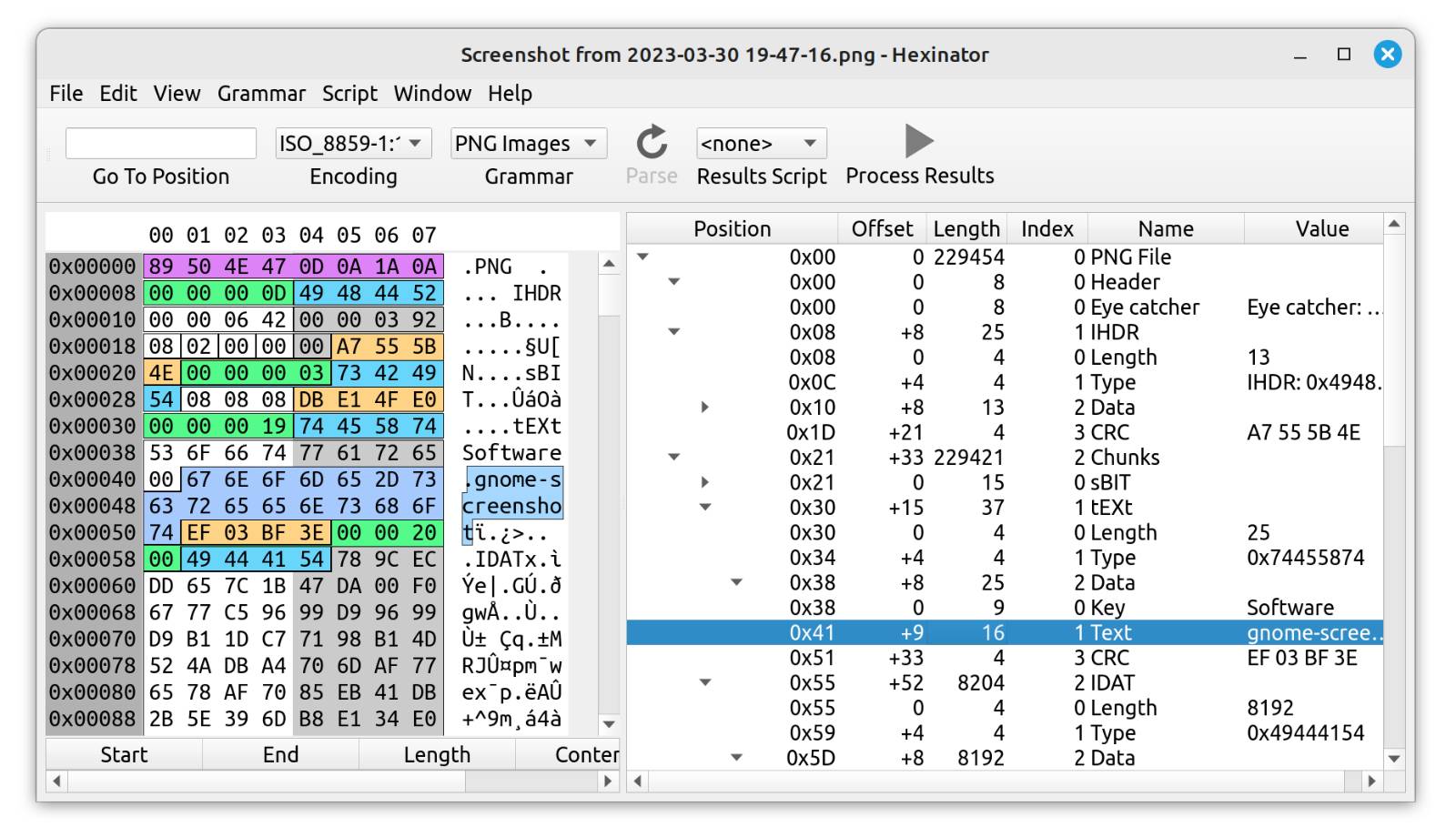
| <p>Hexinator is a hex editor that is specialized on reverse engineering and binary file analysis.</p>
<p>It allows you to any of the 70+ existing "grammars" to decode file formats like PNG, JPEG, MP3, and others
automatically. Additionally it supports you in the analysis of unknown file formats.</p>
<p>Features:</p>
<ul>
<li>Edit files of unlimited size</li>
<li>Parse binary files automatically</li>
<li>Incremental search</li>
<li>Lua and Python scripting builtin</li>
<li>Binary file comparison</li>
<li>Data panel with little/big endian display</li>
<li>Histogram (byte distribution)</li>
<li>Checksum computation of byte selection</li>
<li>Text encoding comparison</li>
<li>Display all strings in file</li>
</ul> |
|
|
|
| desktop-id |
| com.hexinator.Hexinator.desktop |
|
|
|
| default |
caption |
thumbnails |
source-image |
| true |
| C |
| Main window with parsed MP3 file |
|
|
|
|
| caption |
thumbnails |
source-image |
| C |
| Comparison of text/bytes in different encodings |
|
|
|
|
| caption |
thumbnails |
source-image |
| C |
| Histogram, checksums and data panel |
|
|
|
|
|
| version |
unix-timestamp |
description |
| 1.10 |
1516492800 |
| C |
| <ul>
<li>New: Highlighting of invalid bytes can be disabled</li>
<li>Change: Better multi-byte editing (UTF-8 and others)</li>
<li>Fix: Files are now always closed upon window close</li>
<li>Fix: Menus for recent installed files now correctly filled</li>
</ul> |
|
|
|